MowProHQ Blog/Communication
Lawn Care Customer Portal vs Texting
How to divide lawn care communication between time-sensitive texts and durable portal records for quotes, invoices, payments, and service history.
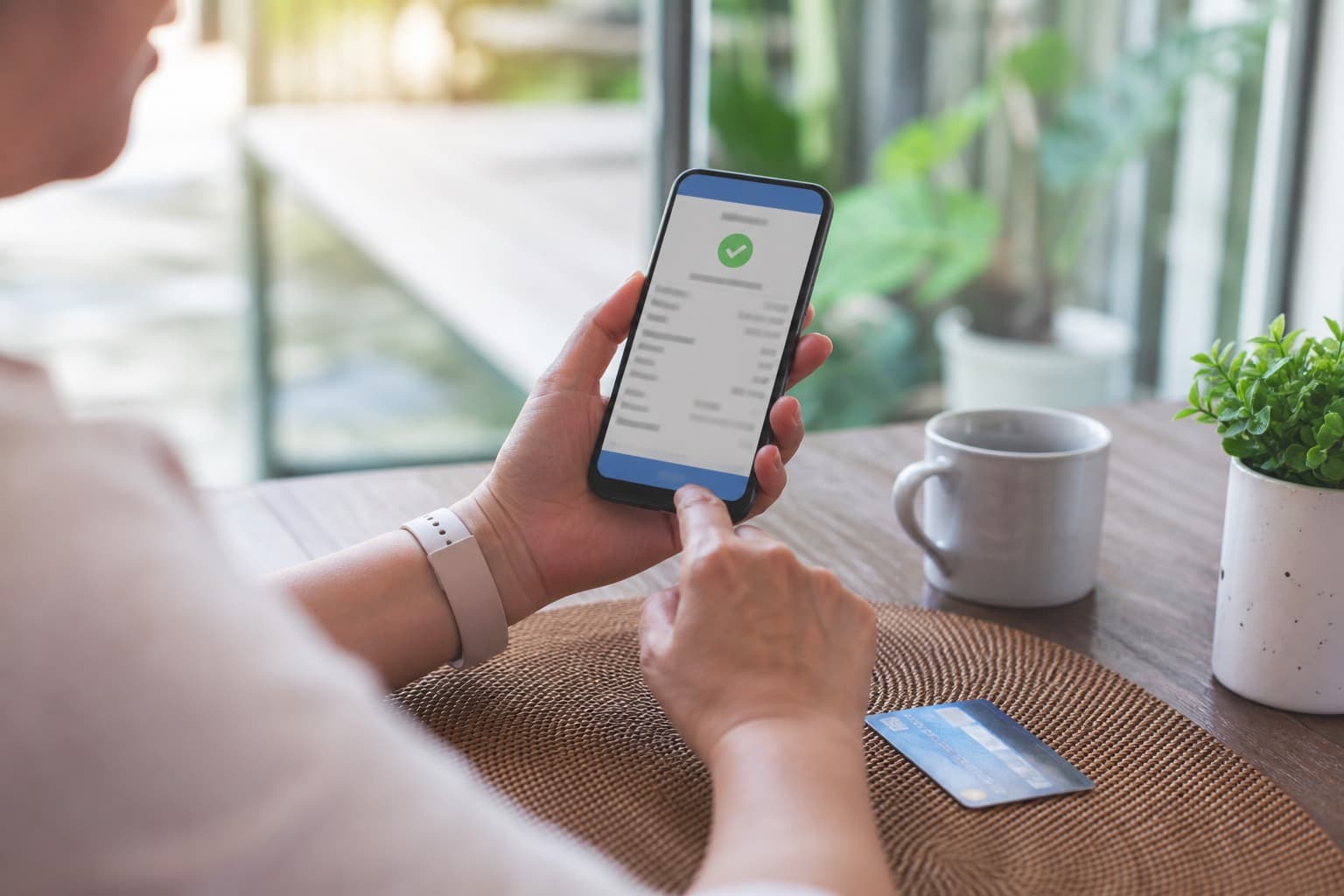
Texting is useful for short, timely updates. A customer portal or document system is better for quotes, invoices, payments, and records that need to remain available to the customer and office.
This guide explains where to draw that line. See texting lawn care customers for consent, templates, and exceptions. Keep official amounts, scope, and payment methods on the customer document rather than an informal payment message.
Split the jobs on purpose
A text should change the next few hours. A portal should still be true next month.
| Job | Text | Portal (or email + portal) | Why |
|---|---|---|---|
| Rain move / new window | Yes, with consent | Schedule updates behind it | Customer needs the change promptly |
| Arrival window | Yes | - | Short and time-sensitive |
| Invoice / amount due | Pointer + link | The invoice itself | Numbers need a record |
| Card on file / autopay | Secure update link | Hosted payment form | Never request card digits in SMS |
| Quote and scope | “Quote is ready” + link | The quote | Texts get half-remembered |
| Gate code change | Yes, then log it | Property record, not a portal chat | The next crew needs it |
| Complaint / damage | Acknowledge and arrange review | Photos and outcome on the visit | Preserve the incident record |
| “What’s your weekly price?” | Direct to quote process | Quote | Scope and price need a record |
If a message changes price or scope, preserve the full terms and acceptance outside the text thread.
The business system should hold the official record even when a person sends the short update by phone. This gives authorized office and field staff access to the same information.
Portal: invoices, cards, quotes
Keep the portal focused on a few useful customer tasks.
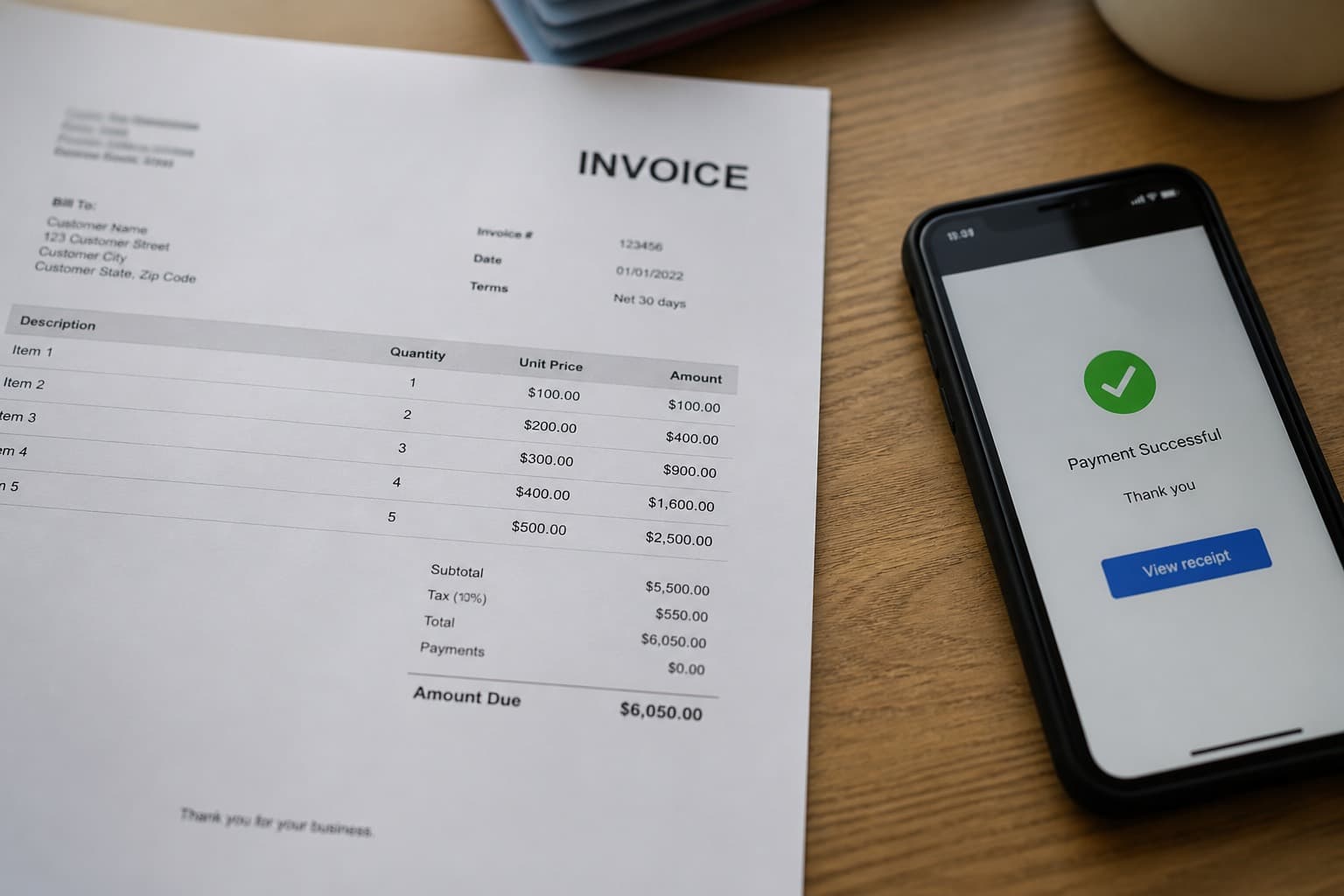
Invoices. Show open balances, invoice history, and a secure payment option. Create invoices from recorded work under the invoicing workflow, then send the customer the document link.
Cards. Card entry and updates belong in a processor-hosted or otherwise compliant payment form, not ordinary text. Automatic payments and late-fee processes require clear authorization and terms. Minimize handling of card data directly.
Quotes. Show the scope, exclusions, price, and acceptance evidence in a document the customer can reopen.
Do not duplicate communication channels without a clear reason. Tell customers which channel to use for urgent access issues, billing questions, and document review.
In MowProHQ
Text: exceptions only
Use short templates for weather, arrival windows, and access. Identify the business, send messages only with the required consent, honor opt-out requests, and follow applicable calling and texting laws.
The text can point:
Your invoice for [address] is ready: [secure portal link]. Reply here if you have a question about the service.
The message points to the invoice; it is not the invoice itself.
Do not change payment prices or approve significant extra work through an informal message without updating the quote or other written record.
For damage, disputed scope, or payment issues, move to an appropriate support channel and document the final outcome on the customer, property, or visit record.
Make portal access occasional and useful
Customers are more likely to use a portal when there is a clear task:
- Send the link when there is an invoice, a quote, or a failed card
- Do not require login to hear a rain move
- Do not hide the only copy of the schedule behind a password if you already text the window
- Teach the office to paste the link instead of retyping the amount
Avoid offering several unconnected payment channels that make reconciliation difficult or bypass the invoice.
Keep payment methods and any compliant price differences on the invoice. Confirm processor terms and applicable disclosure rules.
In MowProHQ
Office habits that keep the split clean
- Invoice from completes; send the portal link the same day
- Text weather and windows from a dedicated business number when you can
- Copy decisions into the customer and property record the same day
- Use the invoice and written collection process rather than a long message argument
- If the same question arrives every week, add a sentence to the plan or the portal — the thread is telling you the document is missing
Crews should direct account and card questions to the office and should never write down or text card details.
New customers get the split in the welcome note:
We text for weather and arrival windows. Invoices, cards, and quotes live in your customer portal. We will not quote new prices by text.
Repeat the channel guidance when a customer uses the wrong contact method.
When you are still solo
Solo operators also benefit from keeping business records outside one personal phone. Device loss, time away, or hiring should not remove access to invoices and accepted quotes.
When comparing software, confirm that invoices, quotes, customer history, permissions, exports, and retention remain reliable if a message thread or device is unavailable.
How MowProHQ splits the channel
MowProHQ connects customer records, quotes, invoices, scheduling, and portal access so time-sensitive updates can remain short while durable documents stay available.
Review current plans and pricing, then create an account and test both the customer document flow and the consented messaging workflow.
Frequently asked questions
- Should lawn care customers use a portal or just text?
- Use each channel for what it handles well. Texts work for consented, time-sensitive updates such as weather, arrival windows, and access. Keep quotes, invoices, payment links, and durable records in a secure portal or document system.
- What belongs in a lawn care customer portal?
- A useful portal may show open invoices, payment options, accepted and pending quotes, account details, and upcoming service when supported. It should use appropriate security and provide information customers actually need.
- What should lawn care companies still text?
- Send short, time-sensitive facts such as weather changes, arrival windows, and access problems. A text may link to an invoice or quote, but the message thread should not be the only copy.
- Do homeowners actually log into a lawn care portal?
- Portal adoption varies. Customers are more likely to use one when it gives them a clear task such as paying an invoice or approving a quote. Keep urgent schedule changes available through the agreed communication channel.
- Can I run the whole lawn care business by text?
- Texting alone is a weak system of record. Message threads do not reliably manage invoice aging, signed scope, permissions, customer history, or team access. Move lasting information into the business system.
- How do I get customers to pay in the portal instead of asking for a Venmo?
- Send a consistent invoice with the approved payment options and a secure portal link. Do not collect card details through ordinary text messages. Confirm current processor terms and payment-price disclosure rules.
- Should quotes be emailed, texted, or put in the portal?
- Create a written quote in email, a portal, or an e-signature system so scope, price, and acceptance are preserved. A consented text can notify the customer and include the secure link.