
Solutions/Pest control
Pest control software
Do not lose the next treatment because the last one lives in a tech's head
The homeowner will ask what you sprayed last quarter. The next lead will call while you are in a crawlspace. MowProHQ keeps the route, the notes, the invoice, and the missed call in one shop.
What is pest control software?
MowProHQ is pest control software for small companies that run recurring treatments. You get routes, property notes, chemical tracking, quotes, invoices, and an inbox for missed-call follow-up. Confirm your state reporting needs before you retire a dedicated compliance tool.
Pest work is easy to look sloppy. If the last treatment lives in a tech's head, the callback sounds amateur. If the phone goes to voicemail during a crawlspace job, the lead books someone else. That is how you lose the accounts you already earned.
- Recurring
- treatments, not one-off tickets
- $0
- to start with two seats
- $29
- AI receptionist if the phone cannot wait
You already have pest control customers. Stop running them from your phone.
- Recurring residential pest routes
- Small crews with scheduled treatments
- Operators that sell add-on service calls
What you can stop using
- A clipboard of quarterly accounts
- Product mix notes in a text thread
- Missed calls while a tech is in a crawlspace
- Invoices that wait until the office day
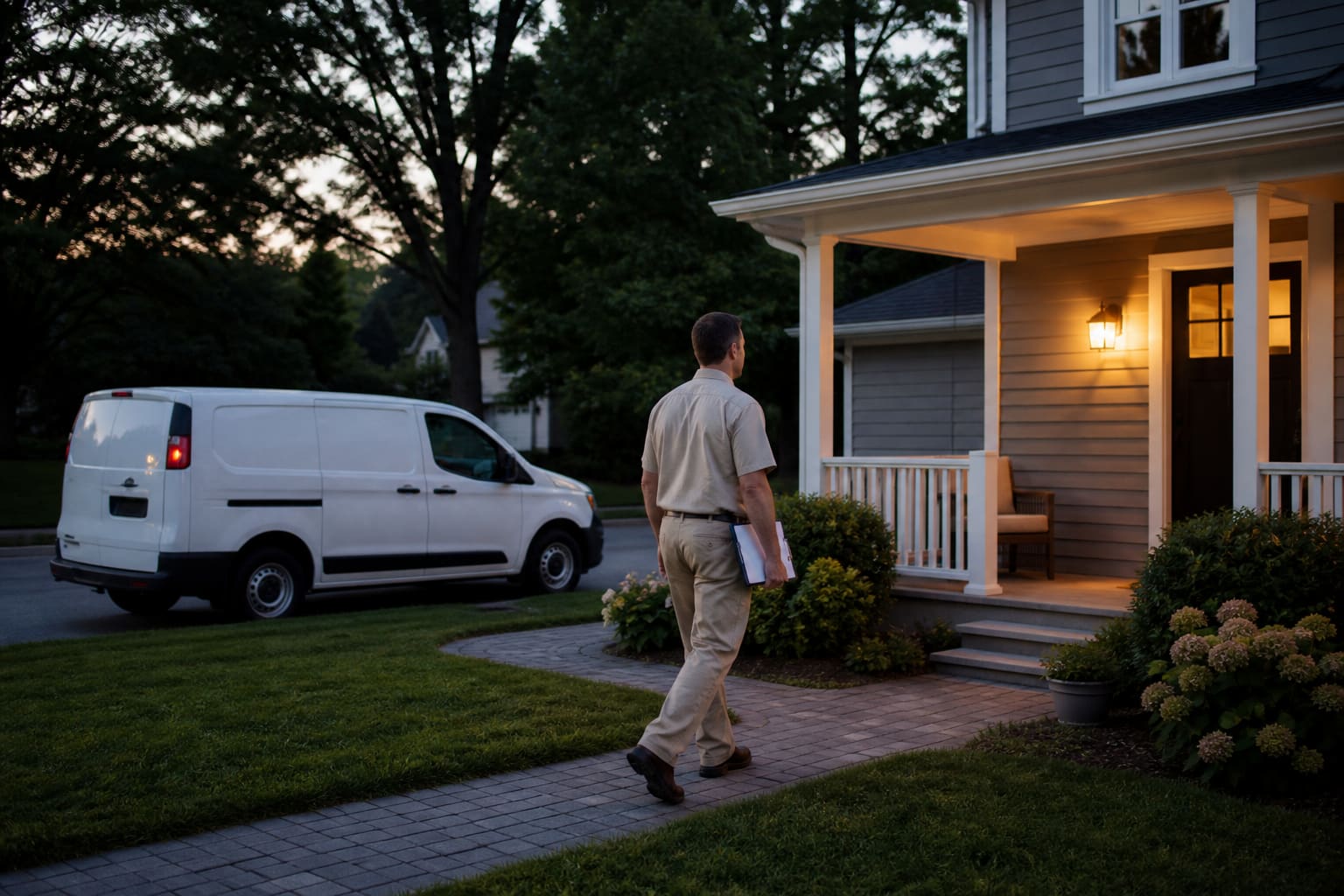
How a pest control company actually gets through the week
- 1
Schedule treatments as a route, not a pile of jobs
Recurring visits, weather moves, and a week view so techs know the next stop without a group text.
- 2
Document what you applied, on the property
Notes, products, applications, and photos stay on the customer record for the next visit and for your own files.
- 3
Quote the house when the work is the building
On the estimate map, outline the structure, price that line, and keep turf lot size out of the pest quote.
- 4
Catch the call you cannot answer in the attic
Conversations, a $19 business number, or a $29 AI receptionist keep quote requests out of voicemail.
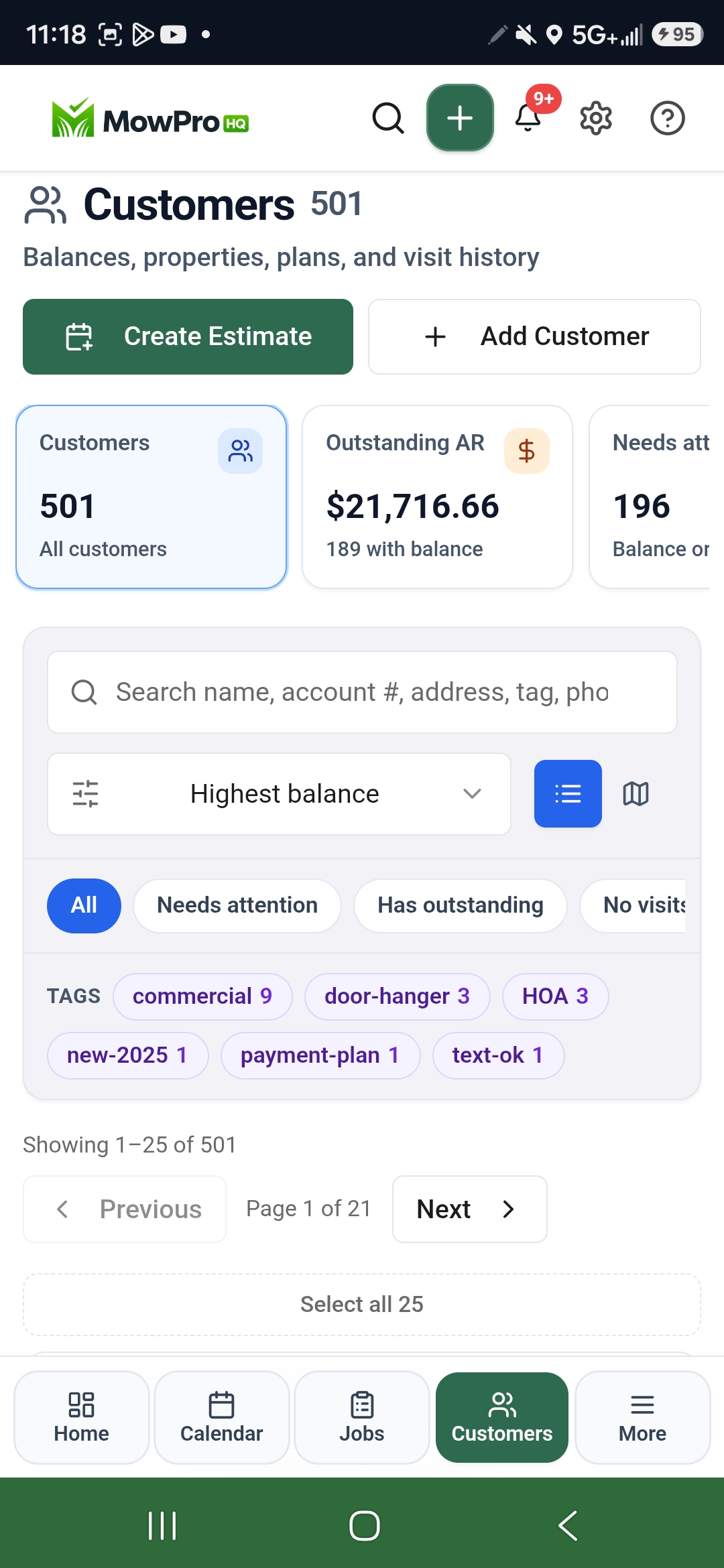
What actually moves a pest control route
Schedule repeat treatment routes
Plan recurring visits, move weather-hit work, and keep crews clear on the next stop.
Document service by property
Keep notes, history, products, applications, and job details connected to the customer record.
Answer leads when techs are busy
Use Conversations, Business phone, or the AI receptionist to capture quote requests instead of missed calls.
Why shops pick this
If you treat the same houses on a route, this is the shop
MowProHQ is a strong fit when pest work is scheduled, repeatable, and invoice-driven. It will not replace every state reporting system on day one. It will replace the clipboard, the missed call, and the invoice that waits until Friday. Read pest software for small residential routes.
Frequently asked questions
- Can pest control companies use MowProHQ?
- Yes, especially if you run recurring residential routes and still keep treatments, invoices, and follow-up in a few different places. MowProHQ pulls that into one dashboard so the next tech and the next invoice are not a scramble.
- Is MowProHQ good pest control software?
- It is a strong fit if you run recurring treatments: routes, property history, quotes, invoices, and phone follow-up. Dedicated state pesticide reporting may still need a compliance tool beside it.
- Does MowProHQ handle pesticide compliance?
- MowProHQ includes chemical and application tracking, but you should confirm your state reporting requirements before replacing a dedicated compliance tool.
- How much does pest control software cost on MowProHQ?
- Free to start with two seats. Growth is $39/mo for unlimited seats, dispatch, GPS, chemical programs, timeclock, and a live website. Optional business phone is $19/mo and AI receptionist is $29/mo.
- Can I quote pest work from the house instead of the yard?
- Yes. On the estimate map, choose House and outline the building. Price that line from the named area so lot size stays turf.
- Can it capture leads while techs are on a job?
- Yes. Conversations is on every plan. Add a business number or AI receptionist so quote requests are not lost to voicemail.

Stop losing callbacks from the crawlspace
Start free with routes, notes, quotes, and invoices. Add dispatch and a phone that answers when you cannot. Confirm state reporting before you retire a compliance-only product.