MowProHQ Blog/Invoicing
How to Invoice Snow Before the Thaw
A practical process for invoicing per-push visits, seasonal overages, ice, walks, aborts, and commercial snow accounts promptly.
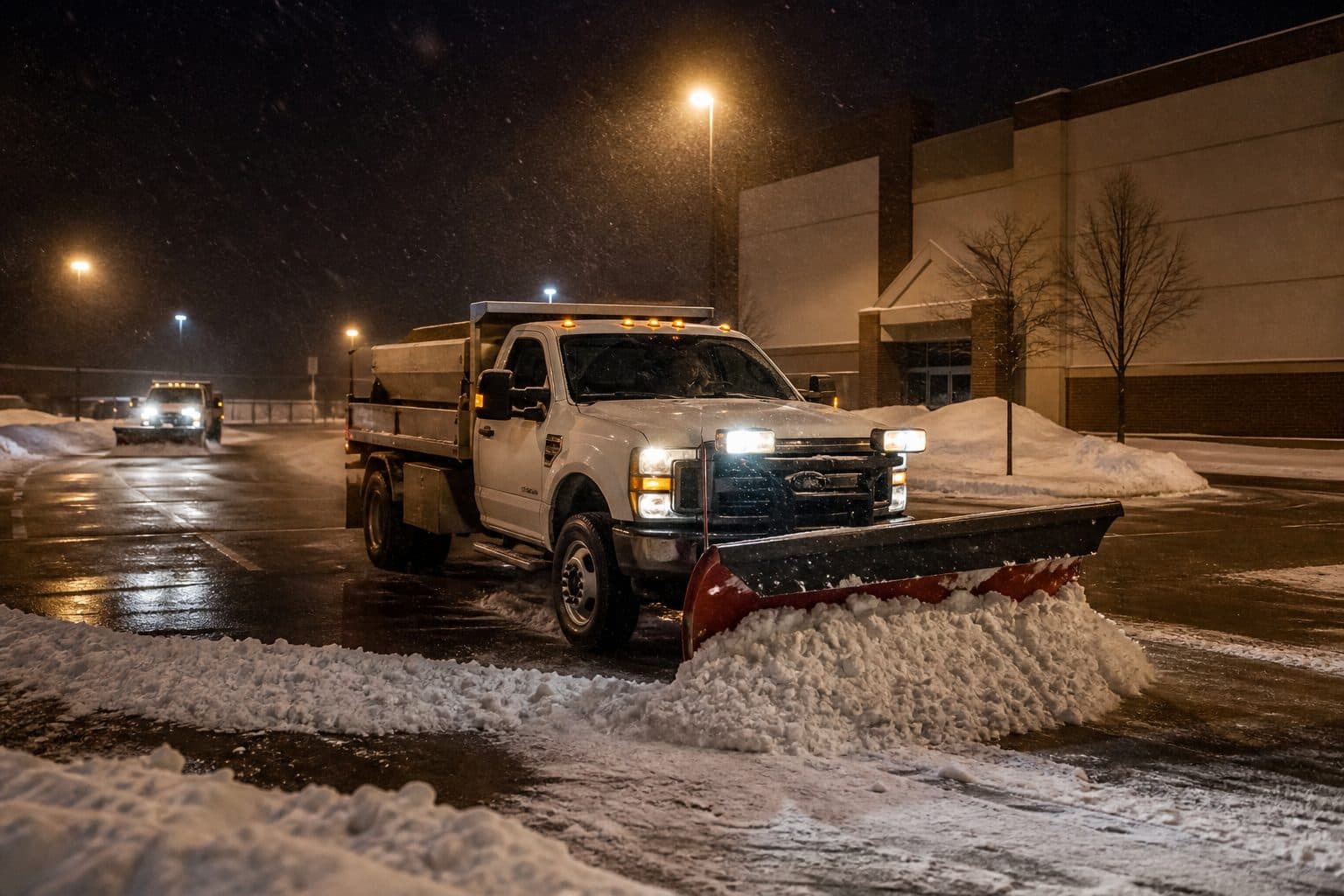
Snow invoices should be created from completed visits while service details are still current. Delayed billing increases the chance of missed extras, incorrect service dates, and disputes over work that is no longer visible.
This guide covers the billing closeout. Related articles explain per-push and seasonal pricing and route preparation before the storm.
Why the thaw kills the invoice
A mow leaves a stripe. A plow leaves a memory. By Tuesday the drive is wet pavement and the customer is back at work. Your Thursday night overtime looks like a line item they did not feel.
Shops wait because:
- The owner was on a truck until 9 a.m. and “will do paperwork later”
- Completions lived in a group text nobody copied
- Seasonal felt like “we’ll true up in spring”
- Ice and second passes were verbal
- Card vs cash was never on the quote
- Commercial AP “needs a monthly statement” so nothing goes out per event
Use one closeout sequence after every event: job complete, extras recorded, invoice sent, and open balance visible.
Complete, then bill — same storm
Ideal flow:
- Stop is on the schedule for a property
- Crew marks complete (and checks extras)
- Invoice drafts from that visit
- Customer pays by portal, card, cash, or check — recorded in one place
- Unpaid stays visible before the next trigger
If quoting, scheduling, and invoicing do not share the property, you will retype line items from a frozen brain at noon. That retype is where walks vanish and abort visits still get billed.
Worked example: Thursday night band, Friday morning invoices
Two people. 19 residential per-push stops. Three had ice. Two aborted (cars packed). One seasonal account hit event seven (over the cap).
Weak closeout: Owner sleeps until 11, rebuilds the night from texts on Sunday, invoices “January snow” as one blob in March. Ice forgotten on two stops. Both aborts billed. Seasonal overage never billed. Customer argues. You credit. You worked for the argument.
Strong closeout:
- Completions marked before leaving each street (or at the fuel stop at 7:40).
- Ice checked on those three jobs.
- Aborts marked with reason, not invoiced as a full push unless the contract has a trip fee.
- Seasonal overage invoiced as the extra visit, not buried in a spring recap.
- Portal links out Friday morning while local news is still showing the same storm.
Same hours on the truck. Different money. The software does not create that habit. It makes the habit possible. Invoicing in MowProHQ is the desk. Clicking send is still a person.
Seasonal vs per-push on the invoice
Do not let the contract type become an excuse to delay.
Per-push: one invoice per completed visit. Minimum, extras, Regular vs Cash. This is the clean product. Do it the morning after, or the same night if you are already at the desk.
Seasonal: the retainer bills on the schedule you wrote (October lump, monthly, whatever is on the agreement). That invoice does not wait for snow. It is the slot. Then extras and overages bill per completed visit like per-push. Spring “true-up” is how overages disappear.
Mixed books: run two closeout piles, not one mood. Seasonal extras in the same batch as per-push visits. Do not save them for a rainy office day in February. There is no rainy office day. There is another band.
| Type | When the money leaves your desk | What waits until spring |
|---|---|---|
| Per-push visit | Same storm | Nothing |
| Seasonal fee | On the written bill date | Nothing |
| Cap overage | Same storm as the extra visit | Nothing |
| Ice / walks / second pass | Same storm | Nothing |
| Material-heavy lot | When you can actually invoice it | Not an excuse for drives |
You can invoice completed visits. Complex per-storm salt and material contracts may need extra setup. If the lot’s material math is not in the system yet, do not let that freeze the 19 driveways that were simple.
Extras, photos, and aborts
The invoice should match the driveway, not the hope.
Capture before the truck rolls:
- Ice applied (yes/no, extra)
- Walks done
- Second pass after a drift
- Abort: cars, locked gate, unplowed street you cannot sit on
- Damage note: mailbox, edge, a car that was not supposed to be there
A daylight photo from October plus a messy-job photo in January is why you are not writing a donation check in April. You do not need a photography business. You need proof when someone says you piled on the neighbor.
Aborts are where shops either steal or donate. If cars fill the drive and you cannot push, do not invoice a full visit unless the contract said trip fee. Text them from the Conversations inbox so the story is the company’s, not a helper’s personal “we tried.” Then go. The next stop still has a commute window.
Regular vs Cash, portal, and the next-storm pause
Dual pricing still exists at 6 a.m. Put Regular and Cash on the snow invoice the same way you would on a mow. If they tap a card in the portal, they should see the card total you already quoted.
Send a pay link. Do not assume a check in the door in a week of ice. Cash and check are fine if you record them against the invoice instead of a Venmo memory.
Unpaid rule, written in October:
- Per-push: no next visit until the last one is paid or you have a documented exception
- Seasonal: unpaid season fee means they are not on the 4 a.m. list
- Friendly reminder once the morning after, firmer before the next forecast, then you stop going
Apply service pauses consistently when the agreement allows them, and communicate before the next event.
Commercial AP will ask for a monthly statement. Give them property-level lines and dates that match the visits. One blob called “snow” is how the invoice sits on a desk until the lot manager changes jobs. Build at the property even when one company pays.
What the snow invoice should actually say
AP and homeowners both bounce vague bills. Each invoice needs:
- Property address, not only the customer name (landlords and HOAs die here)
- Service date that matches the storm, not “January”
- SKU language that matches the quote: per-push visit, seasonal overage, ice, walk, second pass
- Abort or trip fee only if the agreement named it
- Regular vs Cash totals if you take cards
- A pay path (portal link), not “mail a check when you can”
Worked card math: a $90 cash per-push should not become a surprise $90 on a card. Dual pricing is the winter policy. Put both numbers on the quote in October so Friday’s portal pay is not a fight.
Landlords: one payer, three addresses, three lines — or three invoices. A blob called “snow” is how the bill sits until the property manager changes jobs. The same discipline you use on mow accounts applies; the clock is just meaner.
Collections ladder, written, not vibed:
- Invoice with pay link when the visit is complete
- Short reminder the next morning if it is still open
- Firmer note before the next forecast
- Pause: they are not on the 4 a.m. list until the balance moves
Keep reminders brief and factual. The portal and Conversations preserve the reminder history in a company-controlled thread.
Metrics for a snow week
You do not need a BI tool. After each event:
| Check | Green | Red |
|---|---|---|
| Visits invoiced within 24 hours | Almost all | “We’ll batch it” |
| Unbilled completions | Zero or a named exception | A pile in the texts |
| Extras on the invoice | Match the job notes | Ice that vanished |
| Balances into the next forecast | Few, on a pause list | Routine riders |
If unbilled completions grow, dispatch is ahead of billing. The board can be perfect and the shop still broke. Tie them.
How MowProHQ closes the storm
MowProHQ keeps the property, completed visit, extras, invoice, schedule, quote, and customer conversation connected. Complex per-storm salt and material agreements may need additional setup.
Compare current plans and pricing or create an account and test one storm from dispatch through a sent invoice.
Frequently asked questions
- When should I invoice snow removal?
- Send the invoice when the visit is complete, ideally the same night or next morning. Prompt billing preserves accurate service dates, extras, and property details while beginning the payment process sooner.
- Should seasonal snow contracts be billed once or per storm?
- Bill the seasonal fee according to the written schedule, then invoice extras and contract overages as they occur. Per-push service should be invoiced from each completed visit.
- How do I bill per-push snow jobs?
- Mark the stop complete, record approved extras such as ice, walks, or a second pass, create the invoice from that visit, and send the agreed payment instructions.
- Why do snow invoices get paid slower than mowing?
- Snow invoices often slow down when billing is delayed, completion records are incomplete, or commercial paperwork is missing. Prompt, property-level invoices are easier for customers and accounts payable to verify.
- What extras get missed on snow invoices?
- Commonly missed items include ice treatment, walks, drift-related second passes, and contract-approved trip or abort fees. Record them on the job before leaving the area.
- Can I invoice snow from completed visits in MowProHQ?
- Yes. Completed visits can become invoices tied to the property and service date. Complex salt, material, or event-cap agreements may require additional setup.
- Should I pause a snow customer who has not paid?
- Enforce the payment and service-pause terms written in the agreement before the next event. Communicate the pause clearly and document any approved exception.