MowProHQ Blog/Invoicing
How to Invoice Storefronts Without Paper on the Counter
A practical storefront invoicing process for completed visits, recurring plans, billing contacts, purchase orders, payment links, and commercial terms.
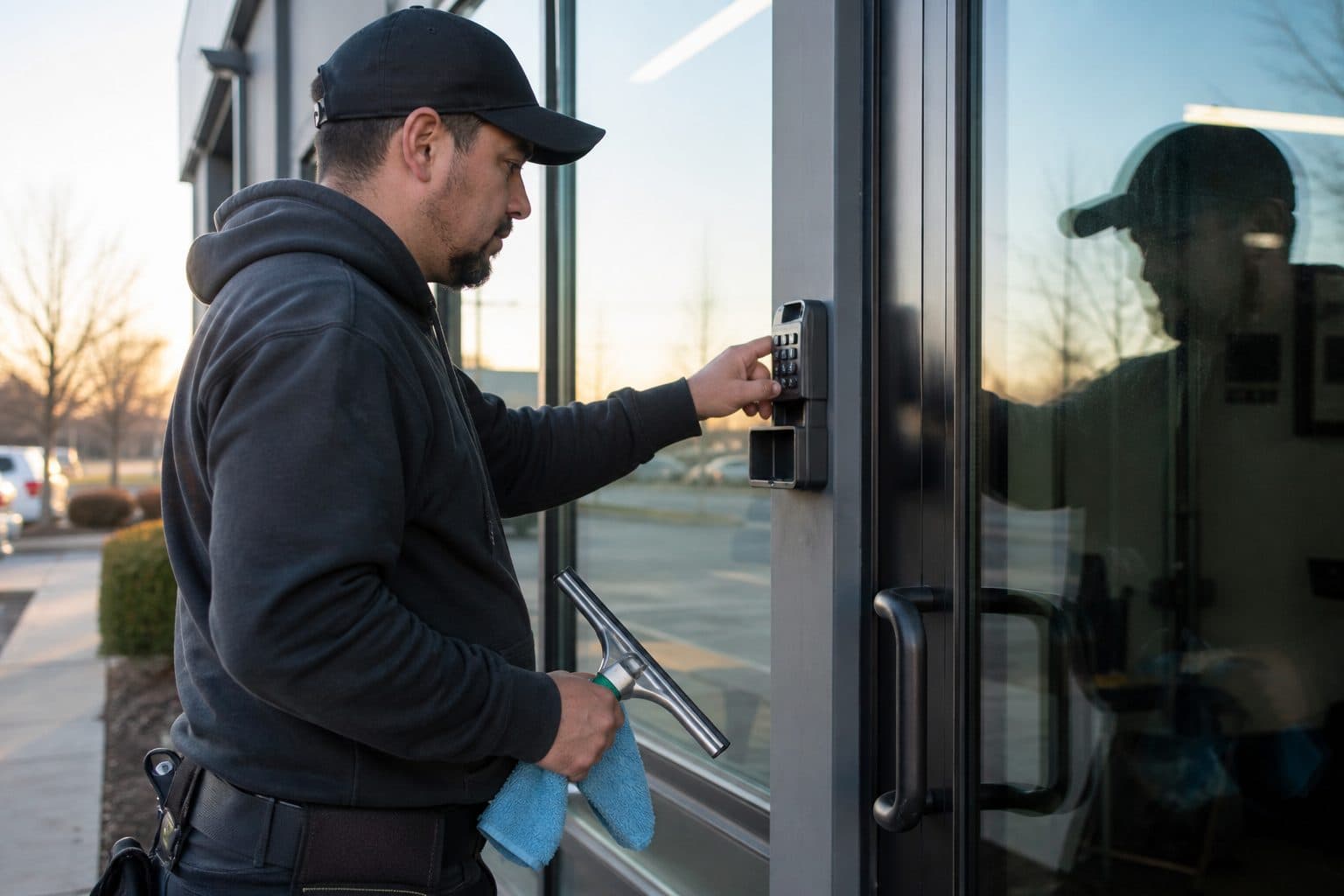
Storefront invoicing works best when each completed visit is tied to the correct property, service date, scope, and billing contact. The employee who opens the door may not be the person who approves or pays the invoice, so that information should be established before the first visit.
This guide covers visit completion, payment links, recurring plans, purchase orders, commercial terms, and follow-up on unpaid balances.
Why storefront invoicing gets messy
- The person who unlocks the door is not the person who pays
- Paper tickets vanish into a drawer
- Weekly glass looks the same every visit, so nobody writes the date
- Add-ons (bird mess, construction dust, a door they asked you to redo) happen on site and never reach the invoice
- Net-15 / net-30 is treated as a surprise instead of a priced fact
- One vague invoice for “Main Street windows” cannot be matched to 14 Main
The solution is to tie invoices to scheduled jobs and properties, then send them to the correct billing contact.
Invoice from the completed stop, not from Sunday memory
Ideal flow:
- Storefront is on the calendar as a property
- Tech marks it complete and notes extras (door redo, bird mess, a pane skipped)
- Invoice drafts from that completion
- Pay link goes to the billing contact before you leave the lot — or that night if you are mid-strip
- Open balances stay visible until cleared
When quoting, scheduling, and invoicing share the property, you stop retyping “exterior glass.” That is the real product of window software for a small crew, not another logo on the login screen.
Worked example: Thursday strip closeout
A two-person crew finishes 14 storefronts. Two had bird-mess extras. One was skipped because the lockbox failed. One manager asked for a paper ticket “for the owner.”
Weak closeout: Owner builds invoices Sunday from a notebook. Bird mess is forgotten on one stop. The lockbox skip still gets billed. The paper ticket never reaches AP. Two cafes argue. You look sloppy on the glass you actually cleaned.
Strong closeout:
- Completions marked before rolling to the next pad.
- Extras checked on the two bird-mess jobs.
- Lockbox skip marked with reason — trip fee if your policy says so, no glass charge if you never touched it.
- Invoices sent to AP emails with pay links before lunch, or at the fuel stop.
- Paper copy only if they asked — same numbers, same address, not a different total written on a napkin.
That ritual is often worth more than a new pole.
Who gets the invoice is a property field
Storefronts fail billing when the CRM stores the cafe name and a cell phone. You need:
- Site contact (lockbox, hours, complaints)
- Billing contact (AP email, PO instructions)
- Legal name on the check
- Net terms you actually agreed to
- Address on the invoice that matches their location list
The CRM should answer, for every pad: who gets the invoice, who gets the “we’re running late” text, and who can authorize a redo. Mixing those three is how unpaid extras and angry emails get born. Put the lockbox on the property. Put AP on the property. Do not assume they are the same person.
Residential homes can take a same-day link to the homeowner. Storefronts often cannot. That is not a reason to wait until month-end. It is a reason to have the right email on file before the first visit.
Plans for the accounts that actually recur
A weekly cafe and a monthly office lobby are route products. They should live on a plan: cadence, visit price, scope (door glass? side-lites? interior lobby?). The invoice should repeat those lines, not invent new poetry every Monday.
Plan billing that AP will pay:
- Same service name every cycle
- Property address every time
- Service date that matches when you were there
- Extras as separate lines, not a silently higher total
- Dual Regular vs Cash if that is your policy — AP may only pay one number, so write it
If they need a monthly statement, still draft from completions as you go. Do not discover on the 30th that Wednesday’s strip was never marked done.
One-time bird mess, construction dust, and “redo the door before the photoshoot” are not plan work. Invoice them the same day as extras. Otherwise they become goodwill.
Net-15 is a price, not a favor
Residential cash flow is often same-week. Storefront cash flow is a process. Build it in:
- Net-15 / net-30 is a cash-plan fact. If you cannot float it, do not take the strip at residential margins.
- Missing PO numbers delay payment more than missing glass.
- Line items should match the language they already approved on the quote.
- Unwritten redos are donations.
If a commercial account’s terms wreck your resin and fuel week, the rate was wrong or the mix is too heavy. Prestige does not pay the card bill.
| Money risk | Home | Storefront |
|---|---|---|
| Slow pay | Reminder, pause service | PO, backup, then pause per agreement |
| Scope creep | Text yes / add-on line | Written extra or it did not happen |
| Dispute | Photo + quote line | Photo + date + contract language |
| Paper | Rarely needed | Optional copy; system of record is digital |
Make paying easy — and keep cash honest
Every friction point is a delayed check:
- Send a payment link in the same message as the invoice
- Accept card for owners who will never mail a check
- Record cash/check the same day so balances stay true
- Avoid personal Venmo with no invoice trail for a business pad
- Do not make the opener “run it upstairs”
Payment methods have different costs. Confirm current processing rates and applicable rules, then publish a clear payment policy on quotes and invoices.
Cadence by account type
| Account | Suggested send | Watch-out |
|---|---|---|
| One-off storefront | Before you leave the lot | Paper-only requests |
| Weekly strip, same owner | End of route or same day | Batching until Sunday |
| Property manager / multi-site | Per property, to AP | One blob invoice for five addresses |
| Net-30 office | Draft at completion, send in their format | Waiting to “do statements” |
| Home on the same book | Same-day link | Mixing their terms with the strip |
Collections without a scene in the cafe
Do not argue at the pastry case. Use a written ladder:
- Day 0: Invoice + pay link to AP
- Day 3–5: Friendly reminder, still to AP
- Day 10: Firmer note; pause extras
- Day 14–21: Pause service per the agreement — tell the site contact and the billing contact
- Day 30+: Final notice / collections path you already published
Put the policy in the agreement so enforcement is not personal. Never argue scope in a reminder thread if the quote already defined door glass. Point back to the quote.
If balances remain unpaid, enforce the service-pause terms in the written agreement.
Rain skips and the invoice that should not have gone out
Rain cancels exterior glass. If you invoice the original Thursday board after a washout, you will issue credits and look careless. If you wait “until things settle” with no system, unbilled completions pile up.
Rules:
- Do not invoice glass you did not clean unless your written policy includes a trip fee for a failed lockbox.
- Mark skips with a reason (rain, lockbox, manager asked to hold).
- Catch-up visits bill as completed service unless the plan says otherwise.
- After a rain week, run unbilled completions before the weekend.
Same discipline when you finish half a strip: bill what is done, leave the rest open. Later is how payroll gets tight.
How MowProHQ sends the link instead of the paper
MowProHQ keeps the storefront property, completed visit, recurring plan, billing contact, and invoice connected. This lets the office send consistent invoices without rebuilding the work from paper notes.
Compare current plans and pricing or create an account to test the storefront billing workflow.
Frequently asked questions
- How should I invoice storefront window cleaning?
- Create the invoice from the completed visit and send it to the correct billing contact with a payment link or the customer's required payment instructions. Recurring accounts should use a consistent plan and digital record; a paper counter copy can remain optional.
- Should I leave a paper invoice on the storefront counter?
- Do not rely on a counter copy as the accounting record. Send the invoice to the billing contact, retain a digital copy that matches the agreement, and leave paper only when the customer requests it.
- When should I send a storefront window invoice?
- Send one-time and extra-work invoices the same day when possible. A recurring route can use a dependable end-of-route batch. If accounts payable requires monthly statements, still record each completion throughout the month.
- How do I bill recurring commercial window accounts?
- Create a recurring plan with a defined visit price, cadence, property, scope, and billing contact. Generate invoices from completed visits or according to the agreed billing schedule, using consistent service descriptions.
- Why do storefront window invoices pay slowly?
- Commercial payment can be delayed by net terms, purchase-order requirements, missing property details, or invoices sent to the wrong person. Confirm those requirements before service and send complete invoices directly to accounts payable.
- What should a commercial window cleaning invoice include?
- Include the legal customer name, property address, service date, line items matching the quote or plan, approved extras, purchase-order details when required, payment terms, and payment instructions.
- Can storefront accounts pay online?
- Yes. Include an online payment option when it fits the customer's process, while supporting agreed alternatives such as check or ACH. Disclose any payment-price policy in advance and apply it consistently.