
MowProHQ Blog/Buying Guide
Window Cleaning Software for Small Crews
A practical guide to window-cleaning software for small crews, including property notes, schedules, quotes, invoices, mobile access, and team logins.
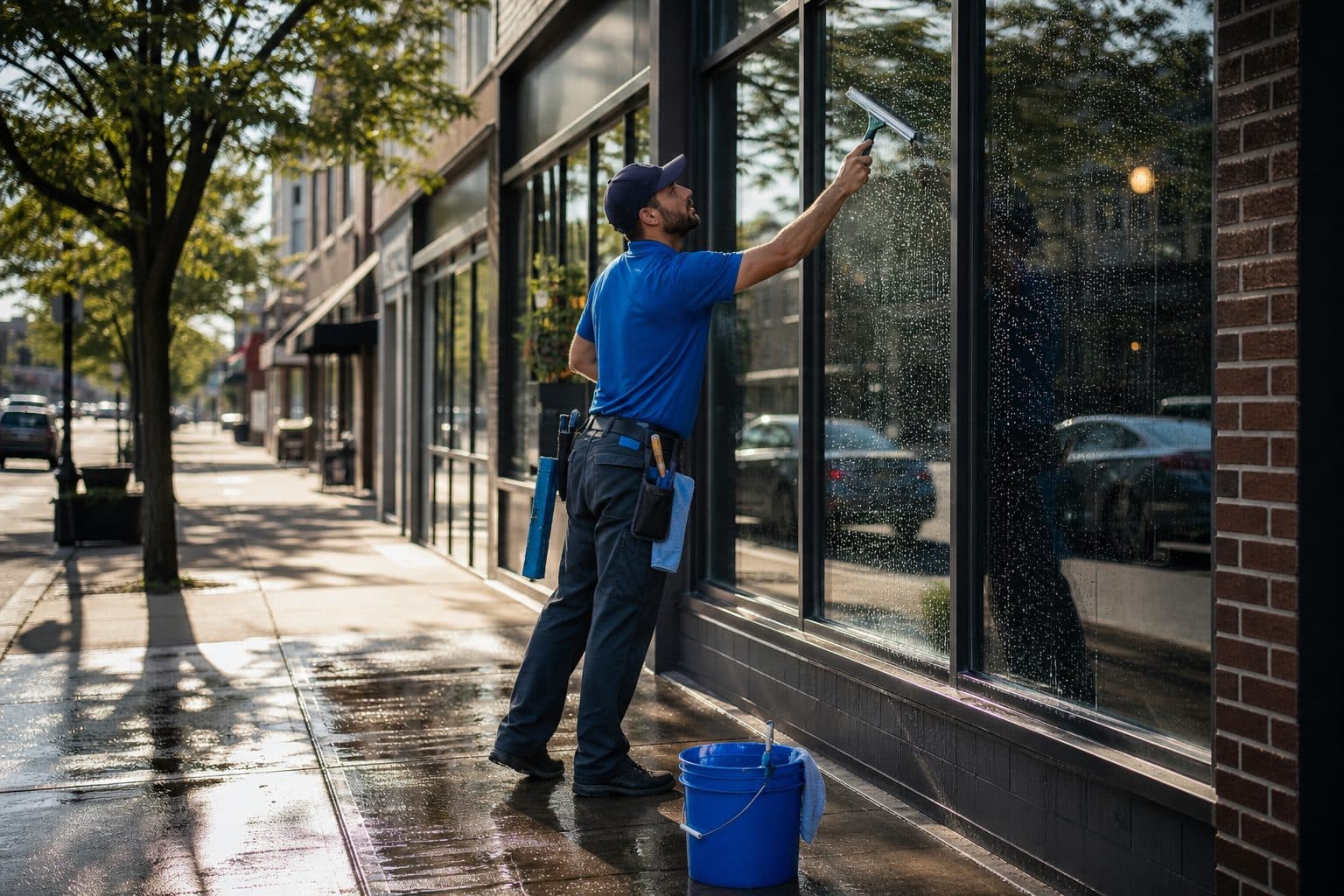
Useful window-cleaning software treats the property as the unit of work. Door codes, skipped panes, service scope, quotes, and invoices should remain attached to the address so another technician can complete the visit without a separate briefing.
This guide covers the features a small crew needs, what can wait, how to test a platform, and how to roll it out without disrupting active routes.
What a two-person window shop actually needs
Window work depends on visible details and fixed access windows. The system should preserve storefront timing, skipped panes, and completion records clearly enough for the office and field team to verify what happened.
Need now
- Properties, not just customer names
- Door codes and pane notes on the stop
- A day list both people can open
- Quotes that become jobs without retyping
- Invoices with a pay link while the glass is still drying
- Two seats that do not punish a helper
Need soon
- Two published lists on one board
- Rain and skip reasons that stay on the job
- Timeclock you can defend
- Route awareness (density, not a TED talk)
Need later
- Heavier routing modules
- A live site that takes quote requests
- Phone and AI add-ons if the inbox is the bottleneck
During a demo, test property access and field notes before advanced optimization features.
The property is the product
“Smith” is not a stop. 412 Oak, side door 4471, water-fed both stories, north transom painted shut, screens in the garage — that is a stop. “Main Street Cafe” is not a stop. Rear lockbox, done by 8:00, skip the upper transom, invoice the holding company net 15 — that is a stop.
Software that hangs jobs on contacts will send the helper to the wrong lock. Software that hangs jobs on properties can carry door codes and pane notes from visit to visit.
That is the same reason you run homes and storefronts on one book. One customer can own three addresses. Each address has its own clock and its own glass.
Quote, job, invoice — one record
A construction clean that becomes a quarterly should not require three retypes. An interior add-on approved in the driveway should land on the calendar and the invoice as interior, not as “windows.”
When quotes, the schedule, and invoices share the property, approved work can move through the process without being reconstructed later.
Test the real field workflow
Score vendors the way a window Thursday feels:
- Can both techs open today’s list on a phone?
- Can they see the code and last visit’s skipped panes without a call?
- Can they mark complete and capture an extra (screens, tracks, a room that was locked)?
- Can you send a pay link before you leave a storefront lot?
- Can you move a rain-out strip without rebuilding the week in a chat?
A polished desktop view is not enough if the mobile workflow is difficult or property access details are missing.
In MowProHQ
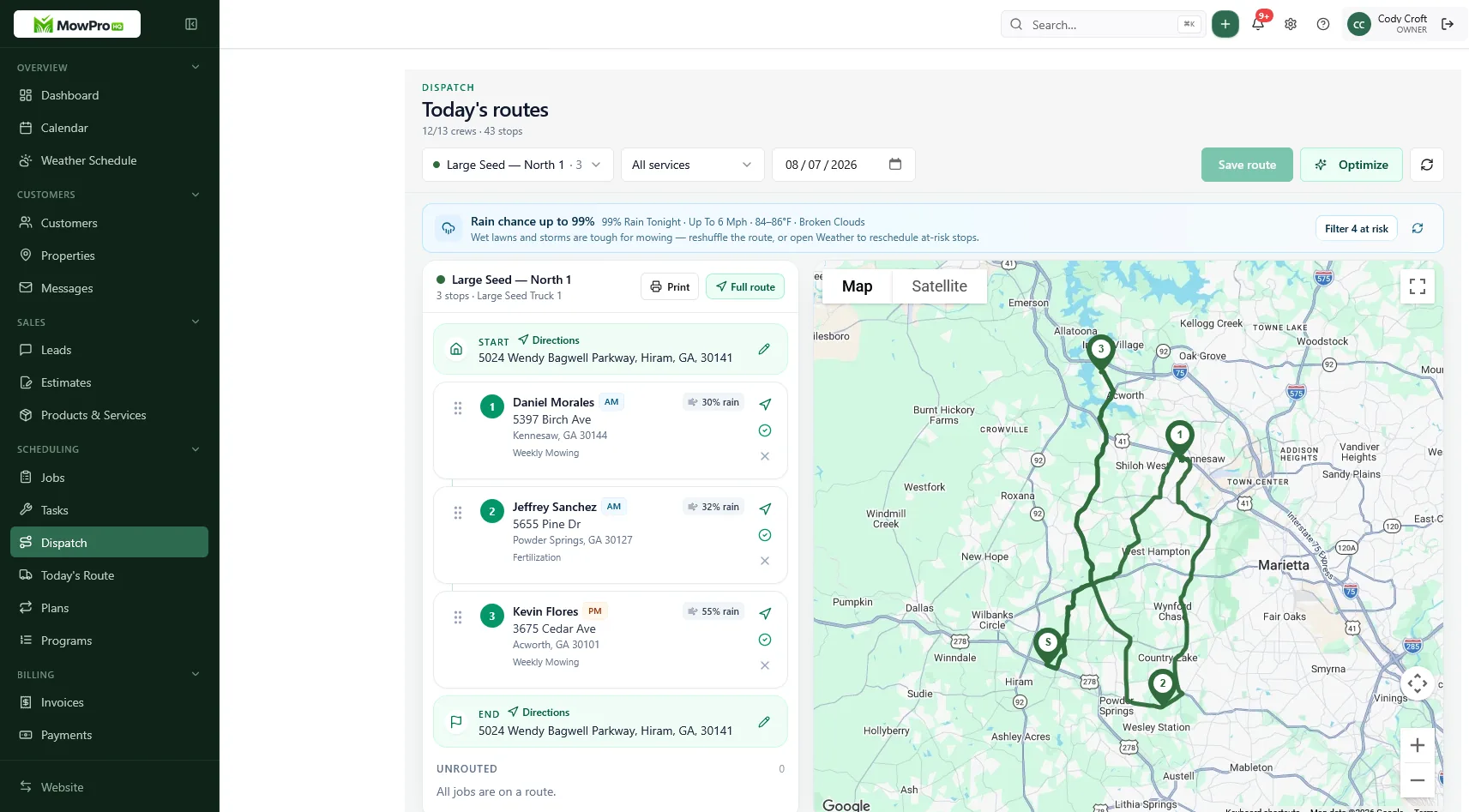
Seats, logins, and the spring helper
Shared passwords wreck the only facts that matter: who finished the cafe, who changed the code, who skipped the west elevation because of bees. Give the helper a login.
Seat math for a small window crew:
- Owner plus one tech: two seats may be enough if the core loop is free
- Owner, lead, and a spring helper: the third login is why unlimited-seat plans exist
- Per-seat fees that jump every April train you to share a password “just for peak”
Do the May math before you buy a pretty dispatch board you cannot staff with logins.
Rollout that does not fail in week one
- You run one week with real homes and real storefronts
- The lead runs their list with you as backup
- The helper gets a seat, not a photo of your screen
- Rain Thursday is the exam — move the strip, keep the codes
Do not migrate the whole book on the first Monday of pollen season. Load active recurring stops first. Park construction cleans as projects so they do not look like route filler.
Week-one checklist
Day before they start: Product names on every job — exterior, interior, storefront, screens — not the word windows. Codes and skipped-pane notes on the property. Their own login. A rule that they do not take scope changes from a manager in the lot.
Day one: They run a list you already know. You do not give them the punch-list spec house as a test. You give them a normal Tuesday and you inspect two stops, not all of them.
Day three: Rain drill even if the sky is clear. Move five storefronts as a block. If they rebuild from texts, the board is not law yet.
Day five: Invoices from their completions without you retyping. If you still type, you do not have a crew system. You have a helper and a secretary, and you are both jobs.
What “property as the unit of work” looks like on Thursday
A calendar app can hold “Cafe 7:15, Miller 9:40.” It cannot tell the helper that the cafe lockbox changed Tuesday or that the Millers’ north transom is still painted shut. That gap is why small crews stay on the radio.
On a real Thursday the record has to do four jobs:
- Get them in. Code, lockbox, hose bib, do-not-block the door.
- Tell them the glass. Water-fed, ladder west, interiors only if unlocked, screens in the garage.
- Catch the exception. Skipped pane, bird-mess extra, rain hold — dated on the stop.
- Turn it into money. Completion becomes an invoice with the same product names you quoted.
If any of those four still live in your head, the software is a display. Homes and storefronts on one book only works when both stop types share those four jobs with different answers.
Calendar vs property software
| Question | Calendar / chat | Property-first software |
|---|---|---|
| What is the code? | Last year’s text | Field on the stop |
| Which panes were skipped? | “I think upstairs” | Dated pane note |
| Is this a weekly cafe or a one-off? | Color you remember | Plan vs project |
| Who pays net 15? | The opener’s cell | Billing contact on the property |
| Can the helper invoice? | You type Sunday | Completion drafts the invoice |
Choose the system that preserves shared property history rather than relying on one person's memory.
Overbuy, underbuy, and the demo trap
Overbuy: franchise reporting, chemical suites you do not run, optimization you will not trust until notes are clean.
Underbuy: a calendar that cannot store a code, invoices in a separate app, quotes in email, pane notes in a thread that the helper cannot see.
The middle is a property record, a published day, and an invoice that matches the glass. Routing is a Growth-layer problem after two lists are already real.
Trial script (one week)
- Import or type 20–40 real properties
- Schedule one storefront morning and one residential pocket
- Skip two exteriors for rain and catch them up
- Quote one interior add-on and one construction clean
- Invoice a storefront from the lot with a pay link
- Let the second tech finish Friday with no coaching
If those steps feel heavier than your current chaos, the software is not the upgrade. If they feel lighter, you bought the right layer.
How MowProHQ fits a two-person window crew
MowProHQ connects customers, properties, notes, scheduling, quotes, and invoices. Technicians can use the same current property details as the office.
Compare current plans and pricing based on team size, dispatch, routing, time tracking, communication, and website needs. You can also create an account and test one real week before migrating the full customer list.
Frequently asked questions
- What is the best window cleaning software for a small crew?
- Look for software that keeps door codes, skipped panes, scope, quotes, and invoices attached to the property. Both technicians should be able to open the current day list on a phone. Compare user limits and costs before adding seasonal staff.
- Do I need window cleaning software if it is just two of us?
- It becomes useful when the second technician needs shared access to schedules, property notes, scope, and completion records. A group message can help temporarily, but it is not a reliable long-term property history.
- When does a two-person window company need dispatch software?
- Dispatch becomes valuable when multiple technicians run separate lists and phone briefings are no longer practical. Each technician should see assigned stops, sequence, changes, and rain moves in the same shared system.
- Should every window tech have their own login?
- Yes. Individual logins preserve accurate completion history, note changes, time records, and permissions. Include per-user costs in hiring plans rather than sharing credentials.
- Is free window cleaning software enough for two people?
- A free plan may be enough for an owner and one technician if its scheduling, CRM, quotes, and invoices are usable. Upgrade when a specific need such as more users, dispatch, route planning, location, or time tracking justifies it.
- What should I trial before I buy window route software?
- Load real properties, run a mixed residential and storefront week, handle a rain skip, convert a quote to a job, send an invoice, and let the second technician complete a list without office coaching.
- What do small window crews overbuy?
- Small crews may overbuy enterprise routing, franchise reporting, and specialized modules they do not use. Essential basics are current property notes, clear assignments, mobile completion, quotes, and invoicing.


