
MowProHQ Blog/Buying Guide
Irrigation Service Software for Sprinkler Companies
A practical guide to software for irrigation startups, repairs, winterization, property notes, estimates, scheduling, and invoicing.
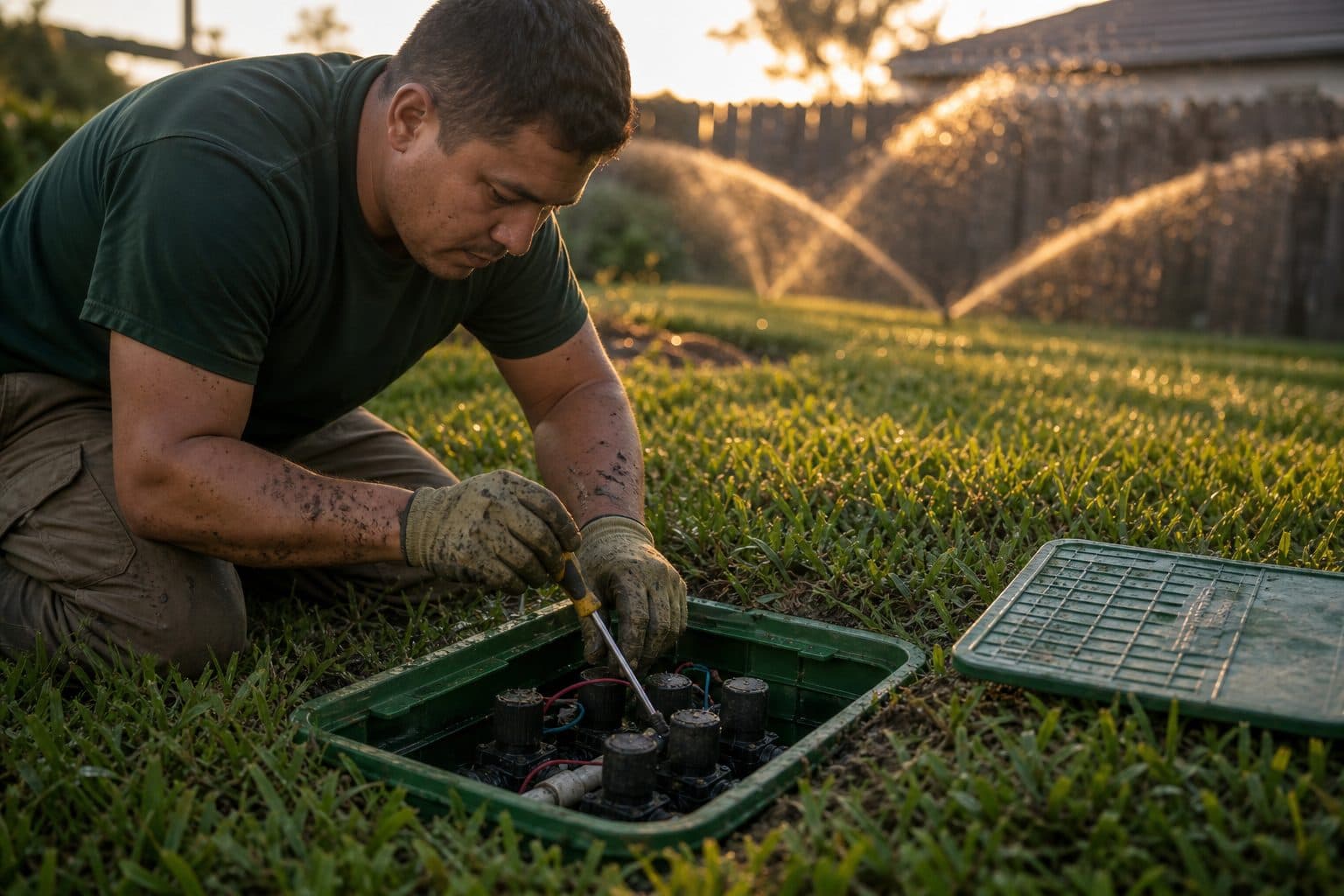
Irrigation service software manages recurring operational work: seasonal startups, repairs, winterization, property notes, estimates, schedules, and invoices. It is separate from CAD and hydraulic design tools used for system installation.
This buying guide focuses on the features needed for spring and fall waves plus midseason repair work. Pair it with how to run the spring wave and pricing startup, repair, and blowout.
What the shop actually has to remember
Operational problems often come from outdated seasonal lists, controller details stored in one person's memory, and delayed invoicing—not from a lack of design features.
The operating loop is small:
- Same customers, same properties, year after year
- Notes and photos that make the next tech look like the regular
- A wave on the calendar (startup, then blowout)
- A repair estimate while you are still on the lawn
- An invoice while the visit is still news
Test this operating loop first, then evaluate whether a separate design tool is needed for installation work.
| Need | Service software | CAD / design |
|---|---|---|
| Last year’s list in March | Yes | No |
| Controller in the garage, zone 4 mists | Notes / photos | Maybe a drawing nobody opens |
| Quote a valve from the yard | Yes | No |
| Invoice 40 blowouts the day they finish | Yes | No |
| New system install drawing | No | Yes |
Buy for Thursday in April and the first freeze in November. Do not buy for the website screenshot of a pipe network.
Spreadsheet vs calendar vs a real property
Google Calendar plus a sheet has started more irrigation shops than any homepage. It is honest until it is not.
Stay on the stack if you are the only brain, the list is under a few dozen, invoices go out the same day, and nobody else needs the garage code.
Leave the stack when any of these are weekly:
- Two copies of Spring_2025
- A helper who texts “where’s the clock?”
- Startups that never become invoices
- Blowouts finished, billed in January
- Mowing on one tool and irrigation on a private sheet
A calendar tracks a Tuesday. Irrigation software should track a property that still exists in August. Repeating calendar events look like a plan until someone sells the house and the event keeps firing.
The migration is not “import five years of color tabs.” It is active customers, properties, prices, and the notes that change the visit. Freeze the sheet as archive. If you cannot schedule a startup from the record, you did not migrate. You copied a mess.
Notes beat a zone module you will not fill
Shops ask for zone-by-zone fields. Fair. Dedicated zone-by-zone fields are still coming on MowProHQ. Until they land, you can already store what next March needs on the property: controller location, ugly zones, dogs, lockbox, last year’s photos.
That is the difference between a regular and a new vendor. The company that asks “where’s the box?” looks new. The company with last year’s photo of the misting head looks like the shop they should keep.
Do not wait for a perfect zone database to stop using a camera roll. A camera roll is not a record. Attach two honest photos to the property the day you see the failure. Property notes for next March is the habit. Software that cannot attach the photo will send you back to the roll.
If you also mow, keep irrigation and mowing on the same property. After turn-on, low heads still need flags and a damage policy. Two systems for one address is how the mower never sees the irrigation note.
Quotes from the lawn, not from a napkin
Repair software, in practice, means: photo the break, name the product, send the estimate before you leave, schedule the approval. If the vendor’s quote tool only works at the office desktop, the tech will text a number and you will type it later. Later is how the number changes.
Ask in the demo:
- Can I add a valve line on a phone at the manifold?
- Does the customer get a link, not a JPEG of a notepad?
- When they say yes, does it become a job without retyping?
- Do Regular vs Cash totals show if you take cards?
Quoting a sprinkler repair from the lawn is the workflow. Software that cannot do it is a filing cabinet.
Waves need a board, not a group text
March and November are dispatch problems even if you are two people. The list is a cluster, the weather moves the cluster, and a locked garage should not silently steal the next four houses.
What to demand:
- Jobs on properties, not floating events
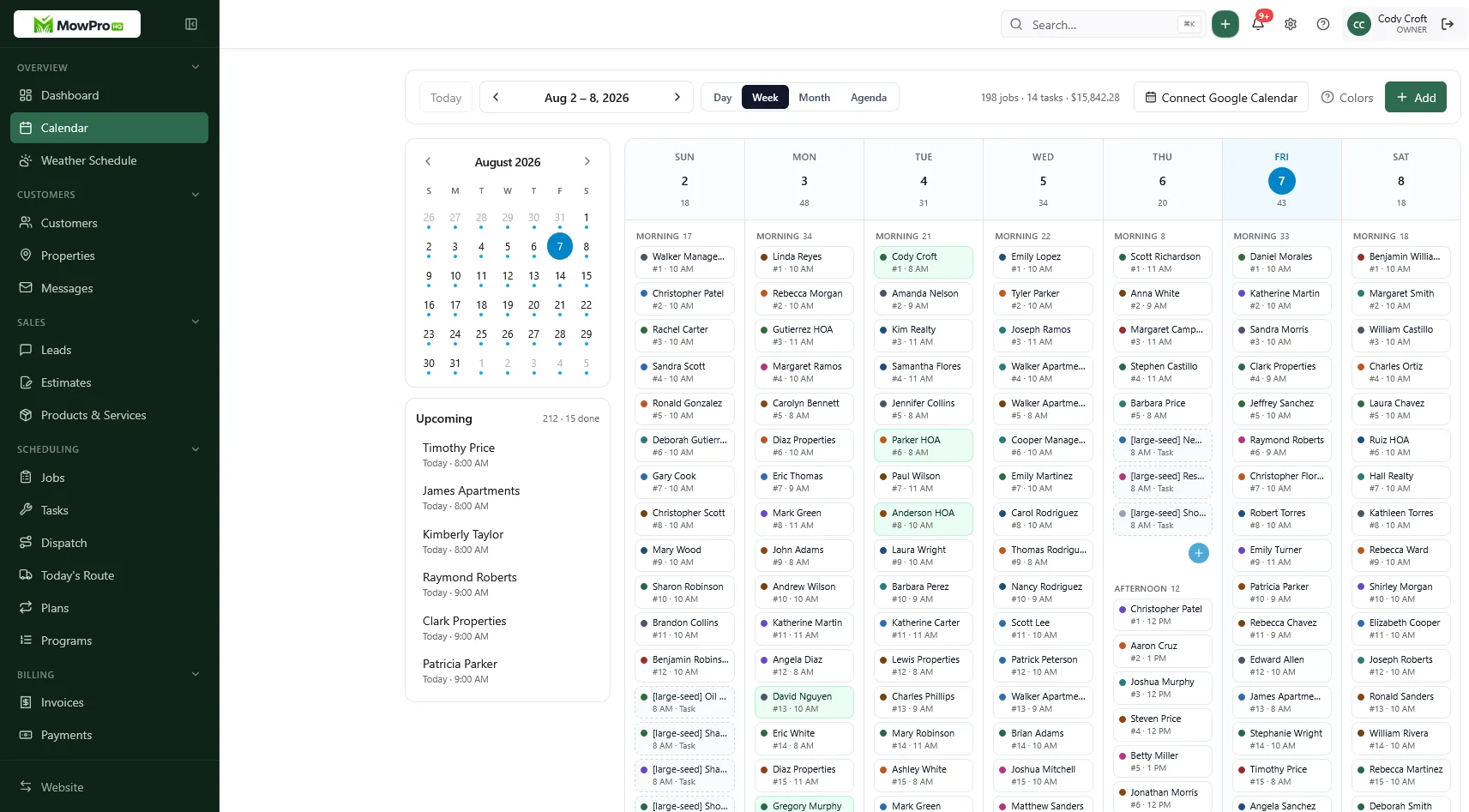
- A week view you can publish the night before
- Completions that can invoice
- Room to leave recovery air for frost
Growth-style dispatch, GPS, and timeclock matter when the second tech exists and you cannot narrate both lists from the truck. They are optional until then. A board is not optional. Two group chats is not a board.
In MowProHQ
Invoices are the product customers remember
You can run a perfect blowout and still look sloppy if the bill arrives after the freeze is a memory. Service software should invoice from the completed visit: startup, repair, or winterization, named.
Ask:
- Same-day invoice from completion
- Line items that match the quote
- Dual cash vs card totals
- Portal or pay link so you are not chasing Venmo screenshots
- Open balances visible before you schedule them again in March
Winterization without Sunday invoicing is the test. If the vendor’s happy path is “export to QuickBooks this weekend,” you bought a delay.
Payment methods should be recorded consistently. Confirm current processing costs and applicable rules, then disclose the policy on the quote.
A buyer checklist you can paste
- Show me last year’s blowout customer becoming a March startup without retyping the address.
- Show controller location and an ugly-zone photo on the property.
- Build a valve quote on a phone, send it, convert the yes to a job.
- Complete a blowout and invoice it before leaving the cluster.
- Show Regular vs Cash if that is my policy.
- Two seats on free: what still works on day 91?
- Unlimited seats at a flat fee when the third tech shows up in April?
- Export: how do I get my customers out?
- Say out loud: this is not CAD. What do I still need Hunter/Rain Bird or a design tool for?
- Same property: can mowing and irrigation share history?
If answers are vague, assume the pain shows up the first 70-degree Saturday.
What to stop buying
- Franchise reporting you will not open
- Optimization theater before the list is clean
- Per-seat fees that punish the helper you hire for four weeks
- A design module as a substitute for notes
- SMS and phone add-ons whose limits and usage charges you have not reviewed
Overbuy is a January hobby. Underbuy is a March spreadsheet. The middle is a property, a board, a quote, and an invoice.
How to trial it on a real week
Do not test with fake “Demo House.” Pick twelve real irrigation properties.
Day 1: customers and properties in. Controller notes. Two photos each.
Day 2: price the three products. Dual totals on.
Day 3: book a two-day startup cluster. Leave frost air.
Day 4: send one repair quote from the yard. Convert a yes.
Day 5: complete and invoice. If you still type invoices from memory, the trial failed.
Test the office workflow first, then give each technician an individual login. Compare plan limits when you need more users, dispatch, location, website, or time-tracking features.
Where MowProHQ fits
MowProHQ connects CRM, scheduling, quotes, invoices, customer access, property notes, and photos for irrigation service operations.
You can store notes and photos on the property. Dedicated zone-by-zone fields are still coming. It is not a CAD design tool. The same property can hold mowing and irrigation.
Compare current plans and pricing or create an account to test one real seasonal workflow.
Frequently asked questions
- What is irrigation service software for sprinkler companies?
- It manages customers, properties, seasonal startups, repairs, winterization, notes, estimates, schedules, and invoices. It is different from CAD or hydraulic design software used for new-system planning.
- Is MowProHQ an irrigation design or CAD tool?
- No. MowProHQ focuses on service operations such as CRM, scheduling, quotes, invoices, notes, and property photos. Keep a dedicated design package when you need CAD, hydraulic calculations, or installation drawings.
- Can irrigation software replace a spring spreadsheet?
- Yes, if customer and property records persist between seasonal waves. The next startup schedule should be built from active properties and prior service history rather than another copy of last year's spreadsheet.
- Does sprinkler company software track zones and controllers?
- You can store controller locations, access, problem zones, and photos on the property. Check current features if you require dedicated structured records for each zone or hydraulic modeling.
- How much does irrigation service software cost on MowProHQ?
- Cost depends on team size, dispatch and location features, communication tools, website needs, and payment processing. Review current plans and calculate the total for the features and users you expect to need.
- Can one property hold mowing and irrigation in the same software?
- Yes. The same address can hold service-specific mowing and irrigation history. This helps the mowing crew see low heads or flagged areas identified during irrigation visits.
- What should I look for when buying sprinkler repair software?
- Look for persistent property records, field estimates, invoices from completed visits, and a calendar that can handle spring and fall service waves. During a demo, ask to create this year's startup from last year's customer without retyping the address.


