MowProHQ Blog/Operations
Pause, Skip, and Cancellation Rules for Lawn Care
Define lawn care pause, skip, and cancellation rules with clear notice periods, billing terms, restart dates, and customer scripts.

Pauses, skips, and cancellations affect the schedule and invoice differently. Clear definitions let the office process a request without relying on an informal interpretation.
This playbook sits next to recurring mowing plans, weather reschedules, and how to write lawn care quotes. Put the rule on the quote. Put the outcome on the calendar. Do not invent a third version in a text at 7:10 a.m.
Name the three outcomes
| Outcome | Meaning | Calendar | Invoice |
|---|---|---|---|
| Skip | Miss this visit only | Remove or mark skipped | Per your notice rule |
| Pause | Hold for a dated window | No due visits in the window | Billing follows the hold rule |
| Cancel | Plan ends | No future visits | Final invoice; plan off |
If the customer asks to stop service “for a while,” classify it as a pause and request start and end dates. Explain how long the route slot will remain available.
Publish a notice window
Choose a notice period that leaves enough time to rebuild the route. Put the exact cutoff and any lawful late-cancellation charge in the quote, service agreement, and welcome information.
A policy might distinguish among:
- Requests received before the cutoff
- Requests received after the cutoff but before dispatch
- Requests received after the crew has departed or arrived
The specific timing and charge should reflect your operation, contract, and local law. Document any courtesy exception so the account history remains clear.
Late-skip script
We can remove this visit at no charge if you confirm before [cutoff]. Requests received later are handled under the [late-cancellation terms] in your service agreement. Would you like to keep or skip the visit?
Have the office approve schedule and billing exceptions. Crews can forward a request without changing the terms at the property.
Billing that matches the words
Per-visit billing is simpler: no visit, no invoice, unless it is a late skip with a fee. Monthly or prepay billing needs math. If you sell months, say what a pause does to the month. Pair this with prepay vs monthly so the office is not inventing credits.
| Billing style | Clean pause rule |
|---|---|
| Invoice after each visit | No invoice for a timely skip; fee if late |
| Weekly subscription | Apply the agreed credit or extend the period |
| Monthly for a set visit count | Credit or move the visit inside a published window |
| Flat monthly recurring service | State how weather and customer skips affect service and billing |
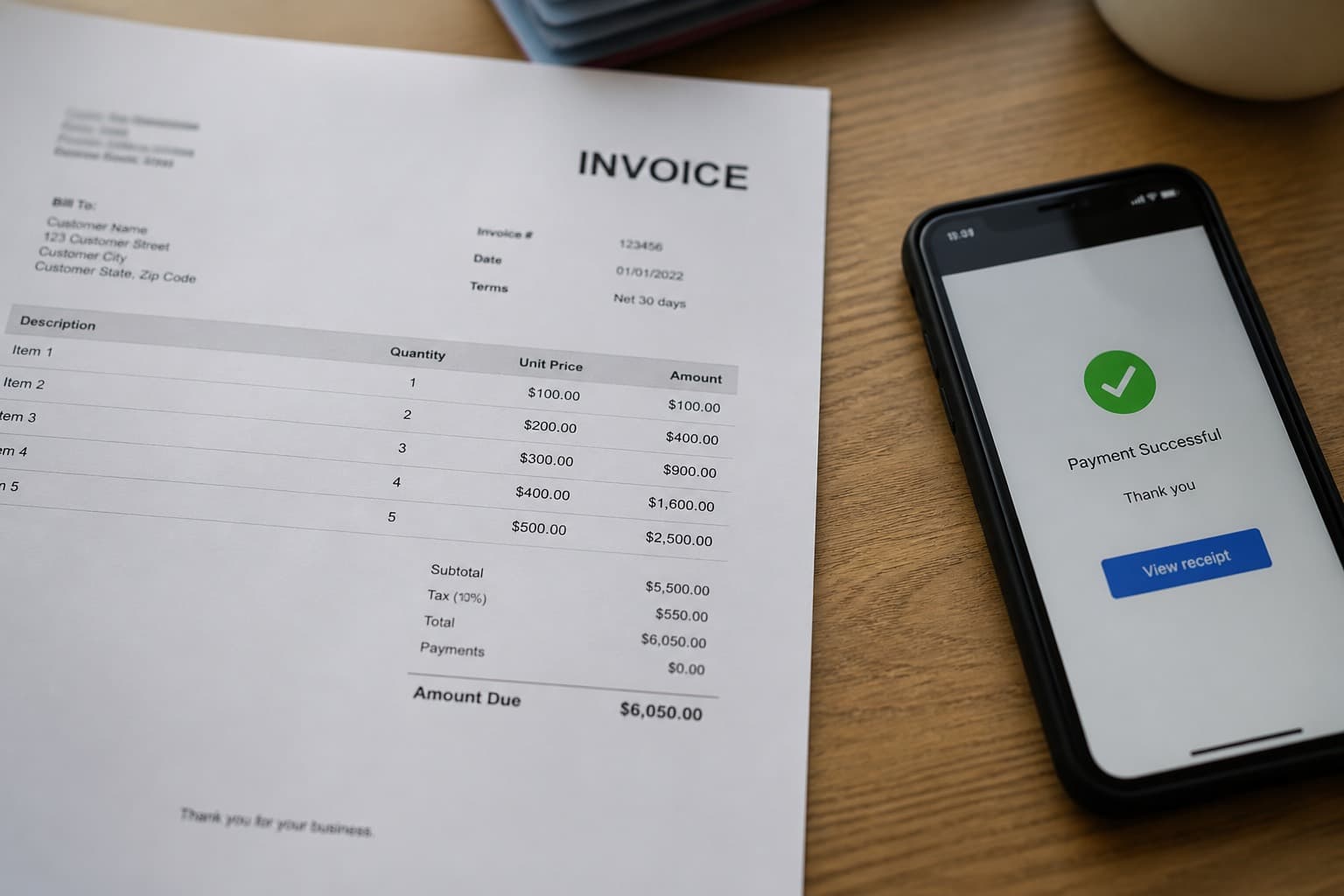
Show any late-cancellation charge on the invoice and use the payment terms already accepted by the customer. Do not introduce a different amount in a text or card receipt. Verify current processor and local rules for payment-method pricing.
Define the restart and route-slot rules
A pause should include one of these restart outcomes:
- Same route day when the customer returns within the stated hold period
- Next available opening when the pause exceeds the hold period
Tell the customer which rule applies when confirming the pause. Do not promise the former service day if the policy only guarantees the next available opening.
Pause request script
We can pause service from [date] through [date]. Billing will [pause / receive a credit / remain unchanged] under your plan. Service will restart [on the same route day / in the next available opening]. Pauses longer than [period] do not retain a regular route slot. Reply to confirm these dates and terms.
Retain the customer's confirmation and show the pause end date in the property and schedule records.
Weather is not a customer skip
Weather and customer-requested skips follow different rules. Your weather-reschedule policy should explain:
- Who decides the skip (you)
- How you tell them
- Whether the visit moves within a defined window, receives a credit, remains included in monthly service, or is waived
- What happens when the make-up window overlaps a customer vacation
State whether an unavailable make-up visit expires, moves, or resumes with the regular schedule. Additional catch-up work should be scheduled and priced before it is added to the route.
Process cancellations consistently
The agreement should define accepted cancellation methods, notice, and any remaining obligations. When a customer cancels:
- Confirm the effective date and final planned service in writing
- Complete only work required or mutually agreed under the cancellation terms
- Issue the final invoice or refund
- Stop future recurring jobs and authorized payments at the appropriate time
- Mark the property inactive so it is not dispatched again
Review applicable automatic-renewal, notice, refund, and record-retention rules with qualified local counsel.
Customer-cancel script
We will provide service through [date], and the recurring plan will end after that visit. We will send the final invoice then. If you would like to return later, we will confirm current availability and pricing.
Handle an unpaid final balance through the documented collections process. Do not leave the recurring schedule active solely because a balance remains.
Worked example: three texts, three outcomes
Skip. Rivera requests on Tuesday evening that Thursday's visit be removed. The request meets the company's stated notice period. The office marks that visit skipped, applies the agreed billing rule, and leaves the following Thursday active.
Pause. Patel provides dates for a three-week trip. The office pauses service for those dates, applies the plan's billing treatment, and records the confirmed restart. The pause falls within the stated route-slot hold period.
Cancel. Nguyen reports that the property was sold and confirms Friday as the final visit. The office stops future jobs after Friday, issues the final invoice, and marks the property inactive. A new owner would receive a new quote.
In each case, the office updates both the customer record and the schedule. Recording only the message leaves dispatch and billing out of sync.
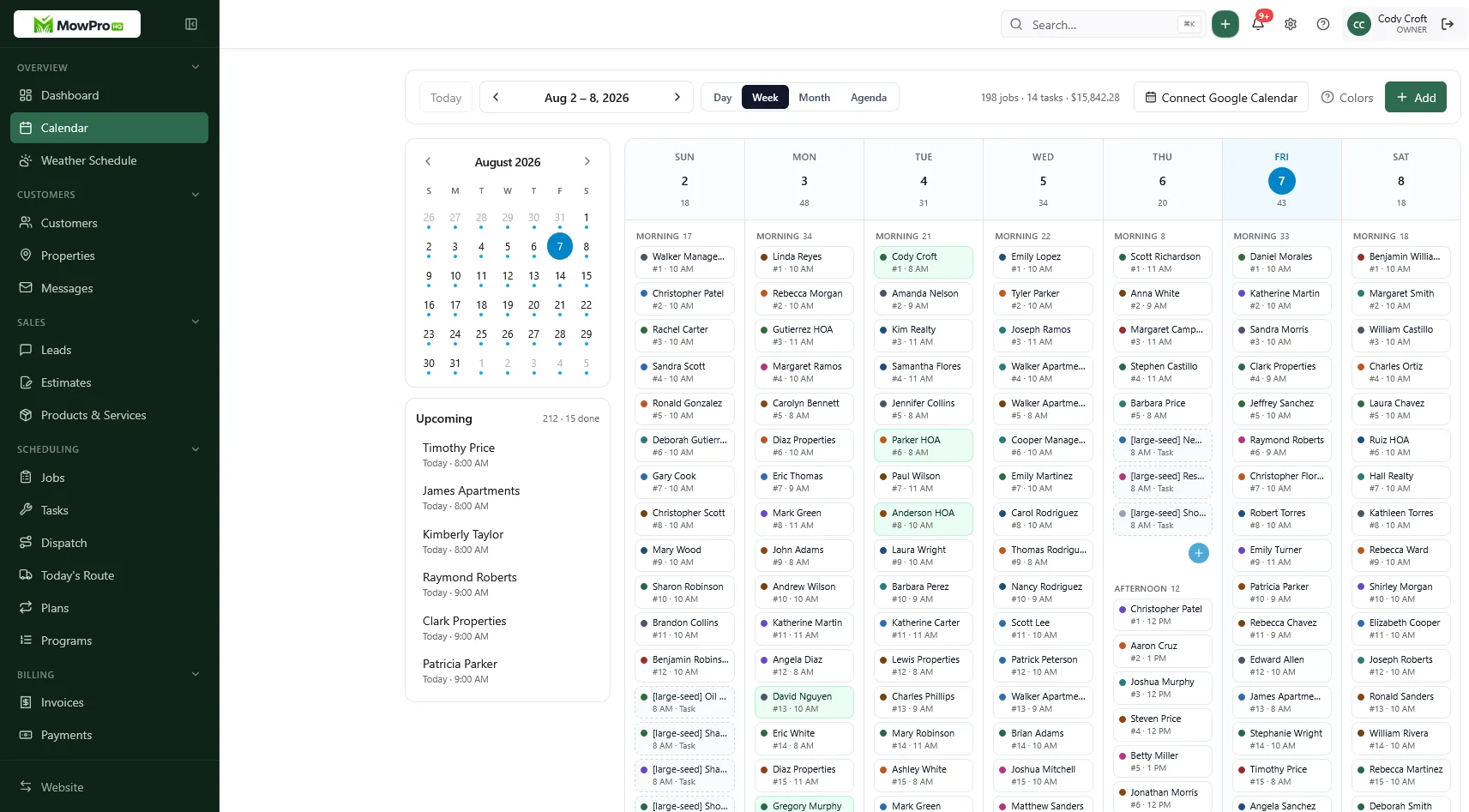
In MowProHQ
Office checklist (use it every request)
- Classify: skip, pause, or cancel
- Check the notice window
- Write dates on the property
- Adjust billing the same day
- Publish the change on the crew's schedule
- If pause, set the restart reminder
- If canceled, stop future recurring jobs and payments
If the job still generates automatically, the change is incomplete. Confirm that your scheduling system handles one-time skips, date-range pauses, and cancellations differently.
Document reasonable exceptions
You can waive a charge or make another reasonable exception. Record the date and reason so the office understands what happened and can apply future decisions consistently.
Track skip frequency and pause length. Repeated selective skips may make a recurring plan unsuitable, particularly when customers request service only after heavy growth. Offer a per-visit or cleanup-plus-maintenance structure, or end the plan under its terms.
Manage skips and pauses in MowProHQ
MowProHQ connects recurring plans, property records, scheduled visits, quotes, and invoices so a confirmed skip or pause can be reflected in the route and account history.
Review current plans and pricing, then create an account and test a one-visit skip, a dated pause, a restart, and a cancellation before applying the workflow to customers.
Frequently asked questions
- What is the difference between a pause, a skip, and a cancellation?
- A skip removes one planned visit. A pause stops service for a defined period and includes a restart or review date. A cancellation ends the recurring service plan. Define each outcome so scheduling and billing follow the same decision.
- How much notice should a customer give to skip a mow?
- Choose a notice period that gives the office enough time to update routes, then disclose it before service begins. The appropriate period depends on scheduling practices, contract terms, and applicable local requirements.
- Should I bill a customer who skips at the last minute?
- Apply the late-cancellation or skip terms in the customer agreement. Any charge should be disclosed in advance, lawful, and applied consistently. If no policy was agreed to, adding a surprise fee creates an avoidable dispute.
- Do I hold a paused customer’s route day?
- You may hold a regular route slot for a short, dated pause. Define how long the hold lasts and whether longer pauses restart on the former route day or the next available opening.
- How should weather skips differ from customer skips?
- A weather delay follows the company's safety and rescheduling policy, while a customer-requested skip follows the notice and billing policy. Explain how overlapping weather and vacation dates affect make-up work.
- What is a clean cancellation process?
- Confirm the effective date and last planned visit in writing, issue the final invoice, stop future recurring jobs, and retain the cancellation record. If the customer returns later, confirm availability and current pricing.
- Should paused weeks still bill on a monthly subscription?
- That depends on what the monthly agreement covers. State whether billing pauses, a credit is issued, visits move within a service window, or the monthly price remains unchanged. Check local subscription and automatic-renewal requirements.