
MowProHQ Blog/Buying Guide
LMN vs Lawn Care Ops Software
Compare LMN with lawn care operations software by workflow, from estimating and job costing to recurring routes, crew updates, and invoicing.

LMN (Landscape Management Network) and lawn care operations software can overlap, but they may suit different operating priorities. The useful question is not which platform has the longest feature list. It is which one supports the work your team performs most often, with the least duplicate entry and the clearest financial record.
This guide offers a practical framework for comparing an LMN alternative, LMN itself, or a combination of tools. For product-specific details, review MowProHQ vs LMN and confirm LMN's current features, plans, and requirements through the official LMN website and its current provider documentation.
Start with the work, not the category
Software labels can be broad. Instead of assuming that "landscape software" or "lawn care software" includes a particular capability, map the steps that happen from lead to payment.
| Workflow to test | Project-focused evaluation | Recurring-operations evaluation |
|---|---|---|
| Build an estimate | Labor, materials, equipment, overhead, and margin | Property size, service scope, frequency, and travel time |
| Schedule the work | Project phases, dependencies, and resource planning | Repeating visits, route order, skips, and rescheduling |
| Support the crew | Plans, budgets, production targets, and job details | Property notes, service history, completion, and exceptions |
| Bill the customer | Deposits, progress billing, change orders, or job completion | Per-visit or recurring billing tied to completed service |
| Review performance | Estimated versus actual project costs | Route density, visit duration, completion, and revenue per stop |
Neither column is universally better. A landscape design-build company may care most about project budgets and job costing. A mowing company may place more weight on recurring schedules and quick field updates. A mixed company may need both sets of workflows.
When LMN may fit the center of the business
LMN may belong on your shortlist when complex estimates, budgets, production planning, and job-cost analysis are central to the company. During evaluation, use one recent project and ask your team to reproduce it from estimate through closeout.
Check whether the current product supports your required:
- Cost codes, labor assumptions, materials, equipment, overhead, and margins
- Proposal approvals and revisions
- Change orders and progress billing
- Estimated-versus-actual reporting
- Accounting, payroll, or other integrations
- Permissions, onboarding, training, and support
These details can change. Verify them in LMN's current official product information and documentation rather than relying on an older comparison article or review.
When lawn care ops software may fit better
Operations-focused software may be a better starting point when most revenue comes from repeat property visits and the main challenge is keeping office, crew, customer, and billing status aligned.
Test how a product handles:
- Weekly, biweekly, seasonal, and on-demand services
- Rain delays, skipped visits, pauses, and route changes
- Mobile access to gate codes, service notes, photos, and history
- Completion tracking and office visibility
- Estimates, recurring plans, invoices, and payments
- Customer communication and self-service
How to price lawn care jobs can help you define the estimating inputs you need. If payment methods and customer-facing prices are part of the decision, review cash vs card pricing for lawn care as well.

A two-system setup can work
Some businesses use one platform for estimating and managing larger landscape projects and another for recurring maintenance. That can be reasonable if the boundary is explicit.
For each type of work, decide which system owns:
- The customer and property record
- The approved estimate or agreement
- The schedule and crew assignment
- Completion status and field notes
- The invoice and payment record
- Financial reporting
Avoid maintaining two active schedules or two invoice records for the same visit. If information must move between systems, document whether that transfer is automatic, manual, or handled through an accounting platform. Include the time and error risk of that process in your total-cost comparison.
Run a practical software trial
A demo can show what is possible; a structured trial shows whether the workflow is usable. Follow the process in how to trial lawn care software and score each option with the lawn care software buyer's checklist.
Use the same test cases for every provider:
- Create a customer with multiple service locations
- Produce one recurring maintenance quote
- Produce one estimate with several labor and material inputs
- Schedule a week that includes a rain delay and a skipped visit
- Give a crew member only the access they need
- Complete work from a phone and notify the office
- Generate the correct invoice without re-entering service data
- Export the records you would need if you changed systems
Record the number of steps, unclear handoffs, required workarounds, and questions that need support. Ask each provider to demonstrate any scenario you could not complete.
In MowProHQ
Decision criteria that matter
Use a short weighted scorecard rather than comparing every advertised feature equally.
Workflow fit
Can the software handle your most common job without spreadsheets, texts, or duplicate entry? Give the most weight to high-frequency work and costly failure points.
Field usability
Ask crew members to complete the test on the devices and connections they use in the field. Measure training time and how easily they can recover from a mistake.
Financial controls
Confirm how estimates, approvals, changes, completed work, invoices, payments, taxes, and accounting records connect. Ask what can be edited and whether changes are traceable.
Implementation and support
Request a realistic migration plan. Identify who will import customers, configure services, train staff, answer questions, and validate opening balances or recurring schedules.
Current total cost
Compare the provider's current pricing and terms directly. Include required modules, users, payment processing, onboarding, data migration, integrations, hardware, and the staff time needed for manual work. Do not assume a price shown in an old article is still available.
Data access
Before committing, test exports for customers, estimates, jobs, schedules, invoices, payments, notes, and attachments. Clarify retention and access after cancellation.
How MowProHQ fits the comparison
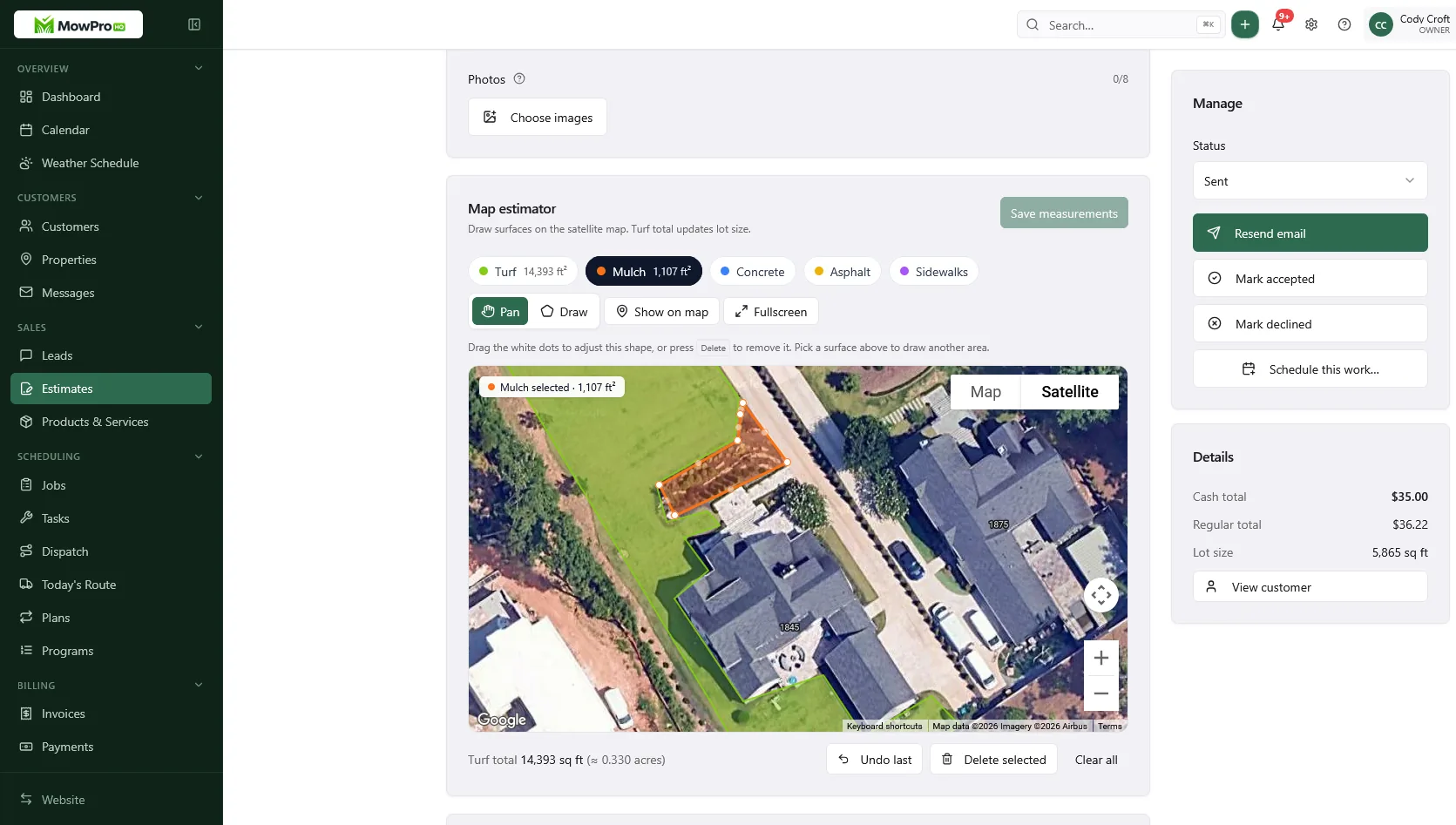
MowProHQ is designed around lawn care business operations, including customer, estimating, scheduling, field, and billing workflows. Review the current pricing, compare those workflows with LMN's official documentation, and test each product using your own jobs.
If MowProHQ matches the way your team works, you can sign up. If your company relies on detailed landscape project estimating or other specialized workflows, verify that every requirement is covered before replacing an existing system; using clearly separated tools may be the better choice.
The best LMN vs lawn care software decision is the one your office and crews can follow consistently. Base it on representative work, current provider information, total operating cost, and clear ownership of each record.
Frequently asked questions
- Is LMN good software for a lawn mowing company?
- It may be a good fit if its current estimating, budgeting, scheduling, and field workflows match how your company operates. Test it with real recurring routes and confirm current features in LMN's official documentation before deciding.
- What is the difference between LMN and lawn care ops software?
- The practical difference is often emphasis. Some systems focus more on estimating, budgets, and job costing, while lawn care operations software may emphasize recurring schedules, route execution, customer records, and invoicing. Current capabilities vary by provider and plan.
- Can I use LMN and a scheduling tool together?
- Yes, but assign one system of record for each workflow. Decide where schedules, completion status, customer data, and invoices are maintained so crews and office staff do not update the same work twice.
- Why do mowing companies look for an LMN alternative?
- Common reasons include workflow fit, ease of use, implementation effort, integrations, support, or total cost. Compare those factors with a representative week of real work rather than relying only on feature lists.
- Should a design-build landscape company leave LMN?
- Not necessarily. First identify which current workflows are working and which are not. A company may keep its estimating or job-costing system while using another tool for recurring maintenance, provided ownership of data and billing is clear.
- How do I compare MowProHQ and LMN?
- Use the comparison page as a starting point, then verify current features and terms on each provider's official website. Test both products with the same customer, estimate, recurring route, completion, and invoice scenarios.
- Does lot-size quoting replace detailed project budgets?
- No. Lot-size quoting can help estimate routine property services, while detailed project budgets account for labor, materials, equipment, overhead, and other job-specific costs.


