
MowProHQ Blog/Buying Guide
QuickBooks and Texts vs Lawn Care Software
Compare QuickBooks and texting with lawn care software for scheduling, invoicing, payments, customer communication, and accounting workflows.
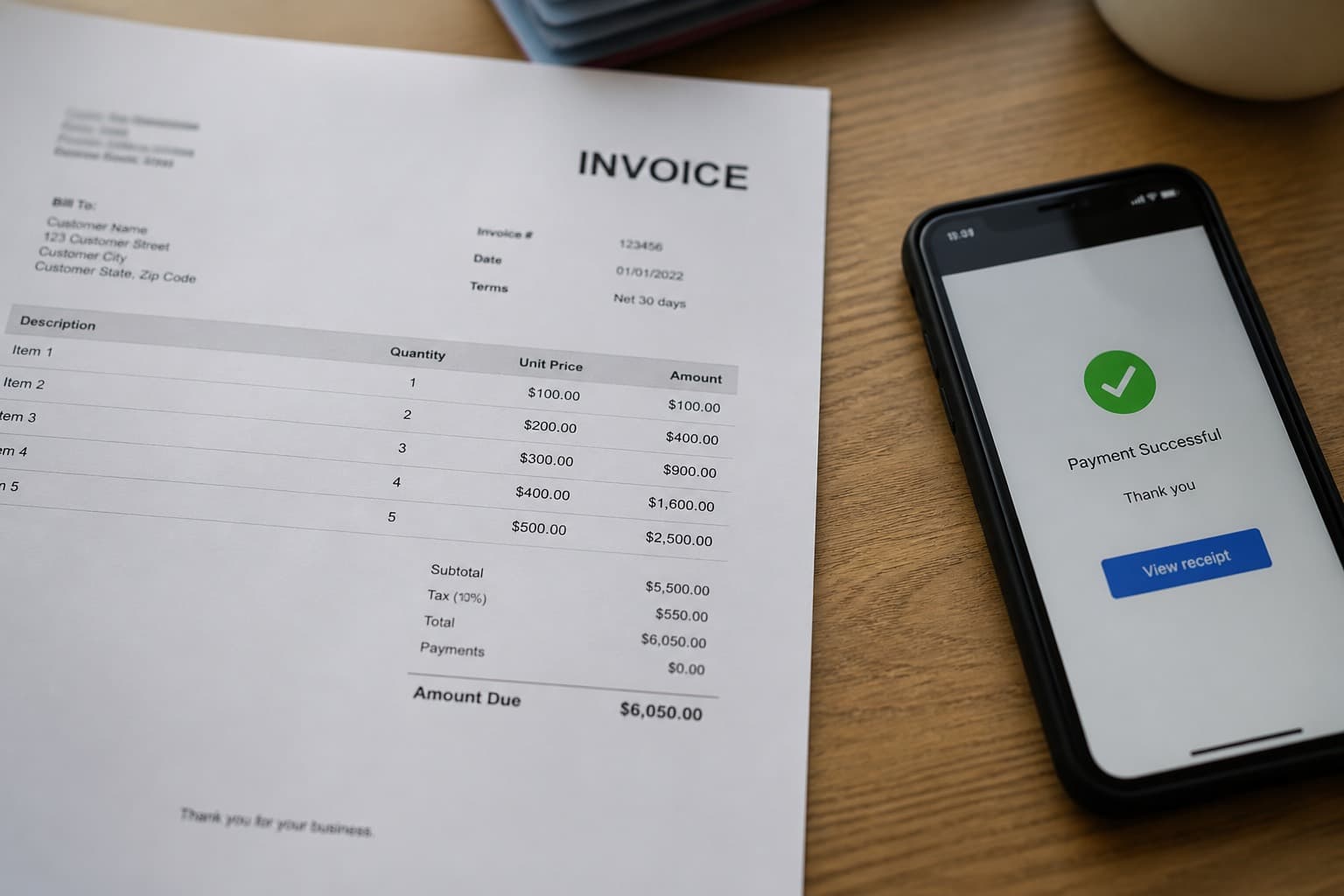
QuickBooks and text messaging can cover important parts of a lawn care business. QuickBooks can support bookkeeping and financial reporting, while texts make it easy to reach customers and crews. The limitation is that neither tool, by itself, necessarily provides a shared operational record for routes, recurring visits, property instructions, job completion, and follow-up.
Dedicated lawn care software brings those activities together. Whether that is worthwhile depends on the size and complexity of the operation—not on a universal rule about which product every contractor should use.
This guide compares QuickBooks and texts with lawn care software and offers a practical way to evaluate the change. For related guidance, see texting customers, lawn care invoicing, and spreadsheets and calendars vs software.
QuickBooks vs lawn care software: different jobs
The cleanest setup gives each tool a defined role. A small business may keep everything in QuickBooks and a calendar. Another may schedule and document field work in lawn care software, then send financial records to its accounting system.
| System | Best suited to | Watch for |
|---|---|---|
| Lawn care operations software | Customers, properties, estimates, routes, recurring jobs, crew notes, completion records, and operational invoicing | Feature limits, staff adoption, mobile access, export options, and integration behavior |
| Accounting software such as QuickBooks | Bookkeeping, account reconciliation, financial reports, and other supported accounting workflows | Treating accounting records as a live dispatch board |
| Text messaging | Arrival updates, weather notices, access questions, and individual conversations | Missing consent records, scattered instructions, privacy exposure, and no reliable schedule history |
The exact boundary can vary. What matters is that the team knows which system is authoritative for customer details, job status, invoice status, and payments.
When QuickBooks and texting may be enough
A simple setup can remain practical when:
- One person controls the schedule and performs most of the work
- The route changes infrequently
- Customer and property notes are short and easy to maintain
- Completed visits are reliably turned into invoices
- The owner reconciles payments and accounting records on a regular schedule
- Another person can understand the workflow when the owner is unavailable
This approach is inexpensive in software terms, but the business should still count the time spent copying details between a calendar, texts, invoices, and accounting records.
Signs the workflow is becoming fragile
Lawn care software becomes worth evaluating when:
- Crews rely on screenshots or message threads for the current route
- Rain delays require many individual schedule changes
- Gate codes, service details, or pause requests are easy to miss
- Staff repeatedly enter the same customer or invoice information
- Completed work is invoiced late or cannot be verified
- Duplicate customer records appear in accounting
- Payment status differs between the field system and the books
- The business cannot produce a usable customer, job, or invoice export
These are process problems as much as software problems. Buying a new tool will not fix them unless the business also defines ownership, permissions, and review steps.

Choose a source of truth before integrating
Decide where each record begins and where changes should be made. One possible workflow is:
- Create the customer and service property in the operations system.
- Build the estimate, recurring plan, or job from that record.
- Mark work complete after the crew finishes the visit.
- Create the invoice through the chosen customer-facing invoicing system.
- Sync or export supported records to QuickBooks.
- Reconcile deposits, fees, refunds, credits, and adjustments against the bank and payment processor.
That is only an example. Some businesses may need invoices to originate in QuickBooks. Before committing to either direction, test the complete lifecycle rather than assuming that the word “integration” means every field moves both ways.
Questions to ask about a QuickBooks integration
- Which QuickBooks products and plan levels are currently supported?
- Is the connection one-way or two-way?
- Which system creates customers, invoices, payments, taxes, credits, and refunds?
- How are duplicate customers detected?
- What happens when a record is edited after syncing?
- How are processing fees and partial payments represented?
- Does the integration preserve invoice numbers and service dates?
- How are errors reported and retried?
- Can historical records be imported, and what date range is supported?
Consult the current official documentation for both products. Then test with a few non-critical records and have the bookkeeper verify the resulting accounts and reports. Integrations can reduce duplicate entry, but an incorrect mapping can also reproduce an error at scale.
Keep accounting controls in the workflow
Operations software may create estimates and invoices, but it is not a substitute for professional accounting advice. Define how the business handles sales tax, cash and card payments, deposits, tips, refunds, write-offs, processing fees, and revenue recognition. Requirements vary by location and business structure.
Use role-based access where available, limit who can change prices or issue refunds, and review an audit trail or change history when the product provides one. Reconcile the payment processor, bank deposits, invoice balances, and accounting ledger regularly. The invoice collections guide can help with a consistent follow-up process, but collection practices must still comply with applicable law and customer agreements.
Treat payment security as a requirement
Do not ask customers to text full card numbers, bank credentials, or account passwords. Use a reputable payment provider and a hosted payment form or other approved collection method. Enable multi-factor authentication, give each employee an individual login, remove access promptly when roles change, and avoid sharing credentials in group chats.
Ask prospective vendors how they handle payment data, encryption, access controls, breach response, and security responsibilities. If the business stores or processes card data directly, seek qualified guidance on applicable PCI DSS obligations. A processor or software integration may reduce exposure, but it does not remove the need for secure account practices.
Use texting with consent and privacy in mind
Texts are useful for arrival windows, weather changes, and access questions, but business messaging can carry legal and privacy obligations. Obtain and document the appropriate consent before sending automated or marketing messages. Clearly identify the business, honor opt-out requests, and separate essential service notices from promotions where required.
Avoid placing sensitive payment details, alarm instructions, or unnecessary personal information in text threads. Set a retention policy, control which staff can view conversations, and use approved business messaging tools instead of personal phones when practical. Rules vary by jurisdiction and message type, so review applicable requirements and obtain legal advice for the business's specific campaigns.
For practical communication ideas, read the guide to texting lawn care customers.
In MowProHQ
Test the workflow before switching
Run a limited pilot with representative customers and job types. The lawn care software trial guide includes a broader evaluation process, but the accounting test should include:
- A new customer and service property
- A recurring job and a one-time job
- A completed visit and customer invoice
- A card payment and another payment method the business accepts
- A discount, tax, partial payment, refund, or credit if those occur in normal work
- A schedule change and customer notification
- An export of customers, jobs, invoices, and payments
Compare totals and statuses across the operations system, payment processor, bank, and QuickBooks. Do not delete or abandon the previous records until the business has validated the migration, retained necessary history, and created appropriate backups.
Check data portability before committing
An integration is convenient; an export is the safety net. Confirm that authorized users can export core records in common, documented formats. Look for customers, service addresses, estimates, jobs, invoices, payments, notes, attachments, and communication history as applicable.
Also ask what happens after cancellation: how long data remains available, whether exports include attachments, and how deletion requests are handled. Review the vendor's current privacy policy, terms, retention practices, and available data-processing terms. Keep exports securely, limit access, and follow applicable retention and privacy requirements.
A practical decision
Stay with QuickBooks and texts while the process is simple, documented, and reliable. Consider lawn care software when coordination and duplicate entry consume meaningful time or create billing and service errors. In either case:
- Define a source of truth for each record
- Verify current QuickBooks and vendor documentation
- Test integrations with real-world exceptions
- Protect payment and customer data
- Obtain appropriate SMS consent
- Confirm export and offboarding options
- Reconcile records on a consistent schedule
Where MowProHQ fits
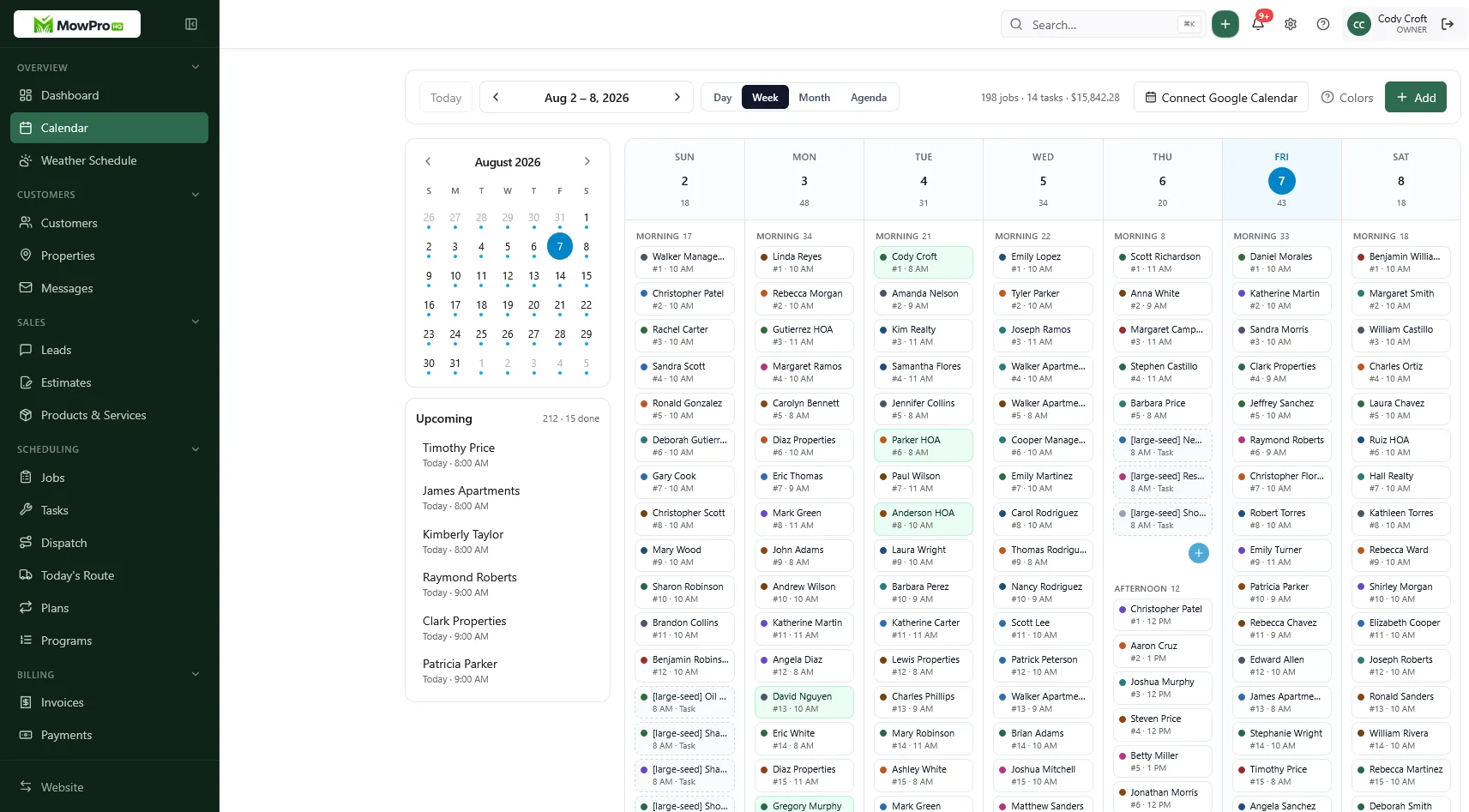
MowProHQ is designed to bring lawn care scheduling and customer operations into one workspace. Features and integrations can change, so verify current capabilities against the workflow above and confirm the accounting results with your bookkeeper.
Review current options on the pricing page, or create an account at signup.
Frequently asked questions
- Can I run lawn care with just QuickBooks and texting?
- For a small, simple operation, QuickBooks and texting may be enough. The setup becomes harder to manage when several people need the current schedule, property notes, job status, or a reliable path from completed work to invoicing.
- Should lawn care invoices live in QuickBooks or in operations software?
- Either approach can work if the business defines one authoritative invoicing workflow. Before choosing, confirm how customers, taxes, discounts, payments, refunds, and adjustments sync or export, and review the setup with your bookkeeper.
- Is texting customers a substitute for scheduling software?
- Texting works well for direct communication, but a message thread is usually a poor system of record for routes, recurring work, property notes, and completion history. Scheduling software can provide that shared record.
- Do I still need QuickBooks if I use lawn care software?
- Possibly. Lawn care software and accounting software serve different purposes. Many businesses use an operations system for field work and accounting software for bookkeeping, but the right setup depends on reporting, payroll, tax, and accountant requirements.
- When do I outgrow QuickBooks plus texts?
- Common signs include repeated data entry, missed schedule changes, inconsistent property notes, delayed invoices, and difficulty matching completed visits to accounting records.
- How do I stop double-entering customers?
- Choose a source of truth for customer and property details, document when records sync or export, and test how updates and duplicates are handled before migrating all customers.
- Can MowProHQ work with QuickBooks?
- Integration capabilities can change. Review MowProHQ's current product information and QuickBooks documentation, then test the exact customer, invoice, payment, tax, and adjustment workflow your business needs.


