MowProHQ Blog/CRM
Landlord and Multi-Property Lawn Care Accounts
How to organize landlord and property-manager lawn accounts with separate property records, contacts, access, pricing, and invoices.
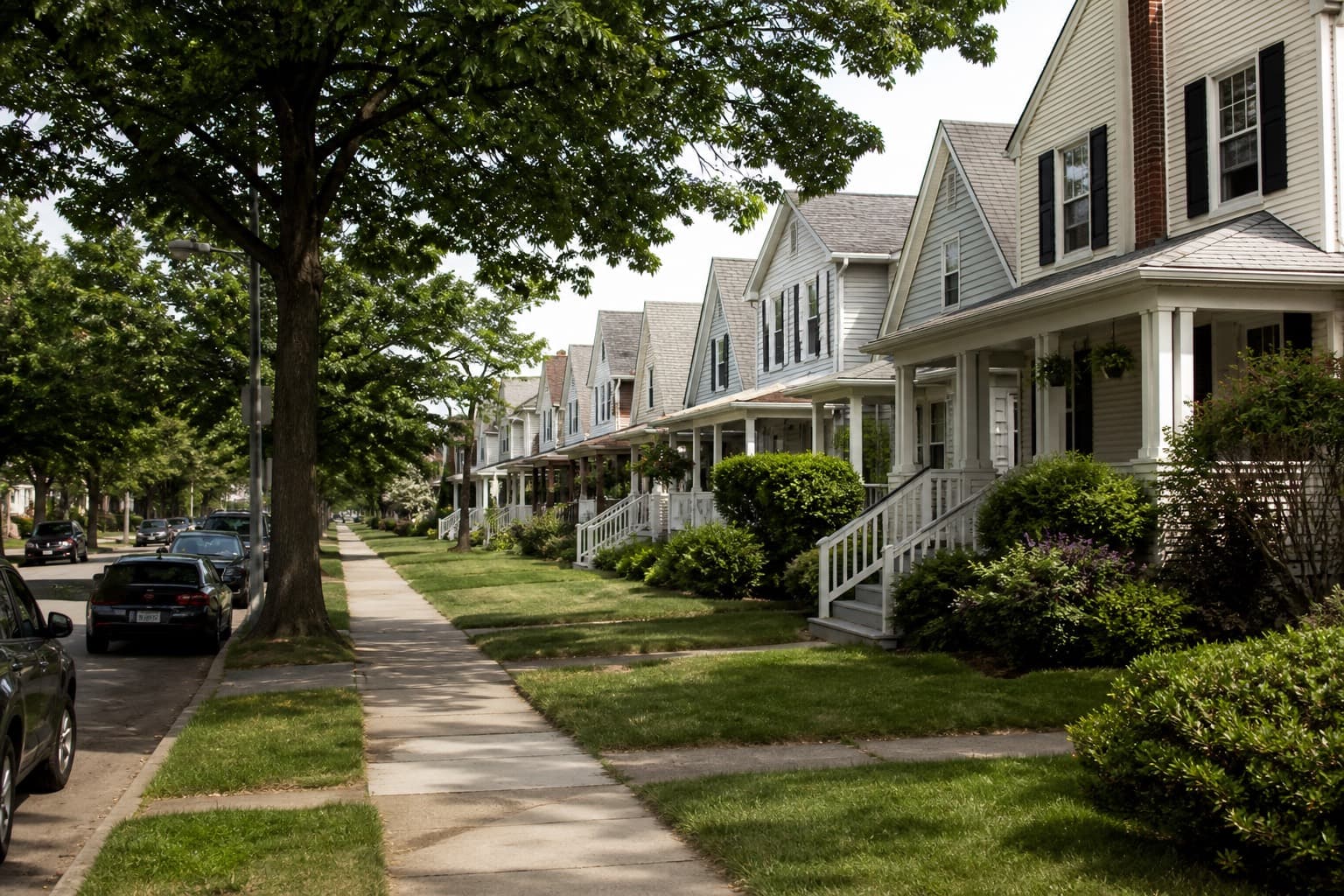
A landlord or property manager may pay for several addresses, but each address has its own scope, access, condition, schedule, and site contact. Treating the portfolio as one generic service record makes vacancy changes, crew notes, and billing difficult to track.
This guide explains how to model the account so tenant turnover does not disrupt the route. Start with customers, properties, and service history.
The record that survives turnover
Build the file like this:
- Customer. LLC, owner, or management company who pays
- Billing contact. AP email, portal, or owner phone
- Property, each service address with its own plan
- Site contact, tenant, porter, or lockbox, dated
- Approver, who can add a first cut or storm extra
Store these roles in structured records rather than one text thread.
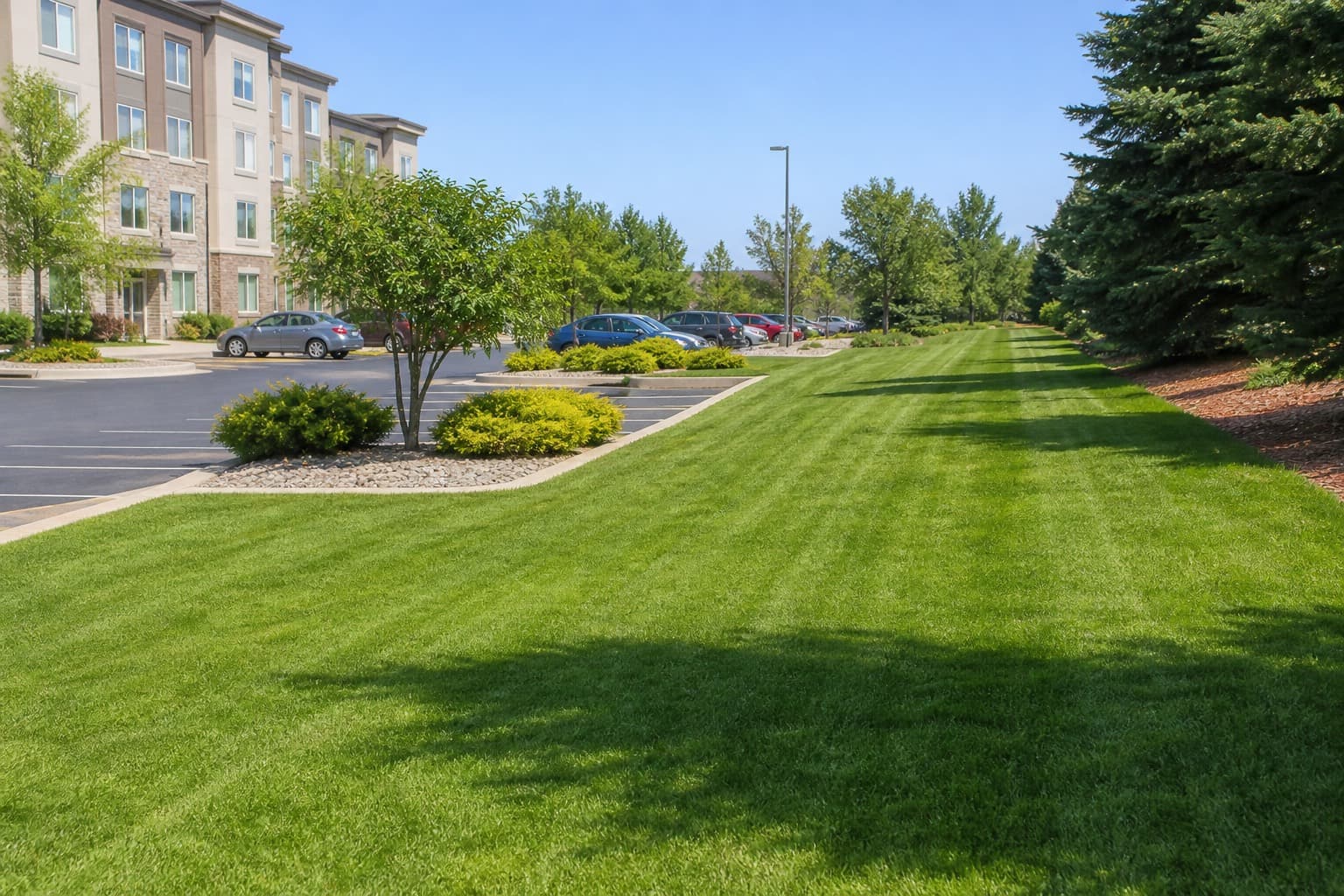
When a new tenant moves in, you update the property, not the customer name. When the owner sells one house, you archive one property and keep the rest. That is the whole point of a lawn care CRM.
Access that changes every lease
Rental access can change when tenants and managers change. Keep only the information needed to perform the work and protect it with appropriate permissions.
On every property card, keep:
- Current access method and the date you last confirmed it
- Pets and whether the yard will be cleared
- Bin and object-removal rules
- Quiet hours or HOA rules that apply to that address
- Who to text when you cannot get in — owner, manager, or tenant
When a code changes, update the property record promptly and remove the old credential. Limit access to assigned staff and avoid storing codes in unsecured personal messages. See property notes.
Vacancy, turnover, and first cuts
Vacant properties may require a different frequency, access process, or condition check. Define what “maintained” means instead of relying on a general request to keep the property presentable.
Write two packages before you take the book:
| Situation | Product | What you write |
|---|---|---|
| Occupied, standard growth | Recurring plan | Frequency, scope, access |
| Vacant, maintained | Vacancy plan | Defined scope and frequency |
| Turnover / overgrown | First cut / cleanup | Not a mow price |
| Restart after skip | Restart visit | Condition check, possible cleanup |
If service pauses during vacancy, inspect the condition and quote any overgrowth or cleanup before restarting the recurring package. See first-cut pricing.
Price each property before offering a portfolio discount
Portfolio discounts make sense only when grouped properties reduce travel or administrative cost. A shared payer does not create route density when the addresses are far apart.
Rules:
- Each property gets a time-based price from your job pricing formula
- Density fill-ins can get a written, dated discount
- Far pins keep a minimum or trip fee
- One cheap yard does not set the rate for the next four they acquire
Offer a blended rate only after estimating each property and allocated travel. Keep the underlying property assumptions so the rate can be reviewed when the portfolio changes.
Who gets the text, who gets the invoice
Multi-property accounts fail in communication, not in grass.
| Message | Default recipient | Why |
|---|---|---|
| Weather move | Site contact who can open access | A tenant home that day |
| Cannot access | Site + billing if it will skip | Owner pays for a wasted trip |
| Invoice / past due | Billing contact only | Tenants should not see owner bills |
| Extra / first cut | Named approver | Written approval supports billing |
| Review request | Payer or manager where appropriate | Respect platform and privacy rules |
Keep customer messages brief, and keep permanent scope and pricing on the quote and plan. Route tenant requests for scope or frequency changes to the authorized approver.
Invoicing the book without confusing AP
Confirm the required format before billing:
- One invoice with a line per address, or
- One invoice per property, same due date
If the manager requires a portal, purchase order, property code, or other field, store that requirement with the billing record. Keep payment terms and invoice formatting consistent across the portfolio.
Use the agreed invoice cadence and reconcile every property included in a consolidated invoice.
When to shrink or decline the portfolio
Drop or shrink the book when:
- Pins do not share a route and they will not pay trip fees
- Access changes are not sent until you are in the driveway
- They expect resident-level service without matching scope or price
- Payment is slow and they add houses faster than they pay
- They expect you to “just do the backyard too” on a showing day
A portfolio creates value when it improves route density or administration. If individual properties no longer fit, follow the agreement and use written notice, a final service date, and a final invoice.
In MowProHQ
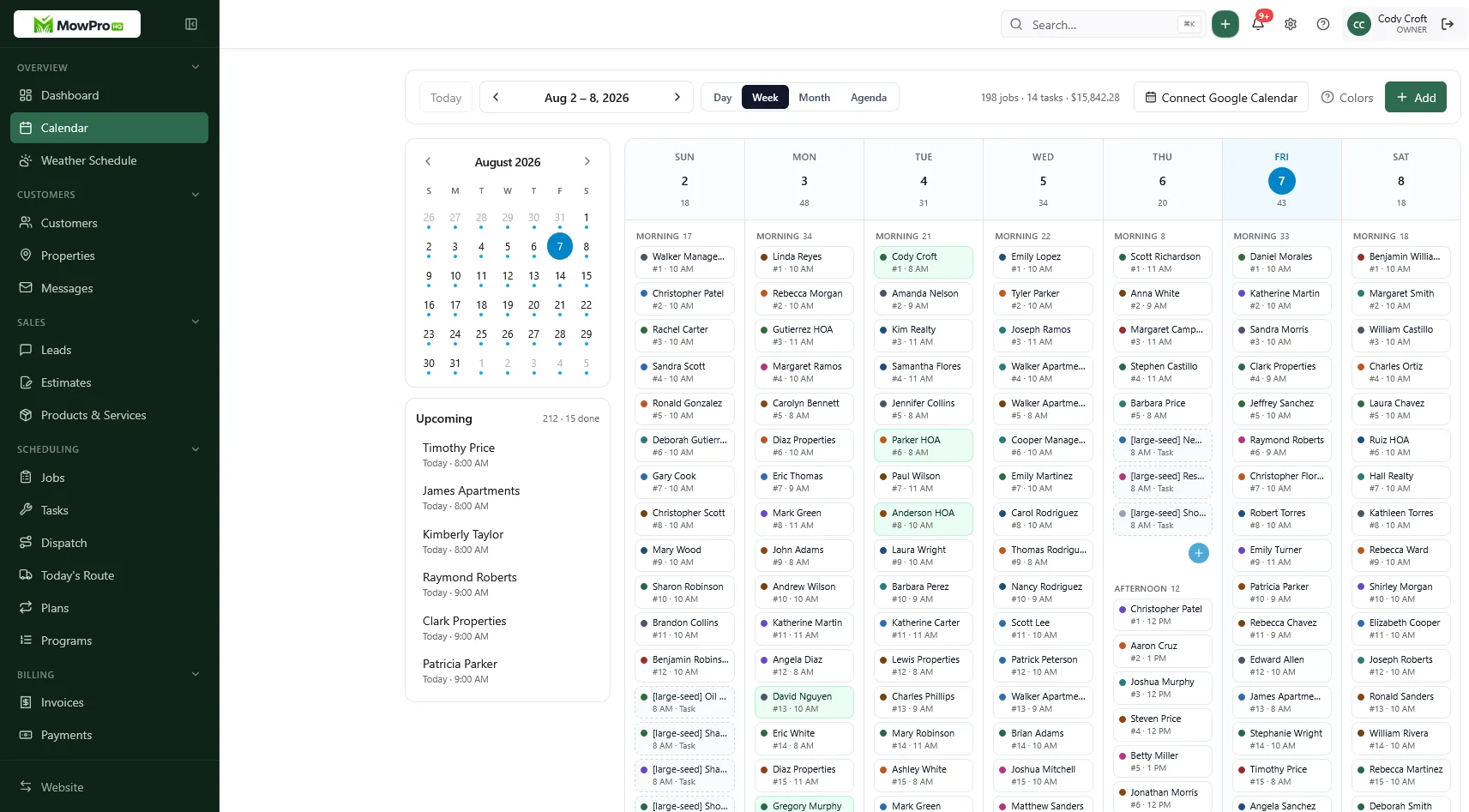
Onboarding a new multi-property book
Do this before the first Tuesday:
- List every address they think you are taking
- Walk or photo-quote the ones you have not seen
- Create the customer and every property
- Write occupied vs vacancy packages
- Confirm invoice format, payment method, and accounts-payable requirements
- Collect current access and a dated confirmation
- Decline or trip-fee the pins that break density
- Put the start week on the calendar only after they accept
Do not schedule the portfolio until the accepted address list and responsible contacts are confirmed.
How MowProHQ keeps the payer and the yards apart
MowProHQ separates customers from properties so recurring work, notes, quotes, and invoices can stay connected to the address the crew visits while billing rolls up to the appropriate payer.
Review current plans and pricing, then create an account and test the structure with a small multi-property account.
Frequently asked questions
- How should I set up a landlord lawn care account?
- Create a customer record for the legal payer and a separate property record for each service address. Keep site access and service history on the property, while billing contacts and portfolio-level terms remain on the customer.
- Who do I talk to on a multi-property lawn account?
- Identify the payer, accounts-payable contact, authorized approver, property manager, and site contact. Send each type of communication only to the appropriate role and document who may change scope or frequency.
- How do I price a landlord’s whole book of lawns?
- Price each property from service time, condition, travel, and scope. Offer a portfolio discount only when route density, administration, or payment reliability creates measurable savings.
- What happens to lawn service when a rental goes vacant?
- Define whether vacant properties continue on the same schedule, move to a vacancy package, or require a condition check before restarting. Record access changes and obtain approval for overgrowth or cleanup work.
- Should tenants call me about the lawn?
- Tenants should contact the lawn company only for the matters authorized by the owner or manager, commonly access and immediate safety. Scope, frequency, extras, and price changes should go through the named approver.
- How do I invoice a property manager for many lawns?
- Confirm whether accounts payable requires one consolidated invoice with property lines or separate invoices by address. Use the required legal entity, purchase orders, property codes, due dates, and submission method consistently.
- When is a multi-property lawn account a bad fit?
- It may be a poor fit when properties are scattered, access changes are unreliable, payment is consistently late, or the requested blended rate falls below the cost floor. Evaluate the portfolio as individual properties plus shared administration.