MowProHQ Blog/CRM
Lawn Care CRM: Customers, Properties, and History in One Place
Build your CRM around properties — not just contacts — so notes, history, and service plans stop living in texts and one person’s memory.
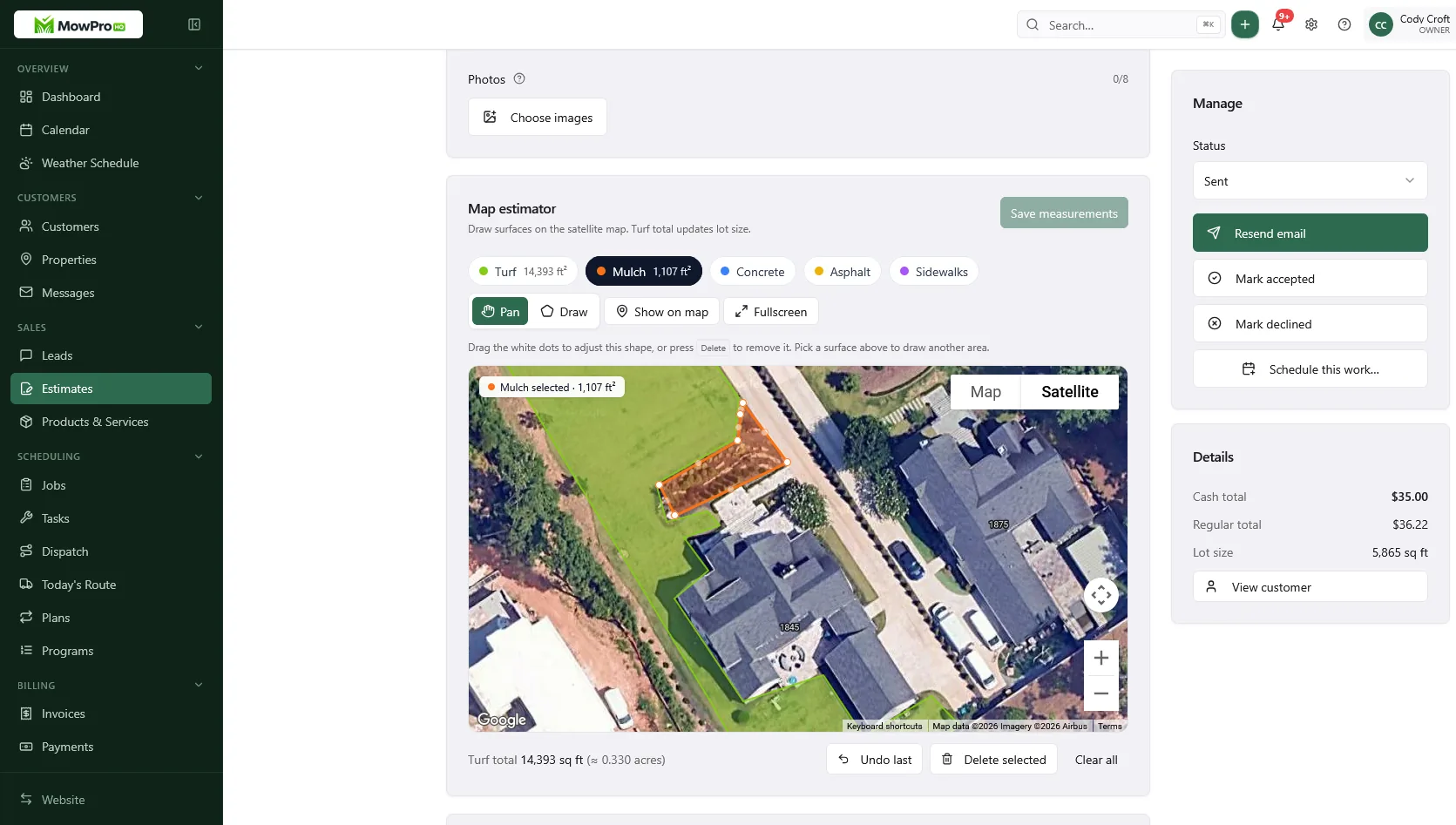
A contact list tells you who called. A lawn care CRM should also tell you which property needs work, what was agreed, who may approve changes, and what happened on the last visit.
That does not mean collecting everything. A useful lawn care CRM keeps customer, property, work, and billing records connected while limiting sensitive information to what the business genuinely needs.
Customers and properties are different records
A customer might be responsible for:
- Their home
- One or more rental properties
- A relative’s yard
- A shop or small commercial site
The billing contact may be the property owner, while a tenant, relative, or site manager handles access. Each property can also have its own service frequency, instructions, price, and history.
If all of that becomes one note under a person's name, a pause at one address can accidentally pause another. An invoice can go to the wrong contact, or a crew can follow instructions meant for a different yard.
A practical data model
- Customer or account: the person or organization responsible for the relationship
- Property: the physical location where work is performed
- Contacts and roles: who receives invoices, service updates, or access questions
- Quote: the proposed scope, terms, and price for one property
- Plan or job: recurring or one-time work at that property
- Visit: what was scheduled and what actually happened
- Invoice and payment record: what was billed and its status
Keep those records linked rather than duplicating names, addresses, and instructions across screens. The same structure supports lawn care scheduling and invoicing without making either record the source of every fact.

What to store—and what not to store
Use data minimization: collect information because it supports a defined business task, not because the CRM has an empty field. A useful property record may include:
- Service address and verified map location
- Account, billing, and on-site contacts with clearly labeled roles
- Active service scope and frequency
- Property measurements or pricing inputs needed for the quote
- Relevant hazards, pets, irrigation details, or equipment restrictions
- Permitted service windows or applicable site rules
- Last visit, next scheduled work, and unresolved service issues
Store personal information such as phone numbers and email addresses on the appropriate contact record rather than copying it into property notes. Avoid dates of birth, identity documents, unrelated family details, health information, or payment-card data unless a specific workflow and appropriate safeguards require it.
Lot measurements can support lot-size quoting, but keep the measurement source and any assumptions with the quote. A number without context can look more precise than it is.
Handle access codes as sensitive data
Gate, lockbox, keypad, alarm, and smart-lock details can enable physical access. Do not place them in free-form notes, route printouts, group texts, calendar titles, or fields visible to every user.
Use a dedicated restricted field or credential manager that can:
- Limit access to assigned workers who need it for the visit
- Hide the value by default and avoid exposing it in notifications
- Record who viewed or changed it
- Support prompt removal or rotation after service ends or access changes
- Prevent the code from appearing in routine exports when it is not needed
If your system cannot restrict sensitive access information, arrange another method with the customer, such as temporary access for the service window. Never reuse a customer's code elsewhere or guess that a code may be shared with subcontractors.
Write useful property notes
Keep ordinary notes short, factual, and related to the work:
- “Side gate sticks; lift latch before pulling”
- “Dog may be in rear yard; confirm it is inside before entry”
- “No powered equipment before the permitted start time”
- “Steep rear section requires the approved equipment setup”
Avoid speculation, jokes, personal judgments, and unnecessary details about residents. Property notes for lawn care should help the next person complete the work safely, not become a diary about the customer.
Connect the customer journey without overwriting history
A quote request should create or match the customer and the correct property. From there:
- Record the requested work and communication preferences.
- Build a property-specific quote with scope, assumptions, and terms.
- When accepted, create the plan or job from that agreed scope.
- Record each visit against the property and job.
- Create the invoice for the applicable customer or billing contact.
Do not silently replace the accepted quote when the scope changes. Record the amendment, approval, date, and person who authorized it. This creates a clearer handoff between lawn care quotes, field work, and billing.
Example: one customer, two properties
A landlord has a home on weekly service and a rental on biweekly service. The home pauses while the customer travels. Separate property records let the home plan pause without affecting the rental. The rental's tenant can receive arrival messages while invoices continue to go to the landlord.
For every property, make three roles explicit:
- Who receives and pays the invoice
- Who receives scheduling or weather messages
- Who can approve extra work or price changes
A person may fill more than one role, but the system should not assume it.
Keep service history factual and usable
A property timeline can help answer practical questions: Was the visit completed? Was an area skipped because access was blocked? Did the customer approve an add-on? What follow-up was promised?
A concise completion record might include:
- Scheduled and completed timestamps
- Services completed or skipped
- A reason code and brief factual note for exceptions
- Relevant materials or equipment used
- Photos only when they serve a defined purpose
- Follow-up owner and due date
- The user who created or changed the record
Photos can document pre-existing damage, blocked access, completed extras, or a service problem. Get any consent required for your use, avoid people and neighboring properties where possible, and do not keep routine images indefinitely simply because storage is available.
History can also support training and estimates for comparable work, but use it carefully. Similar lot size does not guarantee similar labor, and customer records should not be casually repurposed for unrelated marketing or employee monitoring.
Permissions: give each person only what they need
A CRM may contain addresses, contact details, prices, private messages, access instructions, and financial records. A shared login makes it difficult to limit exposure or understand who changed something.
Use individual accounts and role-based permissions. For example:
- Crew members: assigned route, service scope, relevant safety notes, and only the access information needed for those visits
- Crew leads or dispatchers: scheduling, assignments, visit exceptions, and operational contacts
- Office staff: customer communication, quotes, invoices, and account details needed for their work
- Owners or administrators: user management, exports, integrations, retention settings, and security review
Require strong, unique passwords and use multi-factor authentication when available. Remove access promptly when someone leaves or changes roles. Review connected apps, API keys, and vendor accounts too; removing a CRM user does not revoke an integration token automatically.
Subcontractors should receive only the records required for their assigned work, under appropriate agreements and instructions. Do not give a temporary worker a permanent export of the customer list.
Audit important actions
Audit history helps investigate mistakes and inappropriate access. Where supported, retain logs for actions such as:
- Viewing or changing restricted access details
- Exporting customers, properties, or financial data
- Changing user roles or permissions
- Deleting or merging records
- Editing accepted scope, prices, completion status, or payment status
- Connecting an integration or creating an API credential
Logs are useful only if someone reviews them. Check privileged access and unusual exports on a regular cadence, and document how concerns are escalated. Protect audit logs from ordinary editing and retain them according to your security and legal needs.
Consent and customer communication
Tell customers, in clear language, what information you collect, why you need it, how you communicate, and which service providers help run the business. Your privacy notice and actual practices should match.
Consent is not interchangeable across purposes. Permission to send an appointment update does not necessarily mean permission to send promotional texts, publish a yard photo, or use a testimonial. Track consent where required, including what the customer agreed to, when, and how they can withdraw it.
For operational messages, honor the customer's channel preferences where practical and avoid putting sensitive information in message previews. Review customer texting practices alongside applicable messaging and privacy rules for your location.
Privacy and recordkeeping requirements vary by jurisdiction and business context. Treat this article as operational guidance, not legal advice; obtain qualified advice for your specific obligations.
Retention, deletion, and exports
Write a retention schedule by record type instead of keeping everything forever. Tax, accounting, contract, insurance, and dispute records may need different retention periods. Access codes and temporary instructions usually should be removed much sooner than invoices.
When an account becomes inactive:
- End recurring work and revoke access for users who no longer need the record.
- Remove or rotate gate, lockbox, alarm, and temporary access credentials.
- Keep only records required for documented business or legal reasons.
- Delete expired photos, messages, and attachments from the CRM and connected systems.
- Record any deletion hold and release it when the reason ends.
Be prepared to locate, correct, export, or delete a customer's information when applicable. Test exports before you need one: confirm that customers, properties, roles, notes, quotes, jobs, invoices, attachments, and timestamps remain understandable outside the application. Restrict who can run exports, encrypt files in transit and at rest, and delete temporary copies after their purpose is complete.
Backups and recovery
A sync is not necessarily a backup. Accidental deletion, account compromise, or a faulty integration can propagate to every synced device.
Understand what your CRM provider backs up, how long recovery points are retained, and whether you can restore one record or only the entire account. If you create your own backups:
- Encrypt them and restrict access separately from day-to-day CRM access
- Keep at least one protected copy outside the primary account
- Define a retention and deletion schedule for backup copies
- Test restoration periodically instead of assuming an export will work
- Document who can authorize and perform recovery
Do not export sensitive access codes into general backup spreadsheets unless they are necessary and receive equivalent protection.
Migrate in manageable stages
Moving from contacts and spreadsheets is easier when active operations come first:
- Import active customers and deduplicate them.
- Create one property record per service address.
- Assign billing, communication, and authorization roles.
- Add current plans, frequencies, scope, and pricing.
- Add only current safety and access information through appropriate fields.
- Bring over open quotes, jobs, invoices, and issues.
- Import older history only when its value justifies the privacy and cleanup work.
Validate a sample before a full import. Check multi-property accounts, field mapping, consent records, dates, currency, attachments, and relationships between records. Keep the source export protected until the migration is verified, then dispose of unnecessary copies according to the retention plan.
A small maintenance routine
Clean data improves route planning and dispatch. Use a short recurring review:
- Merge duplicate customers and properties carefully.
- Close resolved issues and correct stale instructions.
- Confirm pauses and upcoming service dates.
- Review role assignments, inactive users, and recent exports.
- Remove expired access details and attachments.
- Check old accounts against the retention schedule.
- Review older pricing through your lawn care pricing framework.
Use consistent service names and archive inactive recurring plans when history must be retained. Do not use “archive” as a substitute for deletion when the retention period has ended.
Seasonal property review
| Season shift | What to verify on active properties |
|---|---|
| Spring | Current contacts, post-winter access, hazards, construction, and start dates |
| Peak summer | Service frequency, water restrictions, heat-related scheduling, and pet notes |
| Fall | Leaf scope, changed access, daylight limits, and approved extras |
| Shoulder / winter | Paused plans, snow or dormant-season scope, and expired access details |
Solo operators can use the same model without building an enterprise process. Start with customers, properties, plans, and factual visit notes. Individual accounts, backups, and retention still matter when one person runs the business because one lost device or compromised login can affect every customer.
In MowProHQ
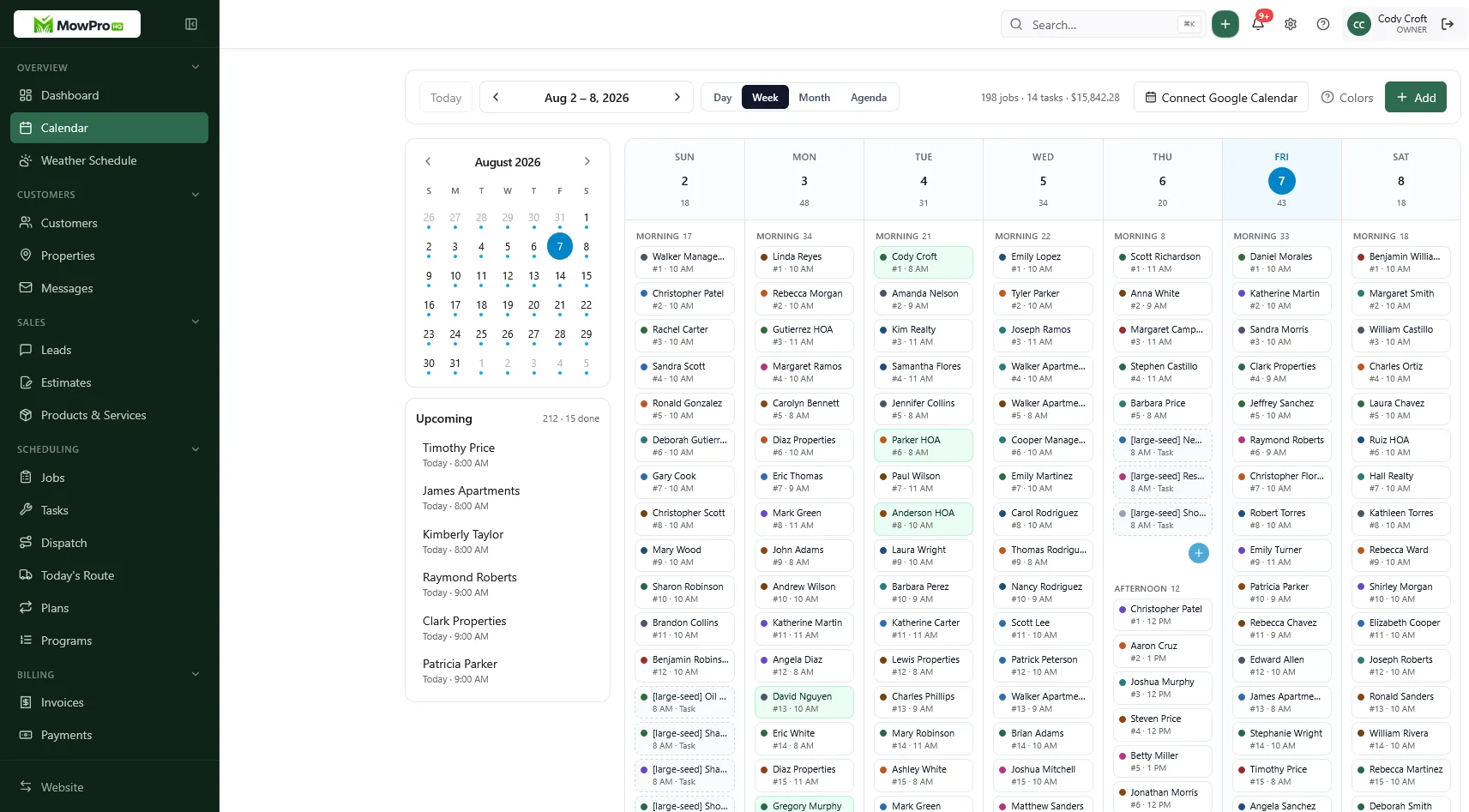
How MowProHQ approaches CRM
MowProHQ is designed to connect customer, property, scheduling, quoting, job, and invoice workflows for lawn care businesses. Review the current options on the pricing page, and sign up if the product fits your workflow.
Whichever CRM you choose, verify its permissions, audit, export, backup, retention, and security controls against your needs. Good software supports careful operations; it does not replace them.
Frequently asked questions
- Why does lawn care need a CRM built around properties?
- Customers and service locations are not always the same. One customer may pay for several properties, while a tenant or manager handles access at each address. Separate, linked records keep billing, communication, service plans, and visit history attached to the right place.
- What information belongs on every property record?
- Store only what is needed to quote, schedule, perform, and document the work: service address, site contact, service plan, relevant hazards or constraints, visit history, and open issues. Put gate or lockbox codes in a restricted field, not ordinary notes, and remove them when they are no longer needed.
- Do solo operators need a CRM?
- A solo operator can benefit from a simple CRM because it reduces dependence on memory and scattered messages. Start with active customers, one record per property, upcoming work, and short visit notes; add complexity only when it solves a real problem.
- How should quotes connect to a lawn care CRM?
- A quote should connect to the customer and the specific property it covers. If accepted, its scope should carry into the job or recurring plan and then the invoice, with any changes documented instead of silently overwriting the original agreement.
- What CRM hygiene habits matter most?
- Prevent duplicates, use consistent service names, keep customer and property roles separate, review access and hazard notes regularly, limit permissions, and archive records according to a written retention policy. Correct stale data instead of copying it into new notes.
- How does service history help with disputes and upsells?
- Dated completion notes can clarify what was scheduled, completed, changed, or reported. Keep entries factual and proportionate, preserve relevant quote and invoice records, and avoid recording personal opinions or unrelated details about customers.