MowProHQ Blog/CRM
Pool Property Notes That Keep the Next Tech From Looking New
What to record for every pool property, including access, safety, chemistry preferences, equipment details, and billing contacts.
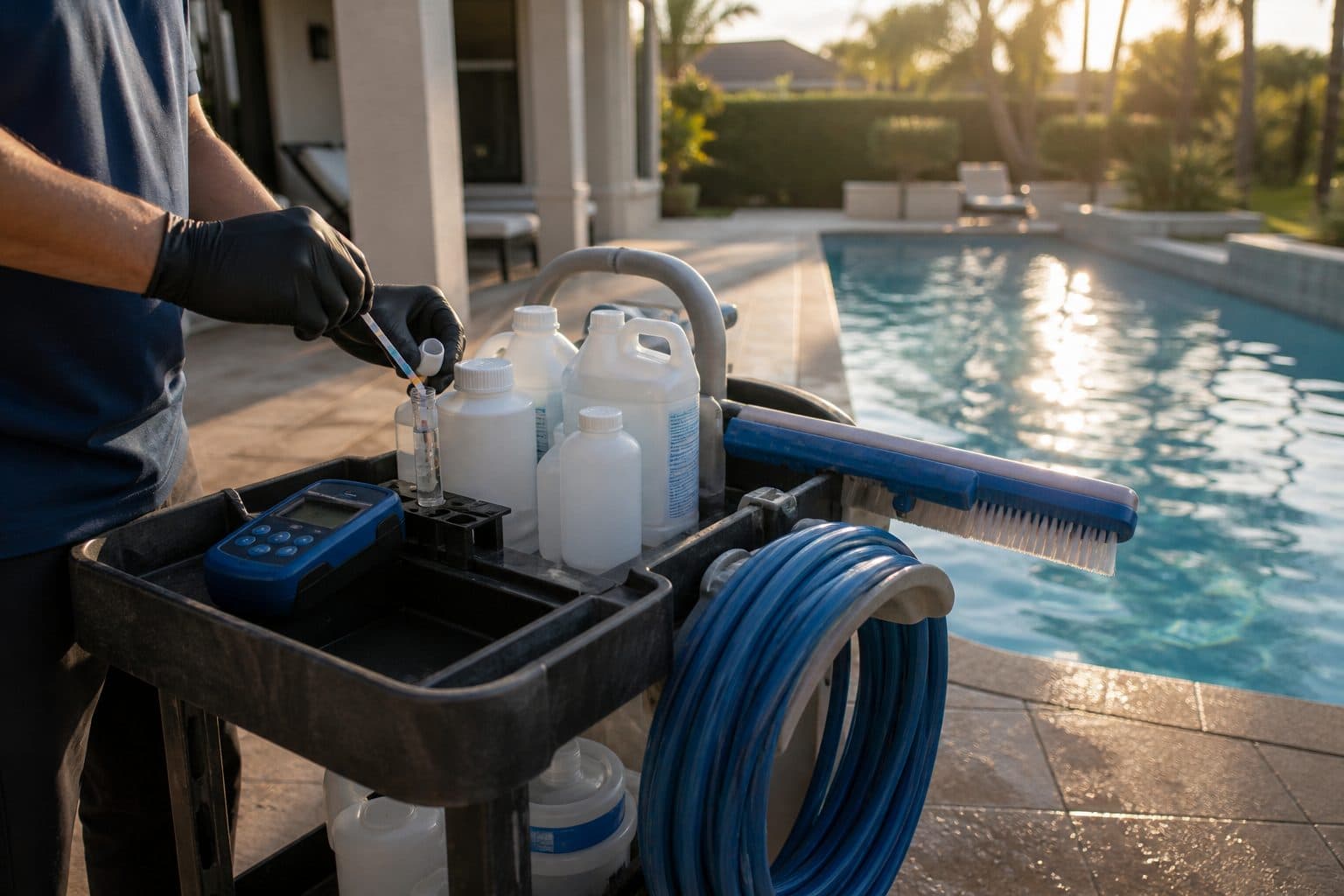
A technician visiting an established pool should not need to call the owner for routine access or equipment details. Gate codes buried in old messages, undocumented chemistry preferences, and pump quirks held in one person’s memory add avoidable delays to every route.
This guide covers the fields each pool property needs, how to write scannable notes, who maintains them, and how to handle access codes more carefully. The same principles used for lawn care property notes apply, with pool-specific details such as cages, salt systems, and filter baselines.
Note fields every pool property needs
The property record should answer the routine questions a technician has before entering the pool area.
The must-haves
| Field | Why it exists | Example |
|---|---|---|
| Access | How they get in | HOA gate 2210, then south latch, close the cage |
| Parking | Where the truck is allowed | Street only; HOA tickets the circle |
| Animals | Safety and skip rules | Two dogs — confirm inside before open |
| Chemical preference | How you dose | Salt; keep FC 4–5; kids swim at 4; no phosphate |
| Equipment | Matching parts and time | Hayward pump, cartridge, cell on the pad east |
| Filter baseline | When an extra is due | 18 psi clean; wash at 25 |
| Who authorizes extras | Approval before added work | Tenant reports issues; owner approves repairs |
| Billing vs site contact | Who to call | Owner pays; resident receives access texts |
If a detail does not affect the current visit, place it in the property history instead of the field technician’s primary instructions.
Clubs and properties with multiple bodies of water may also need quiet hours, dock rules, and labels for each pool or spa.
Nice-to-haves that earn their keep
- Timer quirks (“pump off 2–4 while kids nap” is a preference, not a guess)
- Robotic cleaner status and storage location
- Gate-closing or noise restrictions
- Preferred start window (not a promise you cannot keep)
- Last green recovery date and why it went green
- Salt cell last acid-washed
Keep temporary customer history out of the primary instructions. Write for a technician reviewing the note between stops.
Write notes techs will actually read
Long or subjective notes are harder to use in the field. Keep the format consistent across properties.
Rules that work:
- Lead with the action. “South gate” before “they’re nice.”
- One fact per line when you can.
- Date the change. “2026-06-12: new HOA code 2210 (old 4471 retired).”
- Remove outdated information. Stale warnings make the rest of the record less trustworthy.
- No essays. If you need a paragraph, you need a checklist plus a short note.
Vague versus useful
| Vague | Useful |
|---|---|
| “Kind of a big pool” | “~18k, long cage carry, 35–45 min” |
| “Watch the dog” | “Shepherd — must be inside; if out, skip and note” |
| “Gate code in texts” | “HOA 2210, then south latch” |
| “Customer is picky” | “Keep FC 4–5; no phosphate; kids swim 4 p.m.” |
| “Pump is weird” | “Prime once, then timer is on the west wall; do not leave in service mode” |
| “HOA stuff” | “No work before 8:00; park on Oak, not the cul-de-sac” |
The useful examples describe an action or measurable condition that can be taught to another technician.
Worked example: before and after
Before: “Longtime customer, dog sometimes out, gate is tricky, likes it crystal, pump acts up.”
After:
- HOA gate 2210, then south latch, close cage
- Dogs: confirm inside; if out, do not enter, text office
- Park on street
- Salt; keep FC 4–5; no phosphate
- Filter 18 psi clean; cell last washed 2026-08-03
- Pump: prime once; timer west wall
- Owner authorizes extras; same-day invoice
- 2026-08-03: new latch; old “push hard” note retired
The second version gives the next technician usable instructions without exposing unrelated personal details. That is part of running a weekly route without a notebook.
Update notes after exceptions
A note written only at signup will become outdated. Codes and animals change, and equipment is repaired or replaced. The technician who encounters a change should record it.
Close-out habit (30 seconds):
- Access failed? Write what failed and what worked.
- Extra work? Write what was done and whether it was billed — same habit as same-day invoicing.
- Customer asked for a permanent chem change? Change the preference line the same day.
- Equipment changed? Record the brand, location, and relevant baseline before the next visit.
Do not route every field update through the owner after hours. Give technicians a defined process for updating operational details.
Who edits what
| Change | Who updates | When |
|---|---|---|
| Gate / dog / parking | Tech | Before leaving the stop |
| Chem preference | Tech after a written yes, or office | Same day |
| Scope / package | Office after a written yes | Same day |
| Billing contact | Office | When they tell you |
| Price | Office | When the quote changes |
| Seasonal hold / close | Office | When pause is real |
Messages are useful for temporary changes. Lasting details belong on the property record after the message is received. Conversations can preserve the exchange, while the property note carries the instruction into future visits.
Privacy and code hygiene
Gate codes, lockbox numbers, and alarm instructions are sensitive access information.
Practical hygiene:
- Store the code on the property record the tech uses for the stop
- Do not paste codes into a 12-person group text that outlives the helper
- Do not put codes on invoices or review-request emails
- When the customer changes the lock, retire the old code in the same edit
- Limit access for seasonal employees and others who do not need every property record
Technicians still need authorized access to the information for assigned stops. Use a controlled record that balances field availability with appropriate permissions.
When an employee leaves, remove their system access promptly and work with customers to rotate any credentials that may have remained on personal devices.
Separate notes for multi-property customers
Landlords, seasonal residents, and small clubs may have multiple properties and contacts. Each property needs its own operational notes.
For each property, store:
- Who gets access texts (tenant vs owner vs club manager)
- Who authorizes repairs or additional service
- Who pays
- Which note applies only to that body of water (the spa’s timer is not the pool’s timer)
Avoid copying the same access instructions across properties. Keep site-specific details on each address while the customer record identifies the payer and primary contact.
A 12-line template you can paste
Use this on every new stop, then delete unused lines:
- Enter / park:
- Community gate / house gate / cage:
- Dogs / animals:
- Kids / hours:
- System (salt / chlorine / other):
- Chem preference (FC range, no-go products):
- Pump / timer location and quirks:
- Filter type and clean psi:
- Salt cell location / last wash:
- Scope extras (tile, polaris, no-go):
- Billing vs site contact:
- Last change date:
Complete every line that affects service before the first visit. Use “not applicable” when a field genuinely does not apply.
Notes that change pricing and dispatch
A good note also supports quoting. Difficult access, long carries, and equipment that needs additional service time belong in weekly pool-service pricing, not only in field instructions.
Dispatch can use the same details to assign adequate time and an appropriately experienced technician. This becomes especially important before adding a second pool truck.
Include weather-related instructions where useful, such as extra debris after storms or a rule to skip service when the cover is installed unless the customer requests otherwise.
Seasonal note review
Once per season, filter properties with:
- Codes older than a year with no confirmation
- Dog notes with no date
- “Picky” or “careful” with no specifics
- Commercial stops missing quiet hours
- Filter psi with no baseline
- Any stop that generated a tech call last month
Brief weekly reviews are easier than a large seasonal cleanup.
New-customer intake is the best time to establish the record. Before the first recurring visit, ask about access, parking, animals, system type, target chemistry, equipment locations, approval authority, and the contact for access problems. Record the answers on the property the same day.
When a technician reports an incorrect note, verify it, update the line, and date the change. Encourage field corrections so the record reflects current conditions.
Chemical tracking can record what was applied, but it may not replace specialized water-testing or dosing software. Keep customer preferences and operating instructions in plain language on the property, and use appropriate testing methods for treatment decisions.
How MowProHQ helps pool property notes
MowProHQ keeps property notes beside the schedule, quote, and invoice, giving field and office staff access to the same current record.
Review current plans and pricing, then create an account and test the note template on a small set of properties. See the pool service overview and pool software guide for the broader workflow.
Frequently asked questions
- What should be on every pool property record?
- Record access instructions, approved parking, animals and other hazards, chemistry preferences, pump and filter details, service scope, and who authorizes extra work versus who pays.
- How do I write pool property notes a tech will actually read?
- Keep notes short, specific, and current. Put the required action first, use one fact per line, date important changes, and remove obsolete instructions.
- Who should update pool property notes?
- The technician should update access, equipment, or safety changes before closing the visit. The office should maintain billing contacts, service scope, and prices. Define ownership so updates do not wait for the owner.
- Is it safe to store pool gate codes in software?
- Use a system with appropriate access controls, provide codes only to workers who need them, and avoid group texts, invoices, or marketing messages. Remove old codes promptly and follow applicable privacy and security requirements.
- What is an example of a good pool property note?
- A useful note gives specific actions: which entrance to use, where to park, the animal-safety rule, system type, target chemistry, baseline filter pressure, and who can approve extras. Avoid subjective descriptions such as “picky customer.”
- How often should I review pool property notes?
- Update notes whenever an exception or change occurs. Review problem stops weekly and perform a broader seasonal check of access, animals, equipment, and customer preferences.
- Do pool notes belong in the CRM or in texts?
- Keep permanent instructions in the CRM on the relevant property and make them available with the scheduled stop. Use messages for temporary updates, then move any lasting fact into the property record.