MowProHQ Blog/CRM
Property Notes That Save Lawn Care Crews Time
What to store on every lawn care property record - access, hazards, preferences - so the truck does not call the office every stop.

The truck should not call the office to ask which gate. That call is a property-note failure wearing a friendly voice. Every season, operators lose 20-40 minutes a day to access theater: codes in old texts, dog warnings that were never written down, and “they said last year” preferences that only one person remembers.
This guide covers the fields every property needs, how to write notes crews will actually read, who updates them after a visit, and how to handle codes without spraying them across a group chat. The goal is a stop the new helper can run without a phone tree.
Note fields every property needs
If you only store a name and an address, you have a contact list, not a CRM. The property record has to answer the questions a crew asks in the driveway.
The must-haves
| Field | Why it exists | Example |
|---|---|---|
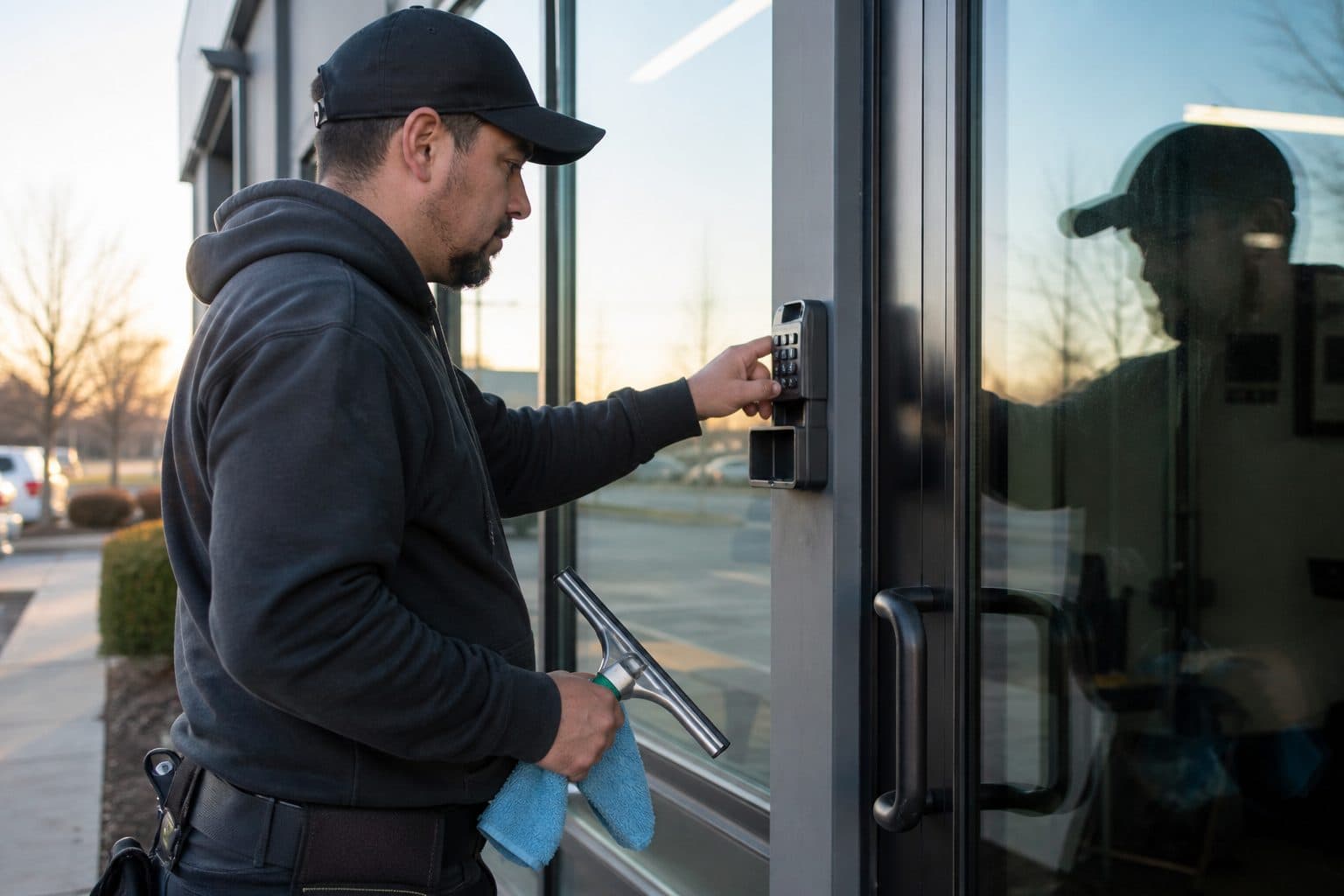
| Access | How they get in | South gate, code 4471, close it |
| Parking | Where the truck is allowed | Street only; HOA tickets the circle |
| Animals | Safety and skip rules | Two dogs - confirm inside before open |
| Hazards | Injury and equipment | Steep west slope; bees on south fence |
| Equipment constraint | Crew matching | Walk-behind only; 200 ft carry |
| Preference that changes work | Scope | Bag clippings; skip rose bed |
| Billing vs site contact | Who to call | Tenant texts; owner pays |
If a note does not change what the crew does in the next 10 minutes, it probably belongs in a quieter history field - not in the line they see first.
Commercial and HOA stops add quiet hours, dock rules, and who can authorize extras. That contrast is commercial vs residential ops, but the note still has to be on the property, not in the office manager’s head.
Nice-to-haves that earn their keep
- Irrigation heads that break if you turn too tight
- Hidden drop-offs after rain
- Neighbor who complains about blow direction
- Preferred start window (not a promise you cannot keep)
- Last cleanup date and why it was a cleanup
Do not turn the record into a novel about the customer’s vacation. Crews scan. Owners reminisce. Write for the scan.
Write notes crews will actually read
Style is an ops problem. Long notes get skipped. Cute notes get ignored. Accusatory notes get argued.
Rules that work:
- Lead with the action. “South gate” before “they’re nice.”
- One fact per line when you can.
- Date the change. “2026-06-12: new code 4471 (old 2210 retired).”
- Delete the lie. If the dog died, remove the dog line. Stale warnings train crews to ignore all warnings.
- No essays. If you need a paragraph, you need a checklist plus a short note - see job checklists.
Great vs useless
| Useless | Useful |
|---|---|
| “Kind of a big yard” | “Large band; long side carry; 55-70 min” |
| “Watch the dog” | “Shepherd - must be inside; if out, skip and note” |
| “Gate code in texts” | “South gate 4471” |
| “Customer is picky” | “Edge driveway and walk; blow off beds; no grass on pool deck” |
| “HOA stuff” | “No work before 8:00; park on Oak, not the cul-de-sac” |
The useful column is something you can train. The useless column is something you can only sigh about.
Worked example: before and after
Before: “Mrs. Hale - been with us forever, husband passed, dog sometimes out, gate is tricky, she likes it neat.”
After:
- South gate, lift latch, then code 4471
- Dogs: confirm inside; if out, do not enter, text office
- Park on street
- Scope: mow, edge, blow hard surfaces; no beds
- 2026-08-03: new latch; old “push hard” note retired
Same customer. The second version does not require a phone call.
Update notes after exceptions
A note that is only written at signup is a spring fiction by July. Landscaping changes. Dogs change. Codes change. The crew that hit the exception owns the update.
Close-out habit (30 seconds):
- Access failed? Write what failed and what worked.
- Extra work? Write what was done and whether it was billed.
- Customer asked for a permanent change? Change the preference line the same day.
- Hazard appeared? Put it on the next visit, not in a story at the shop.
If only the owner edits notes at 9 p.m., the afternoon helper will always be wrong. This is the same “named owner” idea as dispatch: someone owns the board, someone owns the note.
Who edits what
| Change | Who updates | When |
|---|---|---|
| Gate / dog / parking | Crew lead | Before leaving the stop |
| Scope / package | Office after a written yes | Same day |
| Billing contact | Office | When they tell you |
| Price | Office | When the quote changes |
| Seasonal hold | Office | When pause is real |
Texting is for the window and the one-time exception. The permanent fact goes on the property. If you only text “new code is 4471,” the next truck will not have it.
Privacy and code hygiene
Gate codes, lockbox numbers, and alarm notes are not marketing content. They are access secrets.
Practical hygiene:
- Store the code on the property record the crew uses for the stop
- Do not paste codes into a 12-person group text that outlives the helper
- Do not put codes on invoices or review-request emails
- When the customer changes the lock, retire the old code in the same edit
- Limit admin access if your shop has seasonal people who do not need the whole book
You still need the code on the truck. Hiding it in a binder only the owner has is how crews lean on fences. The point is a controlled record, not a scavenger hunt.
If a helper leaves on bad terms, change the codes you can influence and rotate anything that lived in personal phones. That is ugly. It is cheaper than a Sunday surprise.
Multi-property and landlord traps
One customer is not one note. Landlords, adult children, and small businesses often have two addresses and three phone numbers.
For each property, store:
- Who gets access texts (tenant vs owner)
- Who authorizes extras
- Who pays
- Which note applies only to that address (the shop lot’s gate is not the house’s gate)
If you copy-paste one note onto both properties, you will send the crew to the wrong lock. The CRM should make the property the unit of truth. The customer is who pays and who you market to.
A 10-line template you can paste
Use this on every new stop, then delete unused lines:
- Enter / park:
- Code / lockbox:
- Dogs / animals:
- Kids / hours:
- Slope / soft ground:
- Equipment limit:
- Scope extras (bag, beds, no-go zones):
- Blow / edge specifics:
- Billing vs site contact:
- Last change date:
If a line is empty, you have not finished signup. Empty is more honest than “see texts.”
Notes that change pricing and dispatch
A good note is also a quoting tool. Poor access and slope belong on the lot-size quote and the price, not only in a warning the crew swears at.
Dispatch uses the same lines to match crew and equipment. Putting a green helper on “walk-behind only, 200 ft carry, steep west” is how quality complaints and overtime arrive together.
Weather days need notes too: “soft west side after rain - skip or walk it.” That sentence saves a rut and a callback. Pair it with your weather reschedule rules so the skip is a decision, not a guess.
Seasonal note review
Once per season, filter properties with:
- Codes older than a year with no confirmation
- Dog notes with no date
- “Picky” or “careful” with no specifics
- Commercial stops missing quiet hours
- Any stop that generated a crew call last month
Fifteen minutes a week beats a Saturday of “we need to clean up the CRM.”
New-customer intake is the cheapest time to get this right. Before the first mow, ask five questions on the quote call or site visit: how do we get in, where do we park, animals, anything we should not touch, and who do we text if we cannot get in. Write the answers on the property the same day. A charming conversation that never hits the record is how the second crew calls you from the driveway.
If a helper says “the note was wrong,” treat that as a gift. Fix the line, date it, and thank them. Crews stop reporting bad notes when the office argues. The truck is closer to the latch than you are.
How MowProHQ helps property notes
MowProHQ keeps notes on the property next to the schedule, quote, and invoice so the field and the office share one story. Core CRM, scheduling, quotes, invoices, dual Regular vs Cash pricing (legal in all 50 states), the customer portal, and the website editor are free with two seats. Growth is $39 with unlimited seats and no seat fees - dispatch and routes, event-based GPS, chemical tracking, timeclock, a live site with leads, and card processing at 3.5% + $0.30. Pro at $89 adds AI website, Get Found, and reviews. Start at signup if the note still lives in a text thread; the free core is enough to stop the driveway phone call.
Your reputation lives on the curb. The facts that protect the crew should live on the property - short, current, and boring on purpose.
Frequently asked questions
- What should be on every lawn care property record?
- Access (gate, parking, which door), hazards (dogs, slope, bees, soft ground), equipment notes (walk-behind only, long carry), and customer preferences that change the job (no Sunday, bag clippings, skip a bed). If the crew still calls for those, the note is missing or unreadable.
- How do I write property notes crews will actually read?
- Keep them short, scannable, and current. Lead with the action: “South gate, code 1234, dogs inside.” Date changes. Delete stale lines. A paragraph of history nobody has time to read is how crews skip the note and call you anyway.
- Who should update lawn care property notes?
- The crew lead updates after an exception the same visit. The office fixes billing and contact roles. If only the owner edits notes at night, the truck will always be behind the truth. Make “note or it did not happen” a close-out habit.
- Is it safe to store gate codes in lawn care software?
- Store codes on the property record that crews need for the stop - not in a group text that lives forever on everyone’s phone. Limit who can see them, do not paste codes into marketing emails, and change codes in the record when the customer changes the lock.
- What is an example of a good lawn care property note?
- Good: “Enter south gate, code 4471. Park on street, not the circle. Two dogs - confirm inside. Steep west slope, no zero-turn. Blow driveway and walk only.” Bad: “Nice people, kind of a big yard, watch out.” The first is a job. The second is a vibe.
- How often should I review property notes?
- Spot-check problem stops weekly and do a seasonal pass when gates, dogs, and landscaping change. After any complaint or extra, update the same day. Notes that only get edited at spring signup are stale by June.
- Do property notes belong in the CRM or in texts?
- In the CRM, on the property, attached to the stop. Texts are for a one-time window change, not for the code that will be needed all season. If the note lives in a thread, the next helper will not have it.