MowProHQ Blog/Quality
Job Checklists for Lawn Care Quality Control
Practical lawn care checklists for consistent mowing, safer job close-out, property notes, photos, incidents, and crew training.
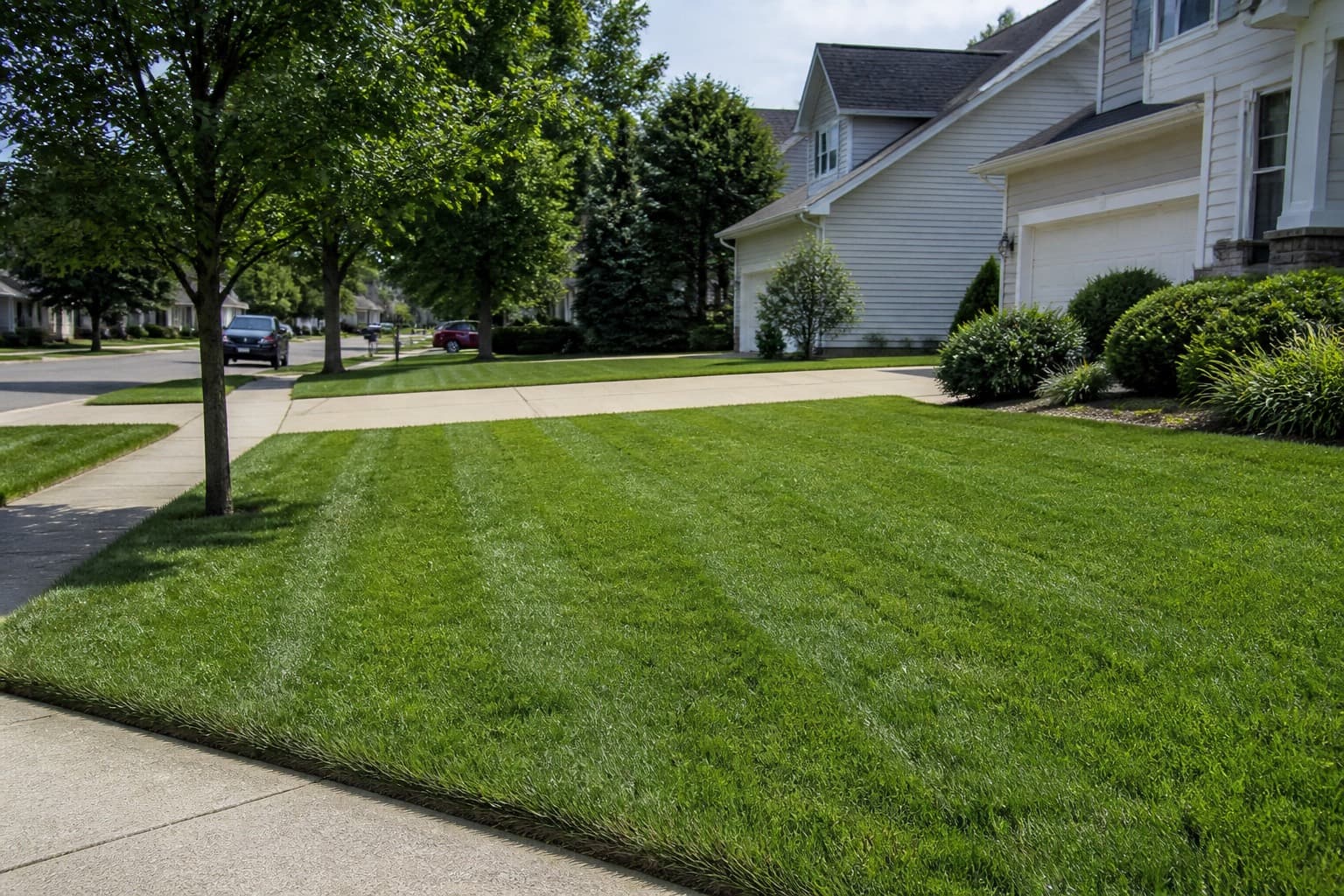
Good lawn care checklists are short enough to use and specific enough to settle what “done” means. They help a crew remember the sold scope, catch visible misses, document exceptions, and tell the office what needs follow-up.
They are not safety programs. A few boxes on a phone cannot replace hands-on training, supervision, manufacturer instructions, product labels, safety data sheets (SDS), licensing requirements, or local rules. Build the checklist from those sources, then use it as a field reminder.
Start with a minimum mowing standard
A useful daily checklist describes observable results. Match it to the package the customer bought rather than promising every possible task at every visit.
Core residential mow
- Review the job — confirm the address, sold scope, access notes, hazards, and no-service areas.
- Check the site — look for people, pets, toys, debris, irrigation parts, wet ground, traffic, and other changing conditions.
- Mow — use the assigned height and pattern where conditions allow; correct obvious skips or uneven passes.
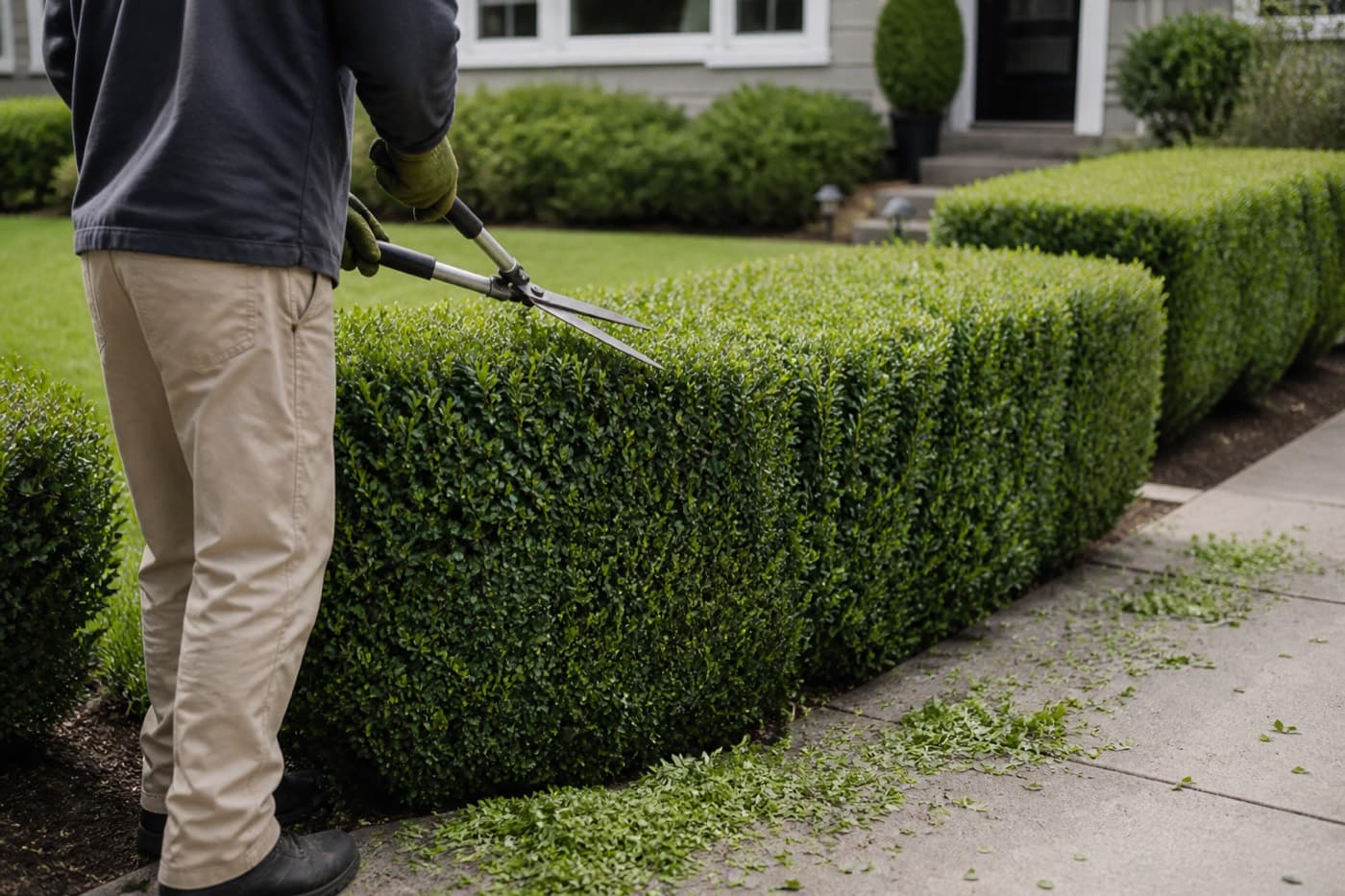
- Trim and edge — complete only the surfaces and obstacles included in the scope.
- Blow down — clear contracted hard surfaces without directing debris toward people, vehicles, windows, traffic, beds, or neighboring property.
- Walk the property — verify the front, back, gates, and any separate zones before leaving.
- Close out — shut down and secure equipment, record exceptions or incidents, and mark the visit complete.
Bagging, bed work, haul-away, and cleanup beyond ordinary mowing should appear in the quote or property scope. Clear lawn care quotes prevent a quality checklist from quietly becoming a list of free extras.
| Check | Done looks like | Common miss |
|---|---|---|
| Scope | Crew reviewed the services and exclusions | Doing an unsold add-on |
| Cut | Consistent result for the assigned conditions | Strip missed beside a fence |
| Edge and trim | Included areas are complete without visible damage | Back walk or utility box skipped |
| Blow down | Included hard surfaces are clear | Clippings left by the garage |
| Walkaround | A named person checked every service zone | Front looks done; back was missed |
| Notes | The next crew and office can understand the exception | “Couldn’t finish” with no reason |
Pair the checklist with current property notes. A generic list cannot tell a new crew which gate sticks, which bed is off-limits, or where a customer wants the mower kept away.
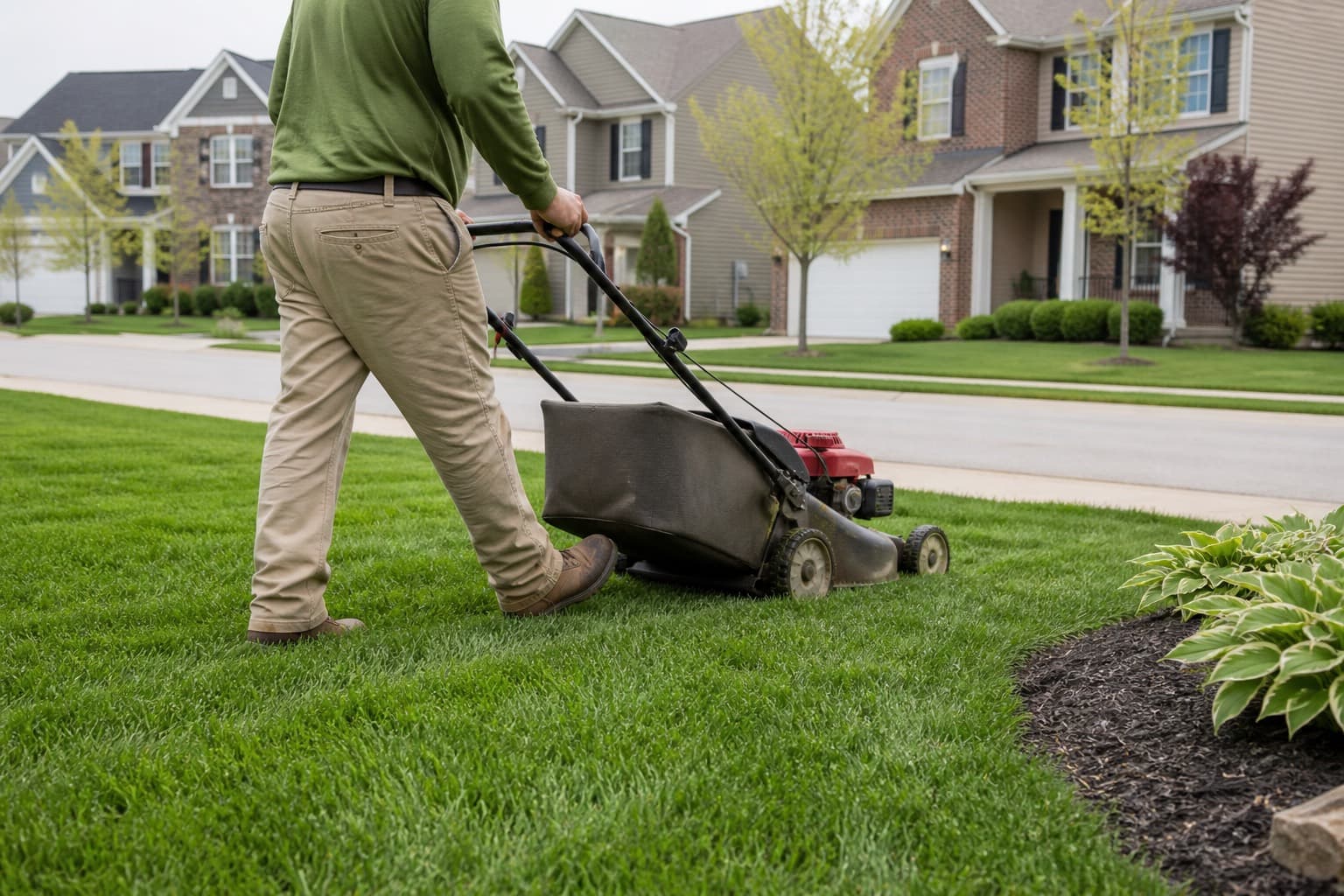
Put safety checks before production
Do not bury safety at the bottom of the card. The crew should pause before unloading and reassess whenever conditions change.
Pre-start check
- Confirm crew members are trained and authorized for their assigned equipment.
- Follow the equipment manufacturer’s inspection and operating instructions.
- Wear the PPE required by the task, equipment instructions, product label, and company policy. Replace damaged or ineffective PPE.
- Walk the work area for debris, drop-offs, holes, slopes, low branches, wires, irrigation parts, bystanders, and animals.
- Identify traffic exposure, safe parking, loading space, and any controls required by the site or local rules.
- Check weather and ground conditions, including heat, lightning, wind, reduced visibility, standing water, ice, or slopes that have lost traction.
- Stop and ask the lead when the scope, hazard, or control is unclear.
“PPE checked” should not become a meaningless universal box. A mower, trimmer, blower, pesticide, and roadside task may require different protection. Base the rule on the actual hazard and controlling instructions.
Equipment shutdown and clearing jams
Never treat “quick adjustment” as permission to reach into moving equipment. Before clearing a clog, inspecting damage, adjusting, fueling, transporting, or leaving equipment unattended:
- Move to a stable location away from people and traffic when possible.
- Disengage blades, PTO, or attachments.
- Stop the engine or motor and remove the key or power source as the manufacturer directs.
- Wait for all moving parts to stop and allow hot components to cool where needed.
- Follow the manufacturer’s shutdown, stored-energy, and maintenance procedure; use lockout or other controls when required.
- Tag or remove damaged equipment from service and report it. Do not improvise a repair in the field unless the worker is trained and authorized.
This is intentionally cautious because equipment designs differ. The manual for the specific model controls the procedure.
Account for heat and changing weather
A “weather okay” checkbox is too vague. Give the crew an actual company plan with thresholds, responsibilities, and a stop-work process appropriate to your region and applicable requirements.
At minimum, the field check can prompt the lead to consider:
- Forecast and current heat, humidity, wind, lightning, smoke, and precipitation
- Drinking water, breaks, shade or cooling, and acclimatization for newer or returning workers
- Symptoms of heat illness or other exposure, and who will call emergency services
- Wet turf, rut risk, poor traction, flooding, or hidden obstacles
- Whether treatment drift, runoff, or rain restrictions affect any planned application
If someone shows signs of a medical emergency, stop work and follow the emergency plan. Do not rely on a checklist entry instead of getting help.
Treat traffic, people, pets, and gates as active hazards
Conditions can change after the first walkaround. A child can enter the yard, a delivery vehicle can block sightlines, or a dog can be let out while the crew is working.
Traffic and public areas
- Park and unload only where permitted and reasonably visible.
- Use the traffic controls required by the site, company plan, and local authority.
- Do not discharge debris into roads or toward passing vehicles.
- Pause work when a bystander enters the operating area.
- For commercial sites, confirm entrances, sidewalks, loading areas, and public access expectations with the site contact.
Pets and gates
- Read the pet and access note before opening a gate.
- Do not enter when an unsecured animal creates a risk; use the company’s contact and rescheduling process.
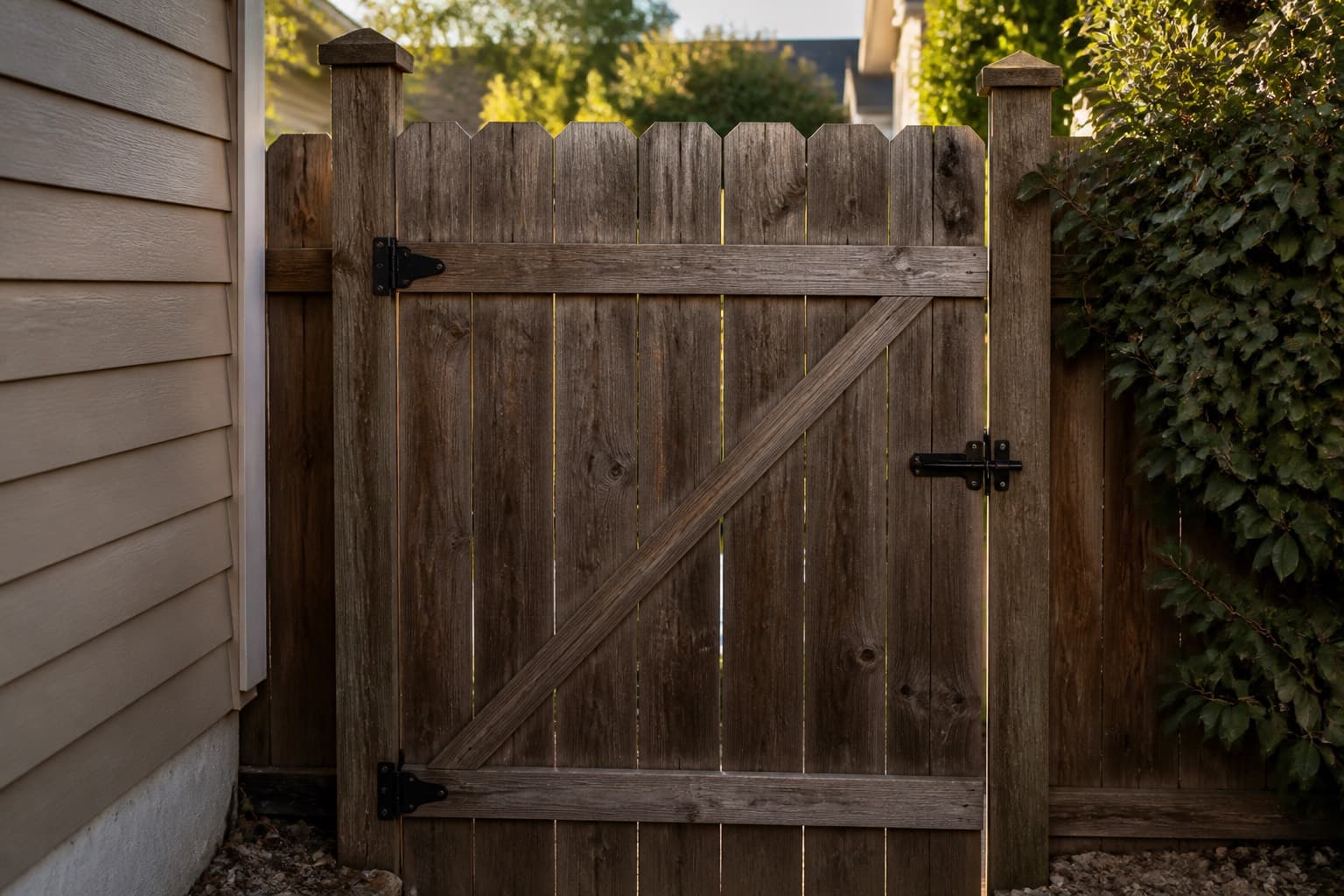
- Close and latch each gate immediately after passing through when practical, then verify it again during the final walkaround.
- Never record gate codes or access details in a public note, photo caption, or unsecured personal app.
- Report a loose pet, bite, escape, damaged latch, or gate that cannot be secured right away.
| Situation | Field action | Record or escalation |
|---|---|---|
| Dog loose in service area | Do not enter; contact the designated person | Time, affected zone, and contact attempt |
| Gate will not latch | Keep area controlled if safe; notify lead/customer | Photo only if useful and privacy-safe |
| Busy roadside frontage | Apply required traffic plan or stop work | Note delay or skipped zone |
| Child or bystander enters area | Stop equipment and wait for a clear area | Escalate repeated access problems |
Add property-specific lines, not separate novels
Most jobs can share the same core checklist. Add only the details that change the work or risk.
| Property | Useful additions |
|---|---|
| Standard house | Gate, pet, access, height, and sold service areas |
| Premium or detailed property | Patio view, sensitive beds, discharge direction, approved finish standard |
| Estate or multi-zone lot | Named zones and a completion check for each |
| HOA or commercial | Public access, traffic plan, site contact, quiet hours, contracted litter, required documentation |
| First visit or cleanup | Existing damage, hidden debris, approved scope, disposal plan |
| Treatment visit | Licensed/authorized applicator, label and SDS, boundaries, weather limits, posting and record requirements |
Commercial and residential operations differ in access, public exposure, and who approves changes. Keep the quality language recognizable across both, then make site controls explicit.
Draw firm boundaries around chemical work
Do not add “spray weeds while you are there” to a mowing checklist. Pesticides, herbicides, fertilizers, fuels, and other chemicals need their own controlled process.
Before an application, the responsible person should verify:
- The applicator is trained, licensed, certified, or supervised as required.
- The product is approved for the intended site and use.
- The label and SDS are available and followed.
- Weather, wind, buffers, water, drains, neighboring property, people, and pets are accounted for.
- Mixing, PPE, transport, spill response, posting, notification, storage, and disposal requirements are understood.
- The required application record can be completed accurately.
The product label and applicable law determine what is allowed. If the crew cannot confirm the product, site, rate, boundary, or authorization, do not apply it; escalate the question.
Use photos selectively and protect privacy
Photos can resolve a scope question or document a condition, but collecting more data is not automatically better.
Consider a photo when:
- Damage or a hazard exists before work starts
- Access is blocked or a service zone cannot be completed
- An approved extra needs documentation
- A customer complaint or contract requires a clear record
- A supervisor needs a specific example for private coaching
Usually skip a photo when:
- The visit is ordinary and no policy or contract requires one
- The image would capture people, house interiors, license plates, children, access codes, or neighboring property without a valid need
- It would remain only on a worker’s personal phone
| Situation | Photo? | Useful record |
|---|---|---|
| Ordinary recurring mow | Usually no | Completion and any exception |
| Initial cleanup | Often useful | Relevant condition before work |
| Pre-existing damage | Useful | Context and close view without unnecessary personal data |
| Approved billed extra | Useful | Completed extra tied to the visit |
| Injury or serious incident | Follow incident policy | Preserve evidence; limit access and sharing |
Attach approved images to the property or visit in your lawn care CRM. Define who can see them, how long they are retained, and how they are deleted. Use company-managed systems where possible, restrict access to people with a business need, and follow applicable privacy, employment, insurance, and recordkeeping requirements.
Give the close-out to one person
Crew members can divide mowing, trimming, blowing, and cleanup. One named person should still own the final verification.
- Assigned crew members: complete their tasks, report hazards and damage, and stop when conditions exceed their training or authority.
- Crew lead: reviews property notes, coordinates the work, completes the walkaround, verifies gates and equipment, and escalates exceptions.
- Office or manager: responds to exceptions, maintains standards, corrects outdated notes, and coaches recurring misses.
This is the same ownership principle used in crew scheduling: everyone should know who makes the final call.
Practical close-out checklist
- Walk each contracted service zone from the customer’s likely viewpoints.
- Correct quality misses that can be fixed safely within the sold scope.
- Verify gates, pets, tools, debris, and property condition.
- Shut down, account for, and secure equipment using the proper procedure.
- Record exceptions, approved extras, damage, near misses, or incidents.
- Mark the job complete only when the record matches what happened.
GPS and day-of dispatch can show where a crew is, but a completion status should still reflect the actual field result.
Make exceptions useful to the office
Avoid vague notes such as “couldn’t do it.” Record the affected area, reason, immediate action, and who was contacted—without adding sensitive personal details that the office does not need.
| Exception | Crew record | Office follow-up |
|---|---|---|
| Pet loose | Time, zone skipped, contact attempt | Contact customer and apply reschedule policy |
| Wet ground or rut risk | Exact area skipped and condition | Decide whether to return or defer |
| Customer requests extra work | Requested scope; no promise unless authorized | Quote or approve before work |
| Pre-existing damage | Factual note and approved photo | Notify the right contact |
| Equipment defect | Unit, symptom, and out-of-service status | Route to authorized inspection or repair |
| Chemical spill or exposure | Follow emergency and spill plan first | Escalate immediately and complete required reports |
Customer texting can support follow-up, but the internal job record should remain the source of truth.
Define incident escalation before an incident
Crews should not have to invent a reporting chain under pressure. Post the emergency contact process, site address method, and escalation contacts in a place they can access.
Escalate immediately according to the company emergency plan for situations such as:
- Injury, illness, chemical exposure, fire, or suspected medical emergency
- Vehicle collision, struck utility, significant property damage, or uncontrolled spill
- Missing or escaped pet, bite, threat, or unsafe customer interaction
- Equipment failure that could injure someone
- Near miss with serious potential
Protect people first, call emergency services when needed, and secure the area if it can be done safely. Notify the designated manager promptly. Record facts, not guesses about fault, and preserve relevant evidence without posting it in crew chats or on social media. Managers should handle insurer, regulator, customer, and legal notifications under the applicable policy and deadlines.
Turn quality misses into training
Map complaints to an observable checklist line instead of telling a crew to “care more.”
| Complaint or miss | Review this check | Coaching example |
|---|---|---|
| Clippings left on walk | Blow down and final view | Walk from the door toward the truck |
| Edge is inconsistent | Sold edge standard | Demonstrate the expected result on one property |
| Back section missed | Zone list and walkaround | Name large-lot zones in property notes |
| Gate left open | Gate verification | Practice the enter-close-final-check routine |
| Ruts after rain | Weather and ground assessment | Review stop-work and escalation decisions |
Train new team members before assigning independent work. Demonstrate the standard, let them perform it under supervision, check understanding, and document required qualifications. Refresh training after equipment changes, incidents, repeated misses, seasonal hazards, or changes to products and procedures.
A field checklist should never authorize work beyond someone’s training. Supervisors also need to make it safe to report hazards and near misses without pressure to finish at any cost.
Keep records that are useful—and no more
A practical visit record may include:
- Date, property, assigned crew, and services completed
- Material exceptions and customer-approved changes
- Required equipment, treatment, or application records
- Incident or near-miss reference, kept with the appropriate restricted report
- Necessary photos under the company policy
- Follow-up owner and status
Set retention periods based on business needs, contracts, insurer guidance, and applicable laws. Limit access, secure exports and backups, and avoid putting medical details, gate codes, payment information, or unrelated personal observations in ordinary job notes. If workers use personal devices, define how business records are transferred and removed.
Paper card or app prompts?
The best format is the one crews can use consistently without losing the connection to the job.
| Tool | Strength | Limitation |
|---|---|---|
| Laminated card | Simple and visible | Can become outdated; does not update the office |
| App prompts on the job | Connects completion, notes, and approved photos | Too many required taps encourage poor entries |
| Memory alone | No setup | Standards vary and exceptions disappear |
Keep detailed procedures in controlled training documents. Keep the field card focused on decisions and verification. Review it with crews after a season, equipment change, incident, or pattern of complaints, and remove prompts that no longer serve a purpose.
Using MowProHQ for job close-out
MowProHQ can keep job details, property notes, scheduling, and visit records together so crews and the office work from the same information. Review current options on pricing, or sign up to try the workflow that fits your operation.
A checklist works when it reflects the sold scope, supports trained judgment, and creates a clear handoff. Keep it brief, update property details, stop when conditions are unsafe, and make the final walkaround belong to someone.
Frequently asked questions
- What should be on a lawn care job checklist?
- Keep the everyday list focused on the work sold, a final quality check, property-specific hazards, equipment shutdown, and any notes the office needs. Put detailed operating procedures in training materials and manufacturer instructions rather than cramming them onto the job card.
- How do I keep mowing quality consistent across crews?
- Define one observable standard, assign the final walkaround to a named crew lead, train it in the field, and review recurring misses. Property notes should explain legitimate differences such as gates, no-service zones, mowing height, and contracted extras.
- Should crews take photos of every lawn care job?
- Usually not. Set a clear rule for when photos are useful, such as pre-existing damage, blocked access, an approved extra, a complaint, or a contract requirement. Store only necessary images in the job record and follow your retention and privacy policy.
- Who owns the checklist: the crew lead or a helper?
- Each person can own assigned tasks, but one named person should verify the job before departure. The lead also needs authority to stop work when equipment, weather, traffic, people, pets, or site conditions make the job unsafe.
- Can a checklist replace lawn care safety training?
- No. A checklist is a reminder and record, not a substitute for hands-on training, competent supervision, equipment manuals, product labels, safety data sheets, licensing requirements, or applicable laws.
- Should commercial jobs use a different checklist?
- Use the same core quality and safety checks, then add site-specific requirements such as traffic controls, public access, quiet hours, service zones, documentation, and the facility contact's escalation process.
- Is a paper card or an app better?
- Either can work if it is current, easy to use, and part of the normal job close-out. An app makes notes and approved photos easier to connect to the visit; a paper card can be simpler in poor coverage. Train one consistent process either way.