MowProHQ Blog/Dispatch
Dispatching Snow From a Group Text vs a Real Board
Learn what a practical snow dispatch board should track, how to reassign open stops, and when group chat still helps a small plow crew.
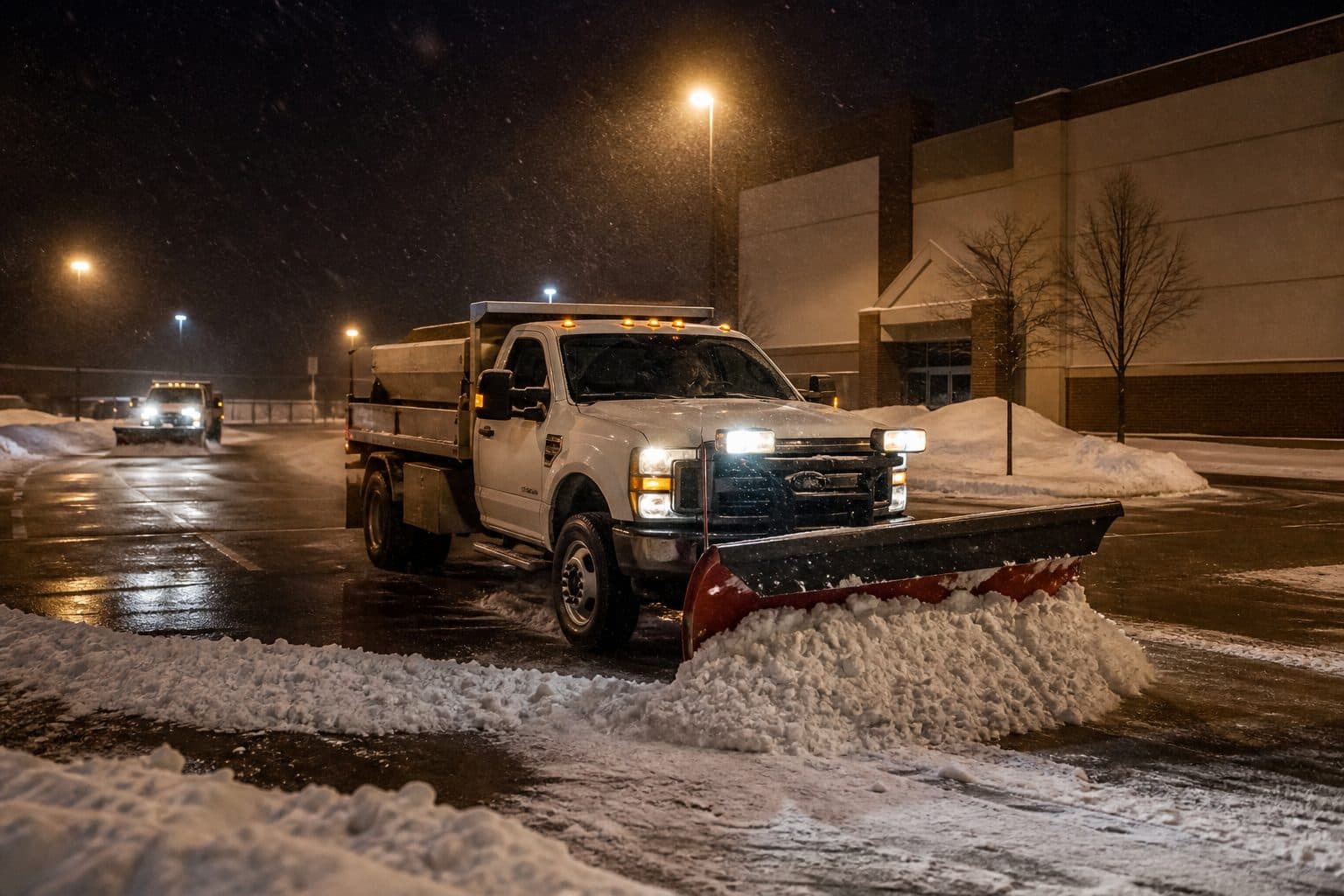
A group chat is useful for quick updates, but it is a poor place to maintain a route. Messages arrive out of order, screenshots become outdated, and nobody can quickly tell which stops remain open.
The practical alternative is a dispatch board built from the route you prepared before the storm. This guide explains what that board should contain, how to adjust it during an event, and where crew chat still fits. For related workflows, see the guides to snow invoicing and software for small plow crews.
What goes wrong in a group text
A typical failure during a busy event looks like this:
- Owner drops a list in the chat at 3:42
- One driver misses the list among newer messages
- Second truck takes the same street because the list was a screenshot
- Customer texts the helper’s personal phone: cars in the drive
- The access update never reaches the dispatcher
- Owner asks “where are you” four times
- Two drives sit until 8:15
- The team cannot confirm every completion at the end of the route
The problem is not effort. The system cannot reliably answer four basic questions: who has the stop, what comes next, what remains open, and what did the customer report?
A dispatch board answers those questions without a roll call. Crew chat can still carry immediate updates such as road hazards, breakdowns, or fuel stops.
What a real snow board holds
A useful board is more than a map. It contains a published sequence:
- Named crew on each stop
- Order that matches the preseason route plan
- Property notes: stack, trigger, ice, access
- Complete / open / abort
- Room to move a pocket when the band shifts south
If a driver has to call for every few stops, review the route and property notes. Another chat thread will not solve missing information.
Solo operators still need this. You are dispatcher and driver. The list on a phone you can mark complete is still a board. The list in your head is a single point of failure the first time you take a second person.
With multiple trucks, one person needs authority to move work. Crew leads can mark an individual stop inaccessible because of vehicles or a closed road, while the dispatcher handles route-wide changes.
Publish, then move — do not rebuild
When conditions change, update the existing route instead of rebuilding it through messages.
Night before: Confirm staffing from the latest forecast, publish the list, stage the trucks, and make sure everyone knows whether they are on call.
During: Keep completed and open stops visible. If accumulation falls below your trigger, cancel the remaining work as a group and notify affected customers. If the band shifts, reassign open stops to the crew best positioned to handle them.
Avoid: Starting “new list 2” in the thread, reorganizing the whole route during the event, or sending a voice memo full of addresses.
Send customer updates from Conversations, including arrival windows, inaccessible properties, or extra-pass approval. Keep those records separate from crew chatter.
In MowProHQ
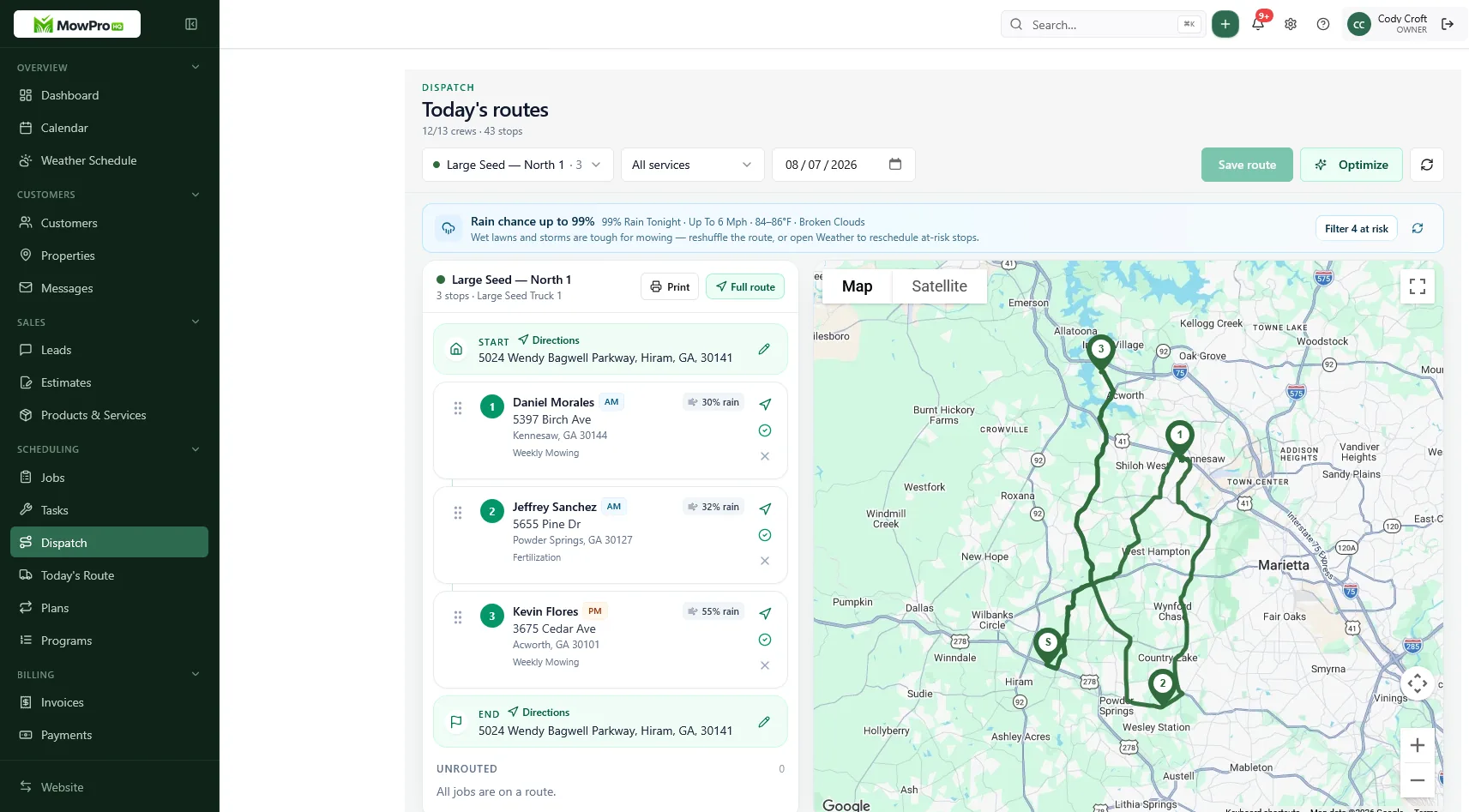
Worked example: band shifts south at 5:05 a.m.
Two trucks. North pocket almost done. South pocket still has eleven open drives. Radar shows the heavy band sliding south. School run is 7:10.
Thread dispatch: The owner types a new order, but Truck A is in a dead zone and Truck B has already turned north. Customers text different personal phones, and nobody has a reliable view of the eleven remaining stops.
Board dispatch:
- Owner sees eleven open in the south pocket.
- Truck B is closest and still has capacity — those opens move to B.
- Truck A finishes the last two north and deadheads south only if time remains.
- One customer message goes to the south list with the revised service window.
- Completions keep ticking. Nothing depends on who read the chat.
The equipment and staffing have not changed. The improvement comes from keeping one current list that the dispatcher can update.
Assign one dispatcher and match the equipment
Name the dispatcher even when it is the owner working from a truck. Crew leads can resolve issues at individual properties, but route-wide decisions stay with the dispatcher.
Match equipment on purpose:
- Plow truck for driveways and lots sold as blade work
- Shovel crew for walks and stairs
- The mechanic is not automatically on the call list
- The person who will not pick up is not “maybe” — they are off the roster
Decide the priority between commercial and residential work before the season and reflect it in customer service windows. Changing priorities based on whoever calls first can cause both commitments to be missed.
Night-before checklist:
- List published, assignees on every open stop
- Service trigger still matches the forecast
- Who is on shovel vs blade
- One person who will move opens if the band slides
- Customer messages drafted for a delayed start or cancellation
If step 1 is still a screenshot, GPS will not fix the underlying problem. Put the schedule somewhere each crew member can open from the field.
Use GPS for routing decisions
When multiple trucks are out, repeated location calls waste time. GPS can help the dispatcher see who is nearby and available for reassignment. Use it to support the route, not compensate for one that was never published.
GPS cannot make a scattered route efficient. If stops are spread across the county, review the property list and route plan first.
Explain why location data is being used, who can see it, and when tracking is active. The operational reasons should be specific: better ETAs, fewer calls, and faster reassignment. Follow applicable privacy and employment rules.
Accurate time records also matter during long events. Define when paid time begins and ends, then use the same rule for every crew member.
Crew chat vs customer inbox
Keep them separate:
| Channel | For | Not for |
|---|---|---|
| Dispatch board | Assignment, order, complete/open | General crew discussion |
| Crew radio/chat | Hazards, breakdowns, ice on the overpass | Who has which driveway |
| Conversations | Customer: ETA, abort, extras, pay | Crew roll call |
When a homeowner says the driveway is full of cars, record that issue on the job. If the message remains on a crew member’s personal phone, the company may later skip the property or invoice work that was not completed. The first-season snow playbook covers more ways to protect existing customer relationships.
Failure modes you can review after one storm
| Failure | What it looks like | Fix |
|---|---|---|
| Screenshot list | Two trucks cover the same street | Publish on a board with named assignees |
| Text-first order | Latest request changes the route | Keep the planned sequence |
| Personal phones | Access update never reaches the job | Record the message and update the stop |
| Owner bottleneck | Nobody moves a pin without a call | Named dispatcher, even if it is you |
| Invisible completes | Breakfast debate about who is done | Mark complete in the cab |
| GPS without a route | Location data does not clarify assignments | Publish the route before tracking it |
Review these failures after the first event. Fix the most costly one before the next storm, then repeat the review.
How MowProHQ replaces the thread
MowProHQ keeps properties, the schedule, dispatch, customer messages, and billing connected. Crews can work from one current list while the dispatcher monitors completed and open stops.
Review the current plans and pricing, then create an account and test the route with your crew before the first event. The test should confirm that every driver can find the next stop, read its notes, and update its status without calling the dispatcher.
Frequently asked questions
- Why isn’t a group text enough to dispatch snow?
- A group chat does not reliably show the route sequence, assigned driver, completed stops, or remaining work. Important updates also get buried. A dispatch board gives the crew one current source of truth.
- What should a snow dispatch board show?
- Show each stop, its assigned crew, route order, current status, and property notes such as access, stacking, and ice-treatment instructions. Everyone should be able to see what is next without calling the owner.
- How do I move a snow crew when the forecast changes?
- Reassign the affected open stops on the board instead of creating a second list in chat. Keep the planned sequence where possible, and notify customers if the change affects their service window.
- Should customer texts and crew texts live in the same thread?
- No. Keep assignments and job status on the dispatch board, operational crew updates in crew chat, and customer messages in the company inbox. This makes access problems and service changes easier to trace.
- When does a small plow crew need GPS?
- GPS becomes useful when multiple trucks are working and the dispatcher needs to reassign stops or give realistic ETAs. It supports a published route; it does not replace one.
- Who owns the 4 a.m. call?
- Name one dispatcher before the season, even if that person is also driving. Crew leads can handle individual access issues, but one person should own route-wide changes and unassigned work.
- Which MowProHQ plan includes snow dispatch?
- Plan features and pricing can change. Check the current pricing page for dispatch, GPS, scheduling, time tracking, and team access details.