MowProHQ Blog/Dispatch
Before and After Photos That Actually Help Dispatch
A practical policy for lawn care job photos: when crews should take them, what to avoid, and how dispatch can use them.
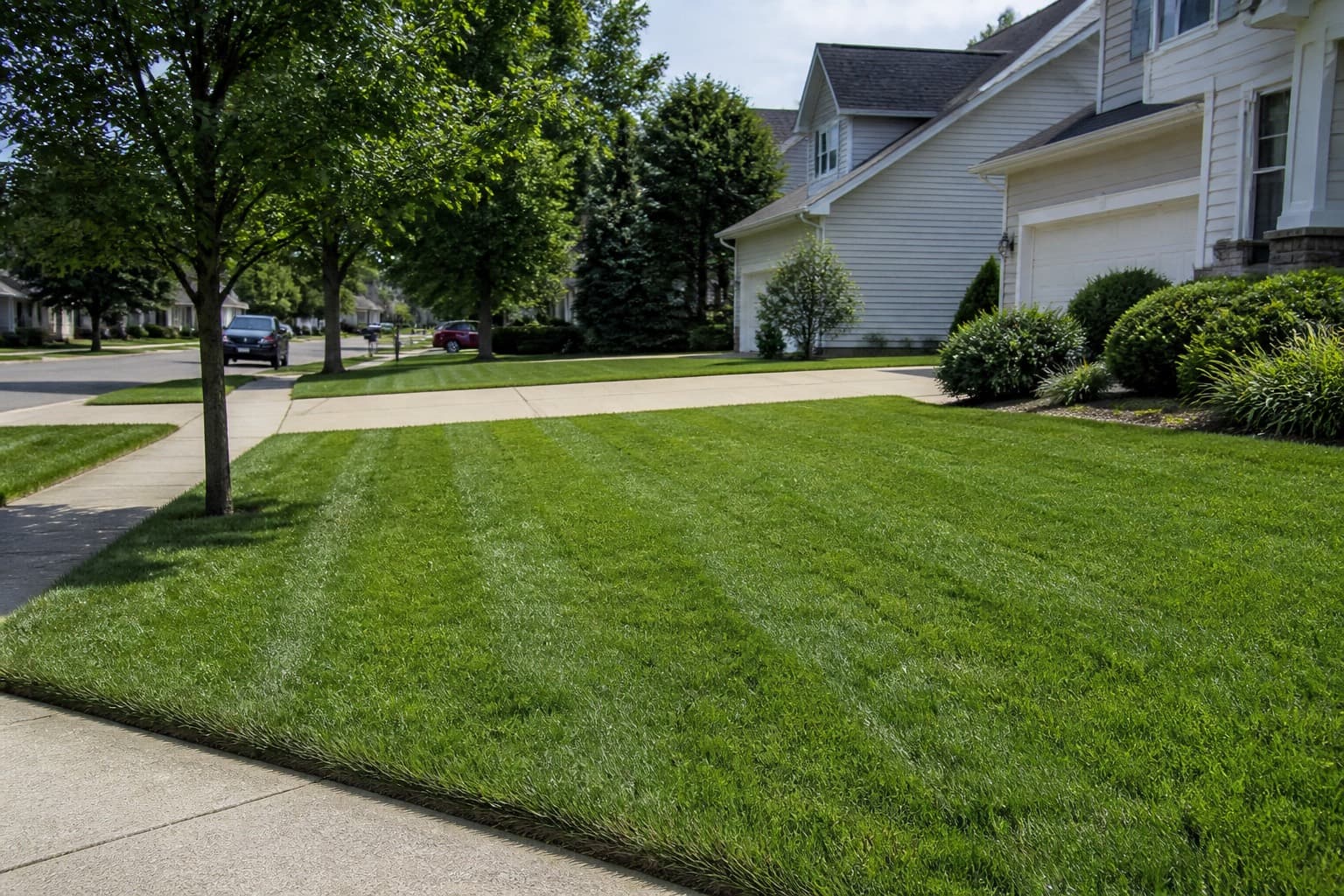
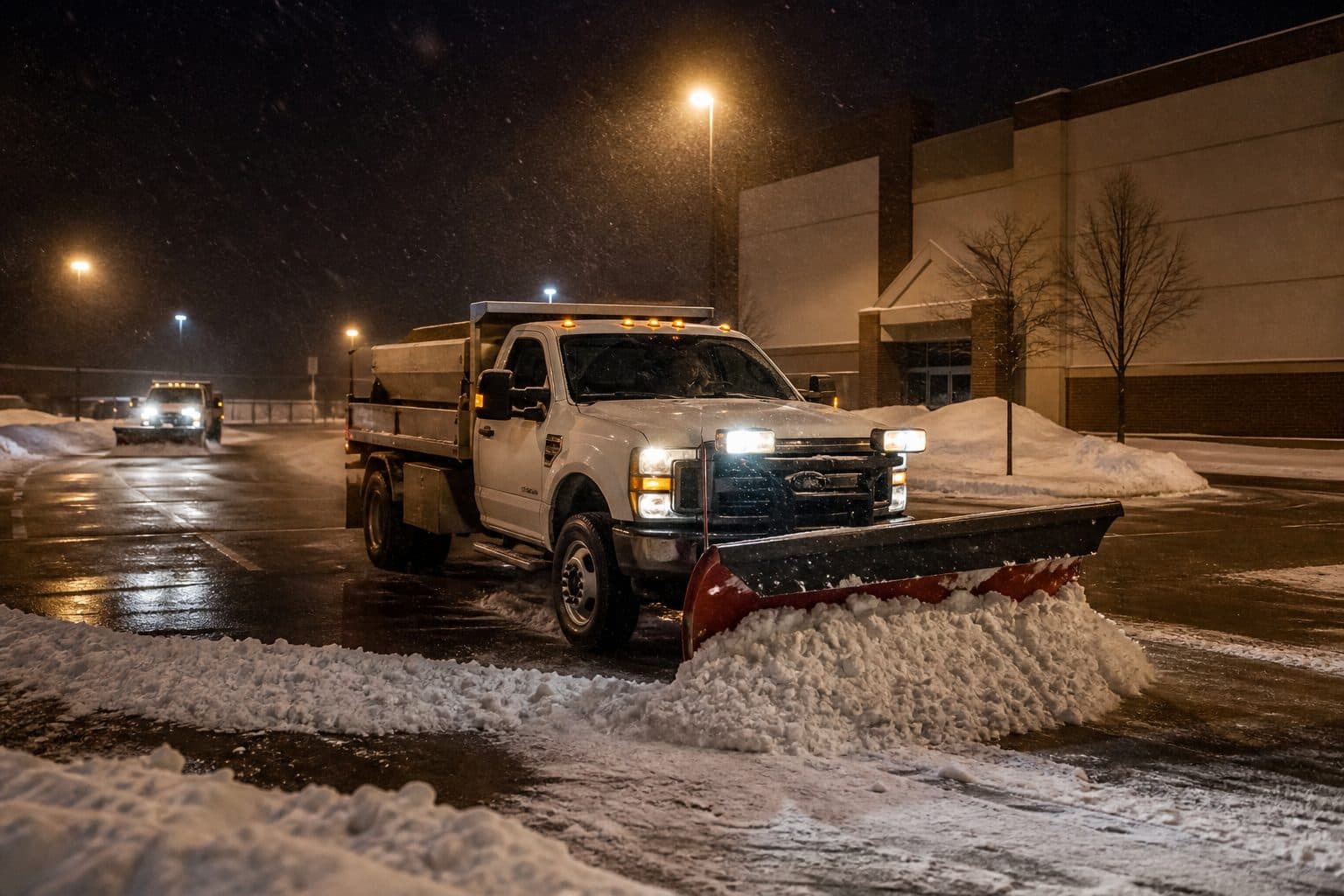
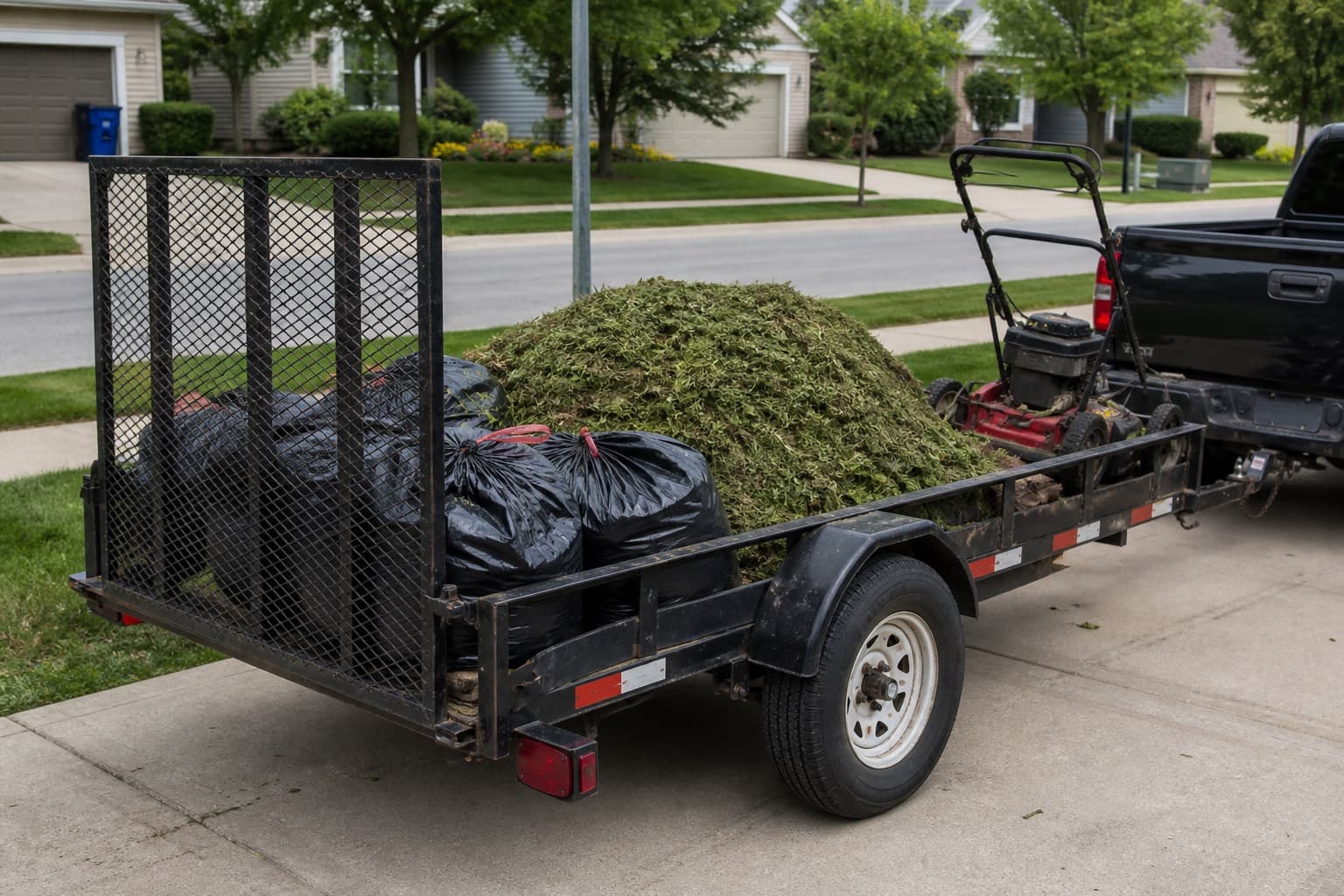
Job photos are useful when they answer a specific question about initial conditions, completed scope, access, or damage. They become difficult to manage when crews take many duplicates and leave them in personal camera rolls.
This guide focuses on operational photos rather than marketing content. Pair the policy with job checklists and property notes. The image records a condition; the note explains what the next crew should do.
Define exactly when photos are required
Publish a short list of situations that require photos.
Photo before when:
- The extra is volume (leaf, cleanup, first cut, storm pile)
- Something is already damaged (head, mailbox, windshield, bed edge)
- Access is blocked (car, lock, dog, construction)
- You are documenting the reason for a skip or declined extra
Photo after when:
- Extra work is complete and quantity affects the charge
- Quality is the risk (complaint-prone stop, new crew, commercial entrance)
- You repaired or replaced something
- The agreement or recent quality issue requires proof of completion
Skip photos when:
- It is an ordinary mow on a quiet account
- You already have a current access photo and nothing changed
- You are using the camera to avoid writing a one-line note
Keep the rules short enough for crews to follow during a busy or wet week.
| Trigger | Before | After | Why dispatch cares |
|---|---|---|---|
| Leaf / haul-away | Pile and street | Same angles | Quantity and completion |
| First cut / cleanup | Height and debris | Finish | Not a regular mow price |
| Damage concern | Existing condition | Work area if relevant | Preexisting versus service-related damage |
| No access | Gate, car, dog | - | Reason for skip or return |
| Quality watch list | Optional | Street + walk | Review without relying on memory |
| Commercial entrance | - | Entrance-facing | The board already knows the site rule |
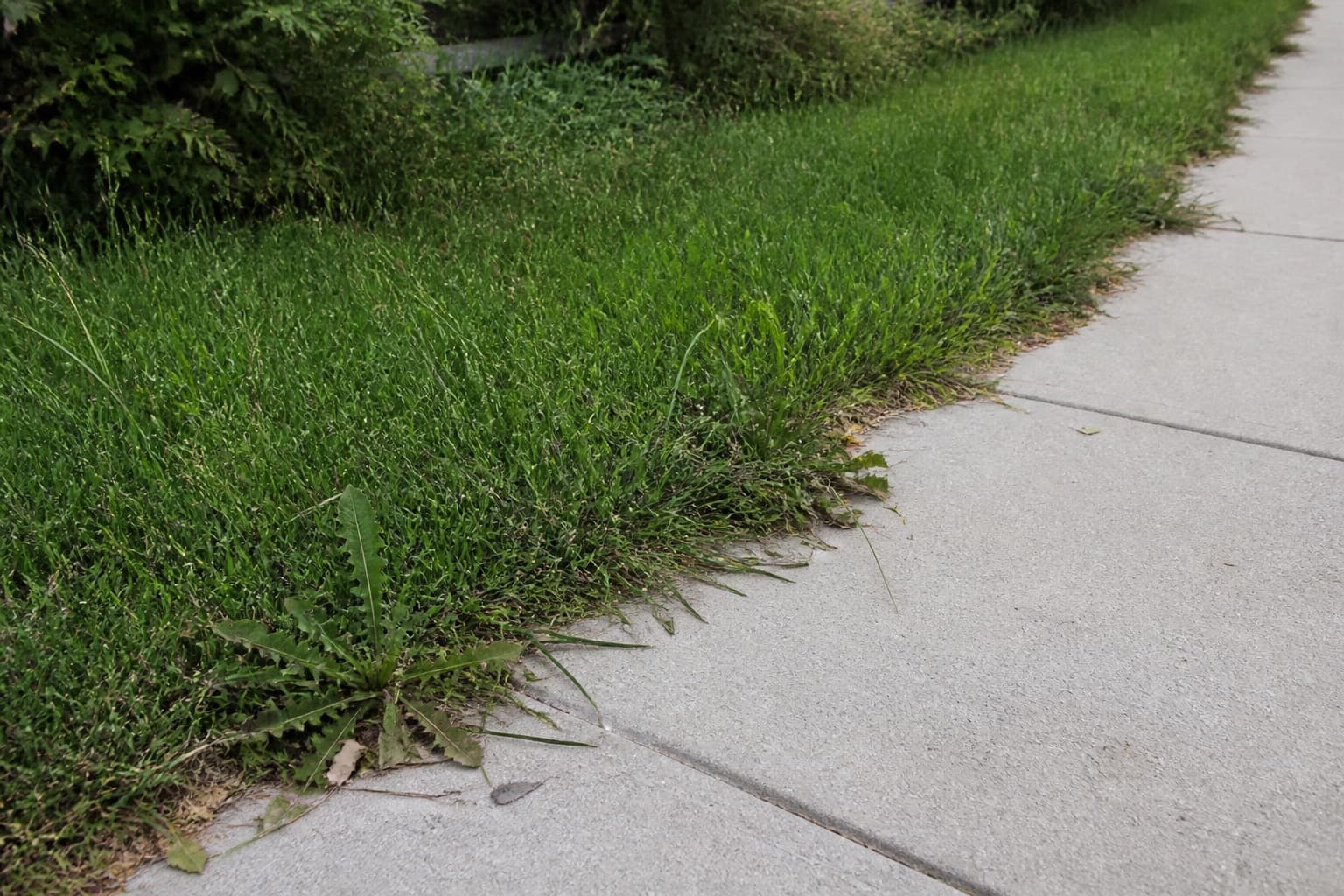
Photograph the condition clearly
Use the angle a customer or manager is likely to use when reviewing the work, such as the driveway, front walk, or property entrance.
Rules that keep the roll honest:
- Same angle before and after when volume or height is the issue
- One wide, one tight if damage is the issue
- Adequate light without blocking the subject
- No kids, no interiors, no neighbors’ houses as the subject
- Do not photograph lockbox codes or written gate codes
Use simple labels such as “before west pile” and “after west pile” when the system supports them. The attachment should make its subject and timing clear.
Capture operational photos during the visit. An image taken later does not document the original completion, even if it shows the same address.
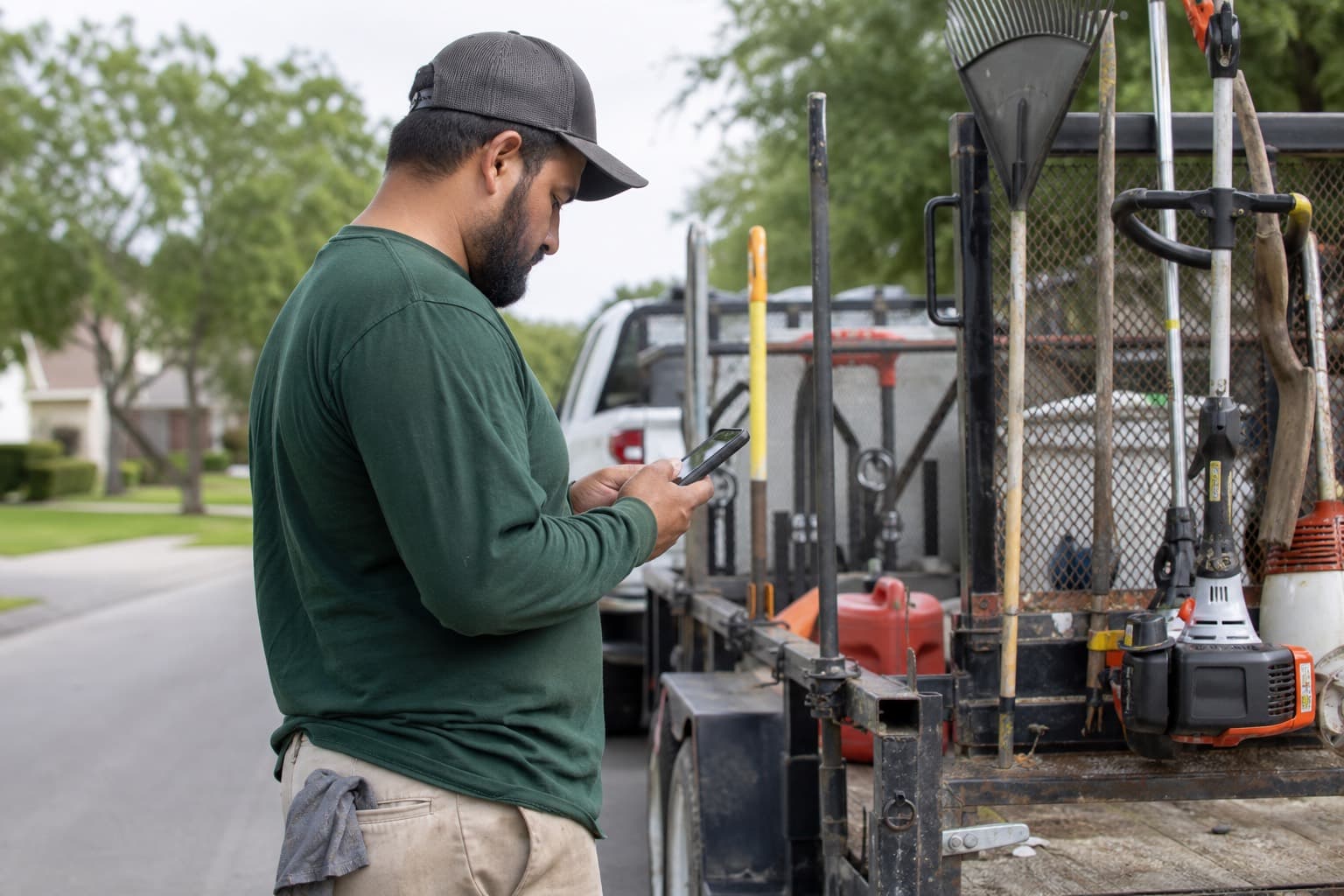
Attach it or it does not exist
Use the job, property, or visit as the company record rather than a personal message thread.
Habit:
- Take the one or two frames the trigger requires
- Attach them before leaving or during the route closeout
- Write the exception in a line (“west pile was medium, hauled one load”)
- Follow the company’s retention and device policy for any local copy
If the primary software cannot store images, use a company-controlled storage process with consistent job identifiers and access controls. Avoid personal group chats as the permanent archive.
Dispatch uses the attachment to:
- Review an extra before approving it
- Answer “did you come?” with a finish shot
- Coach a miss without guessing
- Give the owner or manager context for a damage report
Photos reduce avoidable return trips by giving the office timely context. They do not replace good scope, notes, or a fair review of the customer’s concern.
In MowProHQ
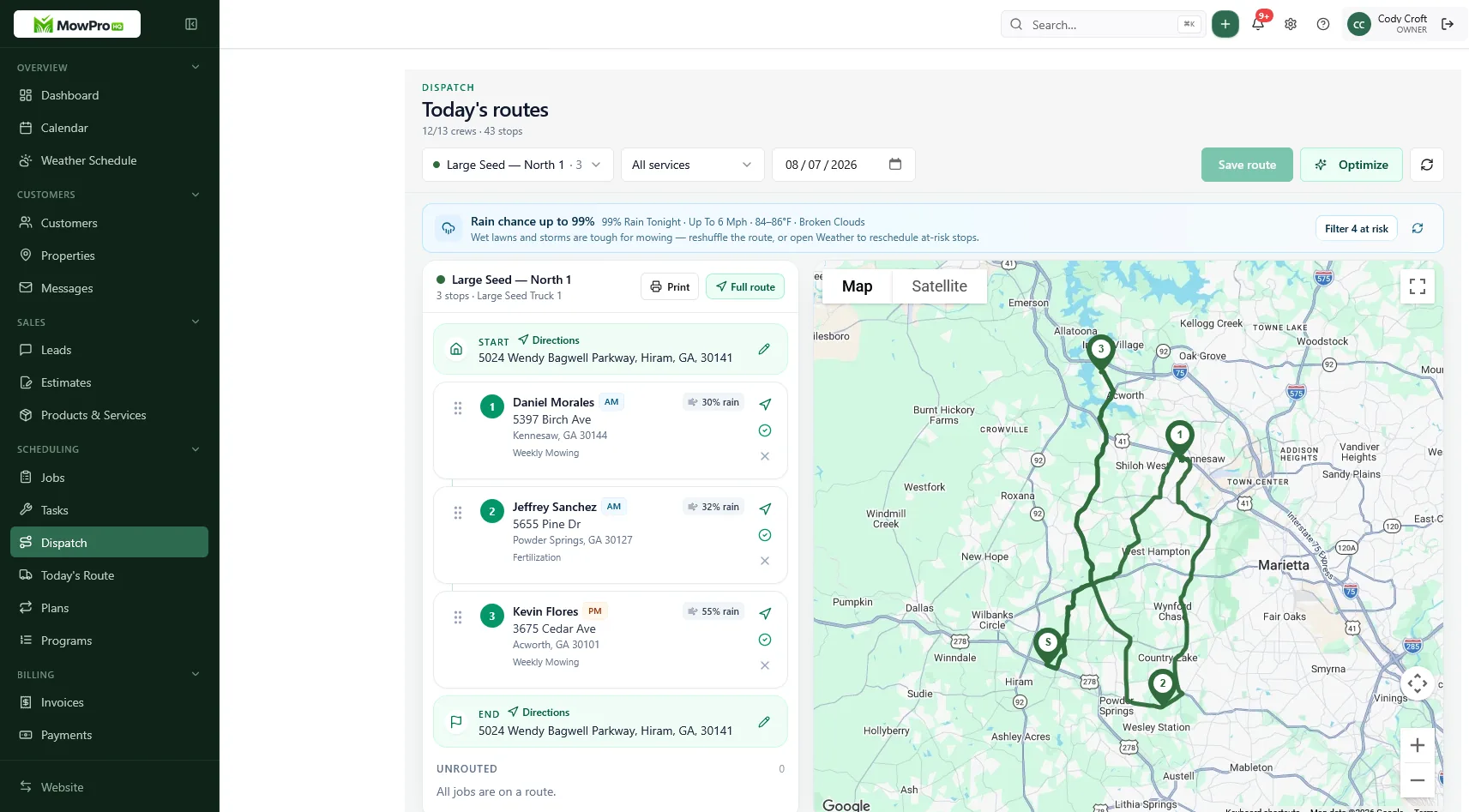
Common questions photos help resolve
“Did the crew come?” A current completion record with the required after photo helps verify the visit. Never reuse a photo from a previous week.
“The pile was smaller than the charge suggests.” Before and after images can support volume-based add-on pricing and show completed removal.
“The crew damaged this area.” Before and after photos can help review irrigation or property damage. They should support a fair investigation, not be treated as automatic proof.
“Why was the property skipped?” A blocked-access photo can document a locked gate, vehicle, animal, or construction issue.
“The finish does not meet the standard.” A consistent after photo gives a supervisor something specific to compare with the checklist.
Photos cannot correct an unclear scope. The accepted quote should still define whether beds, cleanup, hauling, or other extras were included.
Keep photography from slowing the route
Each required photo adds field time and storage. Keep the trigger list focused on operational value.
Coach the waste:
- Burst mode of a normal lawn
- Walking the whole property solely for marketing content
- Stopping the crew for posed images
- Retaking because the sky was ugly
- Photographing every edge on a happy weekly
Handle marketing photography separately and obtain appropriate permission. If the company needs a portfolio, plan that work instead of adding it to every route stop.
Commercial contracts may require more documentation. Put the required angles, file retention, and submission process on the property record so every crew follows the same standard.
In MowProHQ
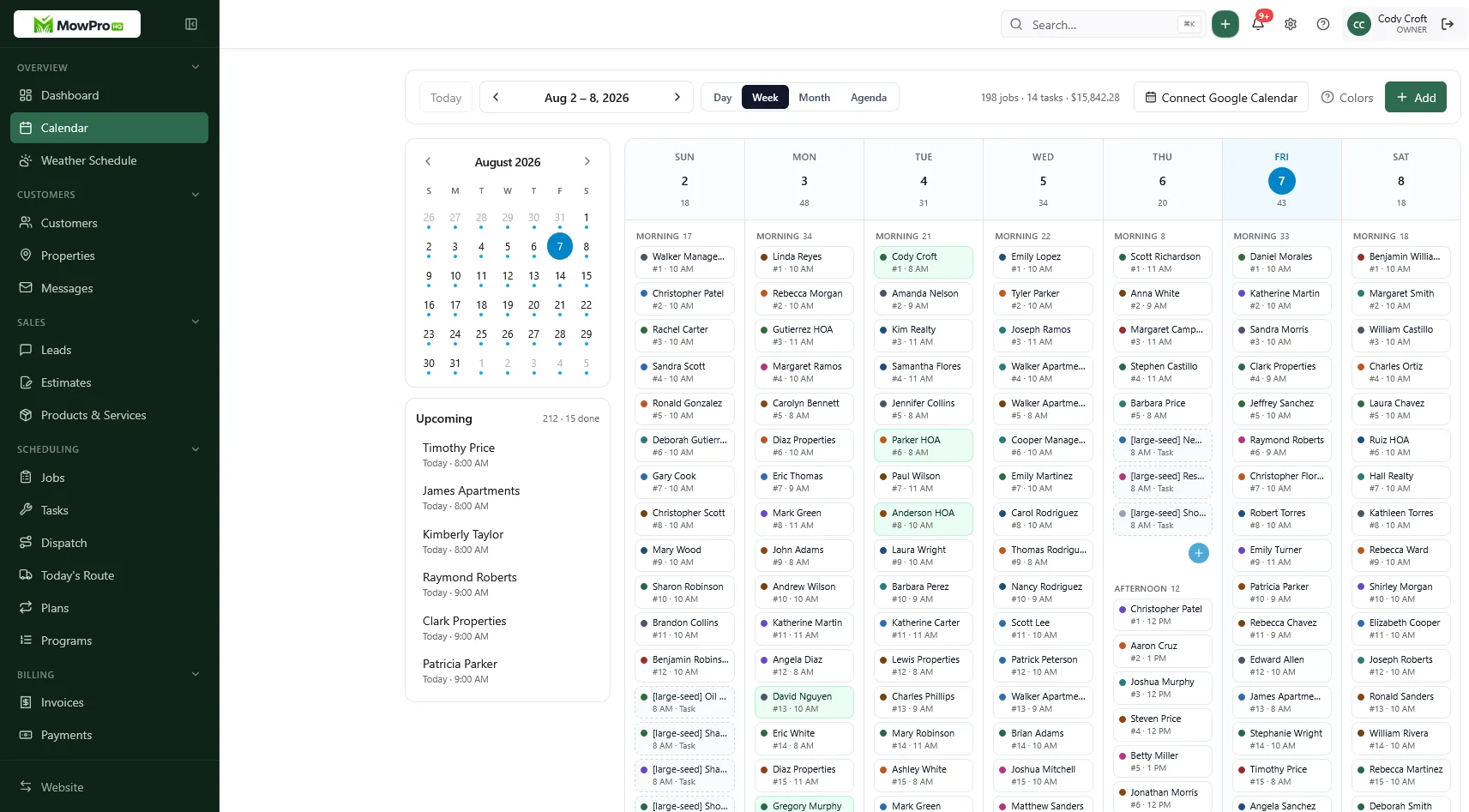
Office rules so photos stay useful
Dispatch and the office need habits too.
- Ask for a photo before approving an unexpected extra
- Review the attachment before responding to the customer
- Do not demand photos on every complete just because you are anxious this week
- Use misses as two-week coaching on one checklist line
- Apply the company’s retention policy so records remain useful and compliant
Give authorized dispatch or office staff access to the images needed for customer support and quality review.
Routine rain rescheduling does not need a photo. A site-specific condition such as standing water may. Follow the weather rescheduling policy and photograph only when the condition affects the service record.
How MowProHQ puts the shot on the stop
MowProHQ keeps jobs, properties, schedules, and dispatch information connected. Use the property or visit record for operational context, and confirm current photo capabilities and storage policies for your workflow.
Review current plans and pricing, then create an account to test the process with a few exception-based photo triggers.
Frequently asked questions
- Should lawn care crews photo every job?
- Not necessarily. Use a written photo policy for exceptions such as extra work, existing damage, access problems, complaints, and properties that require proof of service. Attach required photos to the relevant job or property.
- What before and after photos help lawn care dispatch?
- Before photos should document the initial condition, volume, damage, or blocked access. After photos should use the same angle when possible and show the completed scope. A few clear images are usually more useful than many duplicates.
- How do job photos reduce lawn care callbacks?
- Dated photos tied to the visit help the office review completion, quantity, access, and preexisting conditions without relying only on memory. Photos do not settle every disagreement, but they provide useful context.
- Where should crews store lawn care job photos?
- Store required photos on the job or property record in a company-controlled system. Do not rely on personal camera rolls, which may be unavailable when a device is lost or an employee leaves.
- What should crews not photograph?
- Avoid people, home interiors, access codes, unrelated neighboring property, and anything outside the service record. Do not collect unnecessary duplicates. Add a written note when the exception cannot be understood from the image alone.
- Who decides when a photo is required?
- The company should publish clear triggers, and the crew lead should capture the required images. Dispatch may request a photo before approving extra work or confirming a disputed skip.
- Should commercial lawn sites require more photos?
- Sometimes. A contract may require completion photos, or the site may benefit from standard entrance and extra-work images. Put the required angles and retention rules in the property notes.