
MowProHQ Blog/Buying Guide
Snow Removal Software for a Small Plow Crew
A practical guide to choosing snow removal software for property records, crew dispatch, customer messages, and invoicing.
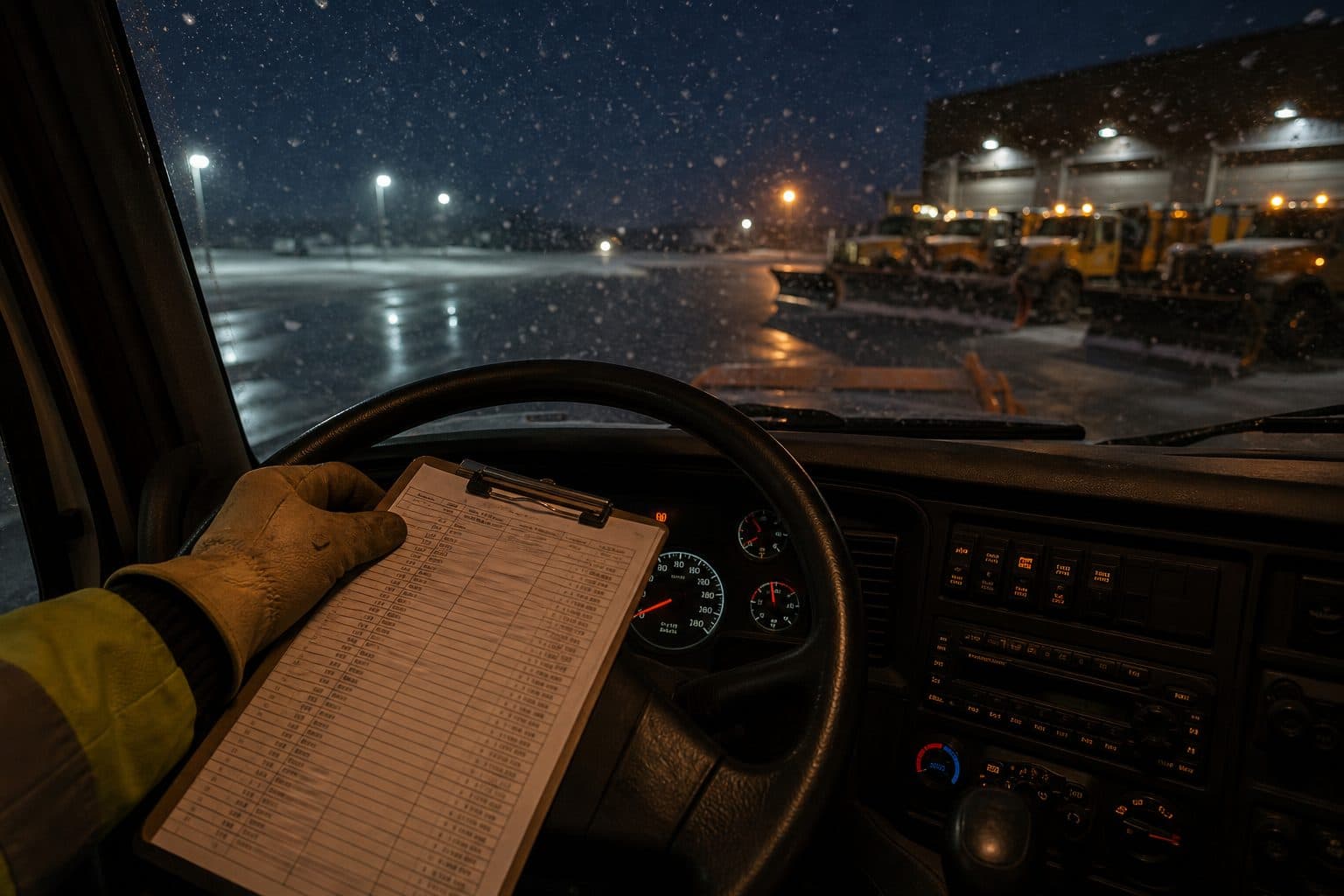
For a small plow crew, useful software should make four routine tasks easier: maintaining property records, assigning work, communicating with customers, and billing completed service. Advanced reports matter less if the crew still depends on screenshots and the owner has to reconstruct invoices from memory.
This guide focuses on crews of two to four people with a small number of trucks. Pair it with the guides to preseason route preparation, snow dispatch, and prompt invoicing. You can also review the snow removal software overview.
Four jobs the software has to finish
Start with the four workflows the crew will use during every event.
1. The property list is ready. Record stacking instructions, service triggers, access details, and other site notes before the forecast changes. When possible, keep summer and winter work on the same property record.
2. Dispatch has one current view. The board should show who has each stop, the route order, completed work, and open work. See the detailed snow dispatch guide.
3. Customer messages are visible to the company. Arrival updates, access problems, and approvals for extra work should stay in a shared Conversations inbox instead of personal text threads.
4. Completed work can be billed promptly. Create the invoice from the completed job while service details are still clear. Delayed billing increases omissions and slows collection.
Ask each vendor to demonstrate these four workflows from start to finish, not just route optimization.
Match features to the crew you have
Detailed material ledgers and multi-branch reporting may be unnecessary for a small residential route. At the same time, a low-cost tool is not useful if it lacks property notes, assignments, or a practical billing workflow.
Need now
- Property list and schedule
- Quotes and invoices with dual pricing
- A way to text from the company, not from five personal phones
- Completions that can bill
Need when the second truck exists
- A dispatch board
- GPS for location-aware reassignments and ETAs
- Individual access for every crew member
- Time tracking if employees are paid by the hour
Need later
- Website and lead capture tools if you are accepting new snow accounts
- Call answering support if the office cannot answer during an event
- Anything that bills complex material by the storm, only when you actually sell that contract
Complex salt and material contracts may require a more specialized setup. Evaluate those requirements in proportion to the work you actually sell; a mostly residential route may only need straightforward visit billing.
PDF vs group text vs a real board
| Stack | 4 a.m. reality | Customer text | Invoice |
|---|---|---|---|
| Clipboard + PDF | Static list with no live status | Separate manual messages | Re-entered later |
| Group text as dispatch | Assignments mixed with newer messages | Mixed with crew updates | Reconstructed later |
| Properties + calendar | Shared list, but limited live reassignment | Possible with a shared inbox | Created from the job |
| Board + inbox + invoice | Current assignments and stop status | One company thread | Created after completion |
The last setup gives a multi-truck crew a common operating view. The simpler options may still work for one truck, but they become difficult to coordinate as the crew grows.
In MowProHQ
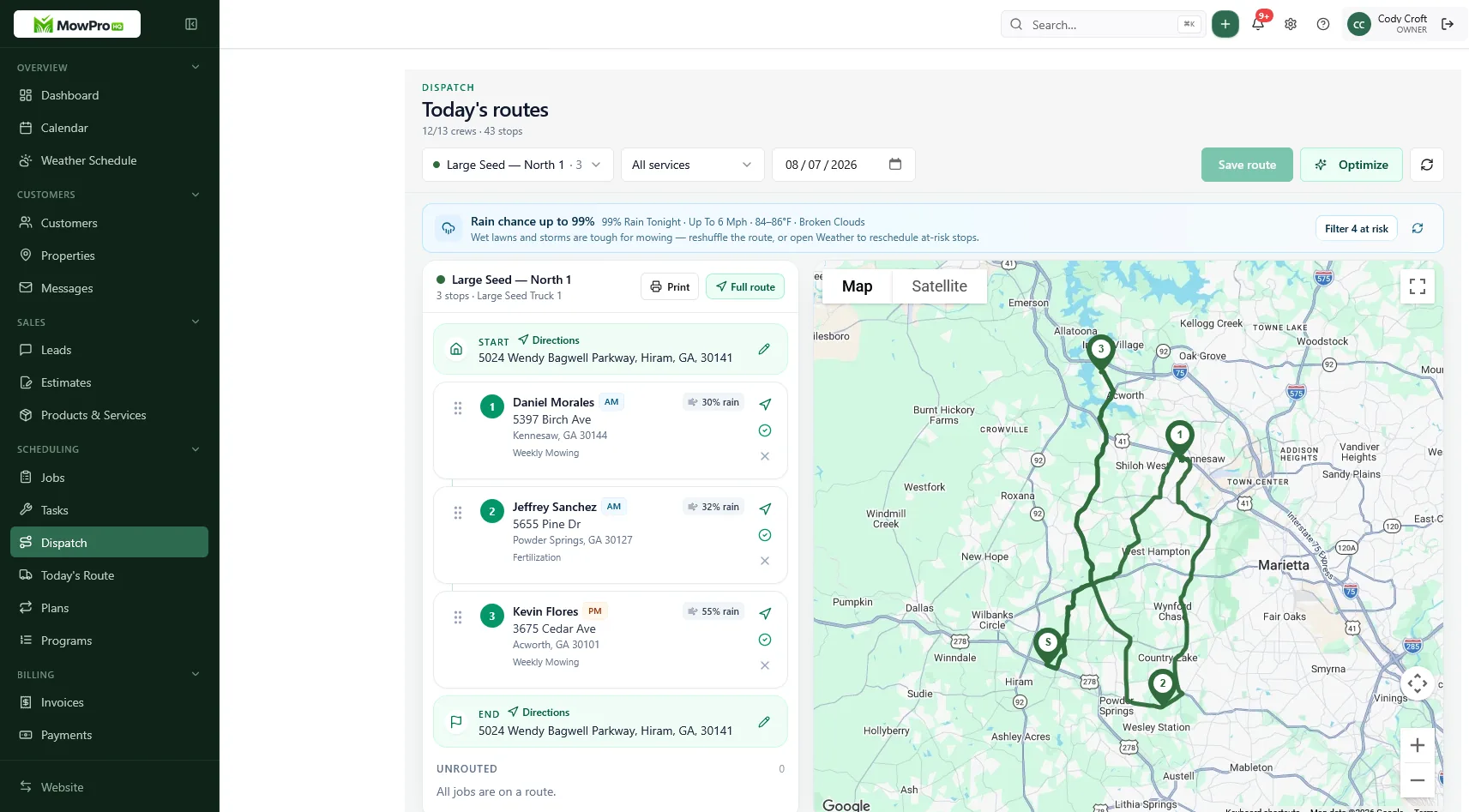
Compare the full cost
Start with the workflow you need now, then compare the cost of adding crew members and operational features. For MowProHQ, check the current pricing page rather than relying on an old article or screenshot.
Include these items in the comparison:
- Base subscription
- Charges per user or vehicle
- Messaging and phone usage
- GPS and time-tracking access
- Payment-processing fees
- Setup, training, or data-import costs
- Contract term and cancellation rules
Worked example: first squall, two stacks
Same 16-drive book. Two people. Band hits at 3:50 a.m.
PDF and a group text: The owner photographs last year’s sheet. The helper asks which end to start. Two stops are serviced twice, while one seasonal driveway is missed because its name was on the back of the page. A customer reports blocked access to the helper, but the update never reaches the owner. When invoices are prepared later, two ice treatments are omitted.
List, board, inbox, invoice: The stops and notes are already attached to each property. The sequence is published, and the helper has individual access. Blocked access is recorded on the job and in the customer conversation. Completed work is ready for billing the next morning.
During a demo, ask the vendor to reproduce the second workflow. A map alone does not address customer records, communication, and billing.
Check user access and company communication
Avoid shared logins. Individual accounts create clearer job history, notes, and time records, and allow access to be removed when a seasonal employee leaves.
Personal phone numbers also split the customer record. A company-owned number and shared inbox keep messages available when staffing changes. Compare phone and automated-answering features separately, including usage limits, consent requirements, number ownership, and extra charges.
Set it up before the first storm
Complete the setup before the first likely event:
- Load properties from the mow book. Same customers, winter notes on the same record.
- Add the service trigger, stacking location, access notes, and ice-treatment terms to each stop.
- Record whether each agreement is seasonal or per-push. Review the pricing guide if those terms are not settled.
- Publish a practice event on the calendar, then reassign several stops.
- Give each crew member individual access and verify that it works from their phone.
- Complete a test job and preview its invoice before sending anything to a customer.
If the practice route still has to be coordinated in a group text, resolve that workflow before adding GPS.
Software is only one part of adding snow service. Equipment, insurance, staffing, and standby capacity still determine whether the work makes sense. See when to add or refuse snow work and the first-season playbook.
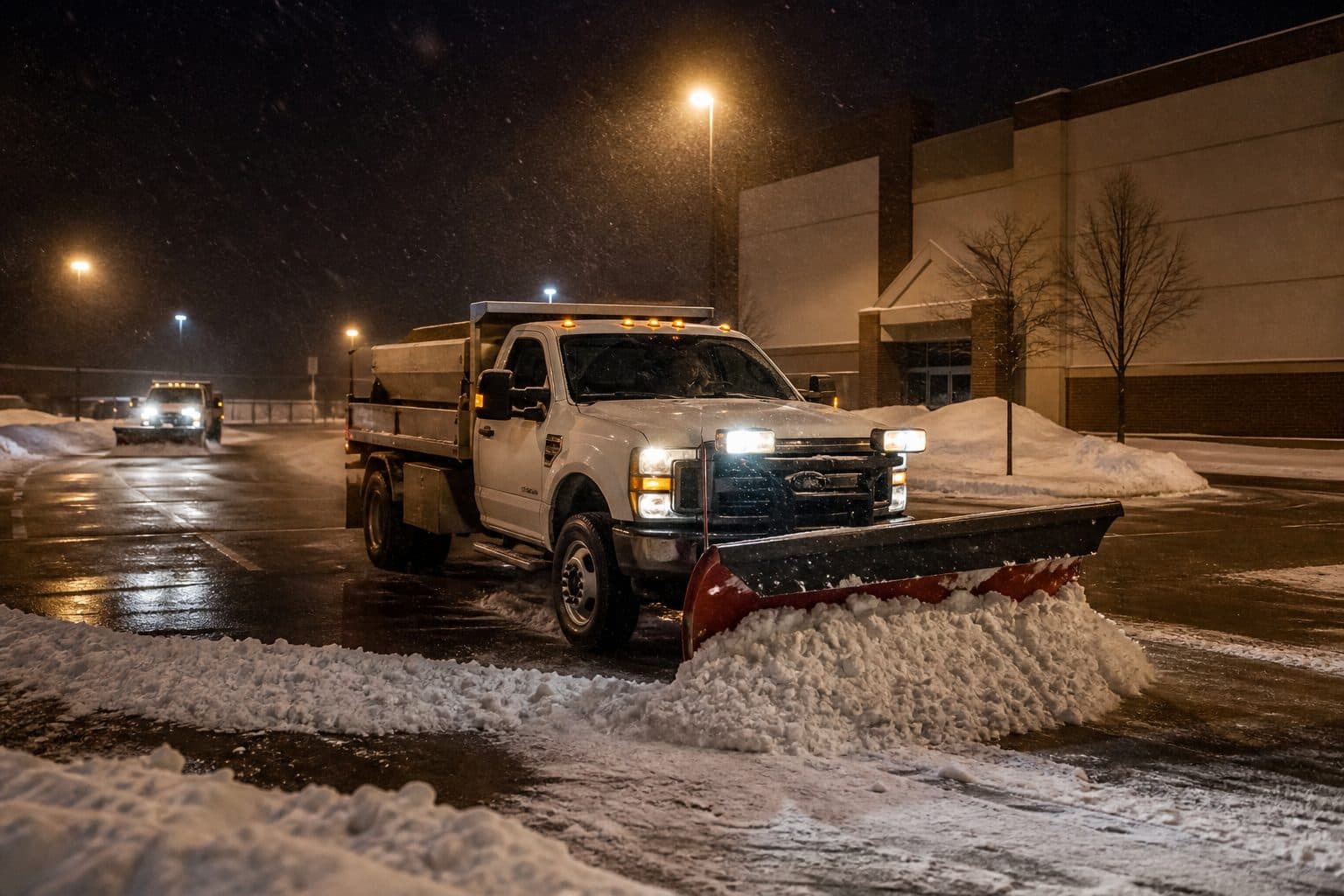
A short buyer checklist
Ask every vendor, including us:
- Can the same property support mowing in May and snow service in January?
- Can I publish a list and move it when the band shifts?
- Do customer messages stay in one shared inbox?
- Does a completion draft an invoice the same night?
- How does the price change as I add crew members?
- Can the system handle my material and event-based billing terms?
- Can I export customer, property, and invoice data?
- What support is available during an overnight event?
Ask to see a complete workflow from assignment through invoice. That reveals more than a routing demonstration by itself.
How MowProHQ fits a small plow crew
MowProHQ connects property records, scheduling, dispatch and routing, customer conversations, and invoicing. Review the current plans and pricing for feature availability.
Create an account, load a small group of real properties, and run a practice event with the crew. The test should confirm that everyone can find assignments, read notes, report exceptions, and close completed work from the field.
Frequently asked questions
- What is the best snow removal software for a small plow crew?
- Look for software that keeps property details, route assignments, customer messages, completion records, and invoices connected. The best choice is one your crew can use reliably from a phone during an event.
- Can I use lawn care software for snow removal?
- Yes, if it supports seasonal property notes, route assignments, customer communication, and snow billing. Keeping summer and winter work on the same customer record can reduce duplicate data entry.
- Does snow software need to bill salt by the storm?
- Not every contractor needs detailed material billing. Confirm whether the software can handle your actual agreements, including per-visit charges, seasonal fees, salt quantities, and event-based pricing.
- How much does snow removal software cost?
- Pricing depends on crew size and the features required. Compare the current plan price with any charges for users, messaging, GPS, payment processing, phone service, and advanced billing.
- Is a group text enough to dispatch a plow crew?
- A group chat can handle quick operational updates, but it does not reliably show assignments, route order, completed stops, or remaining work. Use a shared board as the source of truth.
- What should I set up before the first storm?
- Load properties, service triggers, access and stacking notes, pricing, and route assignments. Then run a practice event so every crew member can find a stop, update its status, and report a problem.
- Can crews see the snow route on a phone?
- They should be able to see assigned stops, route order, and property notes from a phone. Check the current plan details for mobile dispatch, GPS, and team access.


