MowProHQ Blog/Crews
Crew Timeclock Basics for Lawn Care Companies
A practical guide to lawn care time tracking, overtime, travel, breaks, payroll review, records, and GPS privacy.
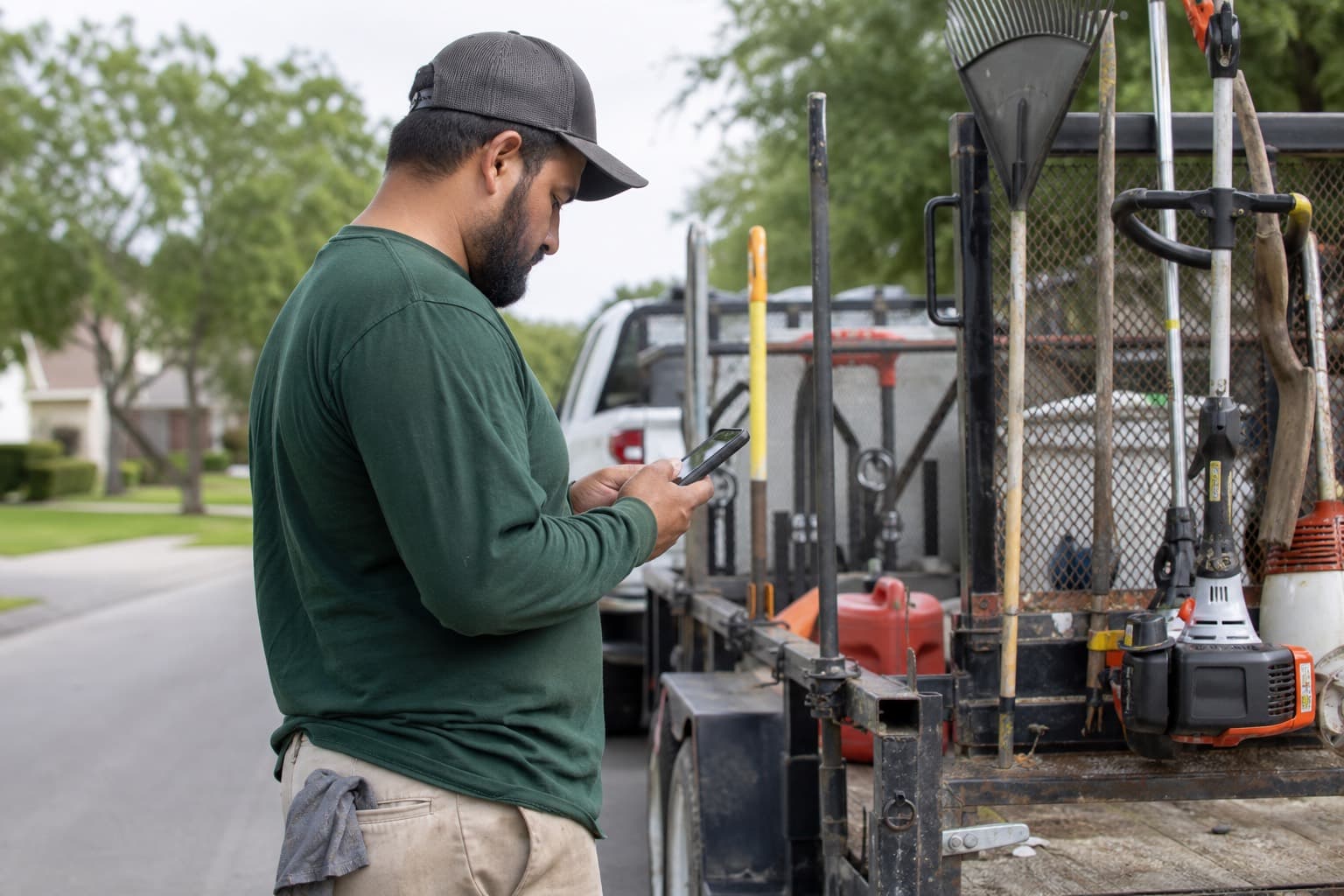
A crew timeclock should create an accurate record of work—not a reason to watch the map all day. For a lawn care company, that record must account for more than arrival at the first property. Loading equipment, required shop meetings, fueling, travel between lawns, dump runs, cleanup, and paperwork may all be part of the paid day.
This article provides a practical U.S. starting point, not legal or payroll advice. Federal rules are only a baseline. States and cities may impose stricter overtime, meal, rest, notice, privacy, wage-statement, and recordkeeping requirements. Before adopting a policy, have a qualified local employment professional and payroll adviser review it for every place your crews work.
Separate payroll time, job time, and GPS
These records answer different questions:
| Record | Main question | Appropriate use | | --- | --- | --- | --- | | Payroll time | How much compensable time did this employee work? | Regular wages, overtime, payroll records | | Job time | How much crew time did a property require? | Estimating, routing, and job costing | | GPS data | Where was a device or vehicle at a recorded time? | Dispatch, safety, and investigating a specific discrepancy |
Start with payroll time. Job-level timing is useful only if it does not cause work to disappear between stops. GPS can support an inquiry, but location alone does not establish whether someone was working, on a compliant break, or responsible for a delay. See job checklists and GPS day-of dispatch for the operational side.
Define when the paid day begins and ends
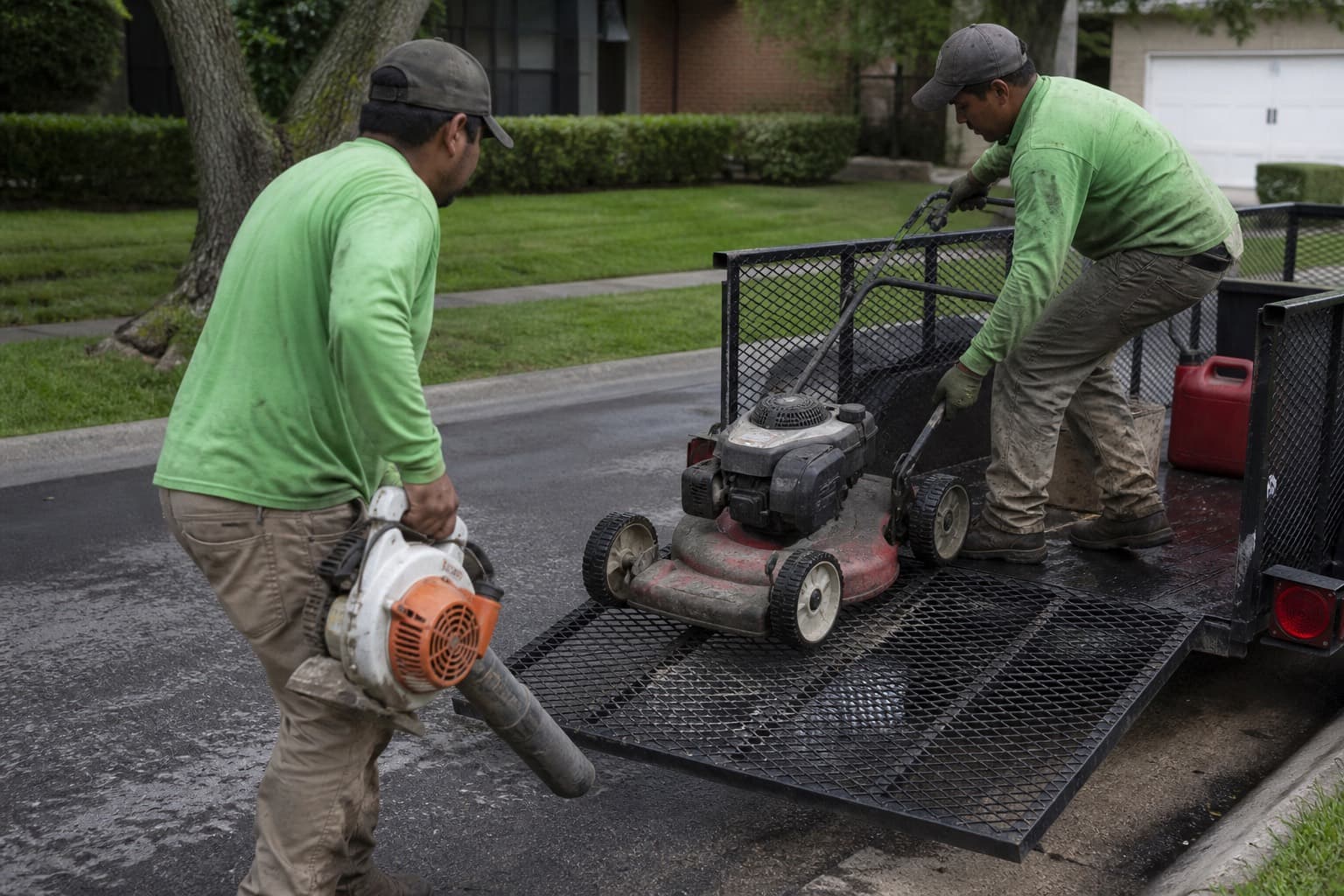
A written policy should match what actually happens. If employees must report to the shop, attend a huddle, inspect equipment, load a trailer, or fuel a truck, those activities may be compensable. Telling employees to clock in only when the truck leaves can omit required work.
At day’s end, include required unloading, maintenance, cleanup, paperwork, and shop reset. A supervisor should not ask an employee to clock out and then finish a “quick” task. Small amounts of regular off-the-clock work can accumulate, and modern systems make many short tasks practical to record.
Prohibit unrecorded work while making clear that all work must still be reported and paid, even when it was not authorized in advance. Unauthorized work and failure to follow a scheduling policy can be handled separately; deleting the time is not the remedy.
Travel time needs its own rule
Under the federal Fair Labor Standards Act (FLSA), an ordinary commute between home and the regular work location is generally not paid. Travel from the shop to the first job after required shop work, travel between customer properties, supply-house trips, and dump runs during the workday are generally different and often compensable.
The edges require care. Driving a company truck home, transporting tools, completing a special one-day assignment, crossing state lines, or performing required tasks by phone before departure can affect the result. State law may be more protective than federal law. Do not label every drive a “commute” or rely on vehicle location alone; have local counsel review the actual routine.
| Part of the day | Federal starting point for nonexempt employees | What to verify |
|---|---|---|
| Ordinary home-to-work commute | Generally not compensable | State law and required duties |
| Required loading or meeting at shop | Often compensable work | When duties actually begin |
| Shop to first property | Generally compensable after work begins | Whether the shop report is required |
| Travel between properties | Generally compensable | Accurate start and stop records |
| Meal-period driving or customer calls | May prevent an unpaid meal | Whether the employee was fully relieved |
| Last property to home | Fact-specific | Shop return, tools, passengers, and state law |
For route design, pair accurate time with crew scheduling and account for dump runs and route time.
Treat meal and rest periods carefully
Meal and rest rules vary significantly. Federal law generally does not require employers to provide meal or rest periods, but short breaks that are provided—typically about 5 to 20 minutes—are generally paid. A bona fide unpaid meal under federal rules ordinarily requires the employee to be completely relieved of duties.
States and localities may require meal timing, paid rest periods, additional breaks, notices, waivers, or premium pay. A crew eating in the truck while driving, answering dispatch calls, guarding equipment, or remaining responsible for work may not be receiving an unpaid meal.
Use these controls:
- Let each employee record the actual start and end of an unpaid meal.
- Provide a clear way to report an interrupted, missed, or late meal.
- Do not silently insert a meal deduction because the schedule expected one.
- If deductions are automatic, audit exceptions and make reversal easy.
- Never encourage employees to clock out while continuing to drive or work.
- Review applicable rules before using waivers or on-duty meal agreements.
A missing meal punch is a question to resolve, not proof that a meal occurred or did not occur.
Calculate overtime from the rule that applies
For most nonexempt employees covered by the FLSA, overtime is generally at least 1.5 times the regular rate for hours over 40 in a fixed, recurring seven-day workweek. Paying a salary, day rate, piece rate, or per-lawn amount does not by itself make an employee exempt or remove overtime obligations.
Some states require daily overtime, double time, spread-of-hours pay, or other premiums. The “regular rate” can also include certain nondiscretionary bonuses, commissions, and other compensation—not merely the stated hourly rate. Worker classification and exemptions are legal tests, not labels selected in payroll software.
Review hours before the week closes:
- Confirm every employee is assigned to the correct workweek and jurisdiction.
- Look for missing starts, stops, meals, and travel segments.
- Estimate scheduled hours still remaining.
- Adjust future staffing if appropriate, without removing hours already worked.
- Send approved, complete records to payroll.
- Review the payroll preview for regular hours, overtime, premiums, rates, and deductions.
| Midweek signal | Responsible response |
|---|---|
| Employee is approaching an overtime threshold | Reassign future work or approve the overtime |
| Crew worked through a recorded meal | Correct the record and assess required pay |
| Shop time appears missing | Ask what duties occurred and add all time worked |
| Two employees on one truck show different travel time | Investigate the facts; do not average the records |
| Payroll total differs from approved time | Stop and reconcile before submission |
During the spring rush, overtime may be a capacity signal rather than misconduct. Scheduling can control future hours; it cannot erase past work.
Avoid time-rounding traps
Federal law has historically permitted certain neutral rounding practices when they average out over time and do not systematically underpay employees. State rules can be stricter, and some courts and agencies have questioned rounding when an employer can capture exact time electronically.
The cautious approach is to record and pay actual time whenever practical. If the business uses rounding:
- obtain jurisdiction-specific advice before adopting it;
- apply the rule consistently in both directions;
- test actual records regularly for underpayment bias;
- do not round meal periods in a way that creates violations; and
- discontinue the practice if it repeatedly benefits the company.
“Seven-minute rules” copied from another employer or a payroll menu are not a substitute for a compliant policy.
Make corrections transparent
People forget punches, choose the wrong job, and lose signal. A correction workflow should fix the record without hiding what changed.
Keep:
- the original punch;
- the corrected time;
- the reason for the change;
- who made it and when;
- supporting notes when useful; and
- employee confirmation, with a way to disagree.
Managers should never edit time to match scheduled hours, eliminate overtime, create an assumed lunch, or improve a job-costing report. Employees should be able to inspect their timecard before payroll and report errors without retaliation. If an error is discovered after payroll, follow the applicable correction and payment deadline rather than waiting casually for a later cycle.
For poor signal, allow an offline punch if the system supports it or a same-day written report such as “started required loading at 6:52; app connected at 7:04.” Judge recurring problems consistently, but pay for verified work while addressing policy violations separately.
Keep records that can explain the paycheck
The timeclock is one part of the payroll record. Under federal rules, covered employers generally retain payroll records for at least three years and records used to compute wages for at least two years. Other laws, tax rules, contracts, litigation holds, and state or local requirements may call for longer retention.
A defensible file commonly includes:
- employee identity and classification;
- the established workweek;
- daily and weekly hours;
- pay rates and the basis of pay;
- regular-rate and overtime calculations;
- additions, deductions, and total wages;
- timecard edit history and approvals;
- meal or premium records where required; and
- payroll and wage-statement records.
Do not choose a deletion schedule from the federal minimum alone. Adopt a written retention policy after local review, limit access, back up required records, and preserve relevant material when a complaint, audit, or claim is anticipated.
Use GPS with notice and restraint
GPS can help dispatch a nearby crew or verify a disputed arrival. It can also collect sensitive employee location data. Laws concerning electronic monitoring, vehicle tracking, privacy, consent, biometrics, and access to personnel records vary by state and locality.
Before turning tracking on:
- Identify the legitimate business purposes.
- Decide whether tracking applies to a company vehicle, company device, or personal device.
- Provide a plain-language notice explaining what is collected, when, why, who can see it, and how long it is retained.
- Obtain acknowledgment or consent where required.
- Limit tracking to working time when feasible, especially on personal devices.
- Restrict access and establish security, retention, and deletion controls.
- Provide a contact for questions and corrections.
Do not infer payroll deductions automatically from a stationary dot. A crew may be speaking with a customer, securing a gate, repairing equipment, or waiting under company direction. Ask about a meaningful discrepancy and consider the complete record.
Give employees a policy they can use
Provide the timekeeping policy in a language and format employees can understand. Train new hires and supervisors, then document receipt. The policy should cover:
- when to clock in and out;
- required shop, travel, and end-of-day activities;
- meals and rest periods;
- prohibited off-the-clock work;
- how to report missed punches or interrupted meals;
- how to review and dispute edits;
- overtime authorization without suggesting unpaid work;
- GPS and other monitoring practices; and
- protection from retaliation for reporting an error.
An acknowledgment shows that the policy was delivered; it does not waive wage rights or cure a noncompliant practice. Update the policy and notice when the technology, operating routine, or law changes.
Use labor data for pricing—after payroll is right
Once compensable hours are accurate, time data can improve estimating. A useful starting metric is:
Revenue per labor hour = invoiced revenue (excluding tax) ÷ total labor hours
Illustrative figures:
| Week | Labor hours | Invoiced revenue | Revenue per labor hour |
|---|---|---|---|
| Normal June | 64 | $6,400 | $100 |
| Peak May | 82 | $7,050 | $86 |
| Leaf week | 70 | $8,200 | $117 |
Use several representative weeks and include paid travel, loading, and cleanup. Comparing only mower-on-turf minutes will overstate productivity and can lead to underpriced routes. Separate payroll compliance from performance management: employees must record all work even when a job exceeds its estimate.
Sample recurring services, difficult properties, and routes with dump runs, then combine the findings with expenses and reports and how to price lawn care jobs. Do not redraw the rate card from one storm cleanup or one rain-short week.
For a growing team, scaling solo to crew explains why clear routes and responsibilities should accompany the timeclock.
A practical payroll review
| When | Review |
|---|---|
| Each day | Missing punches, required shop work, travel, and meal exceptions |
| Midweek | Projected overtime and state-specific premium thresholds |
| Before payroll | Employee corrections, edit log, rates, regular rate, overtime, premiums, and deductions |
| After payroll | Approved time compared with the payroll register and wage statements |
| Periodically | Rounding outcomes, automatic deductions, GPS access, retention, and policy changes |
Assign a backup reviewer so payroll does not depend on one person’s memory. Reconcile the approved time report to the payroll preview before submission, and document how discrepancies were resolved.
Crew time in MowProHQ
MowProHQ can keep crew time connected to scheduled work so owners can review hours and route context together. Current plan and feature details are available on the pricing page. If the workflow fits your company, you can sign up.
Software supports the process; it does not decide which time is compensable or make a policy compliant. Configure the system only after local employment and payroll professionals review your crew’s real workday.
Frequently asked questions
- Does a lawn care company need a crew timeclock?
- A reliable timekeeping process is important whenever nonexempt employees are on payroll. The system should capture all compensable time, including required shop work and travel between jobs, and allow employees to report missed or incorrect punches. Exact requirements depend on federal, state, and local law.
- Should I track clock time or time per lawn?
- Start with payroll time because it supports wage and overtime calculations. Job-level time can help with estimating and routing, but it should not replace the record of all compensable work.
- Is travel time between lawn care jobs paid?
- Travel between job sites during the workday is generally compensable for nonexempt employees under U.S. federal law. Ordinary commuting is generally treated differently, but required duties, special assignments, company-vehicle rules, and state law can change the analysis.
- Can an employer automatically deduct lunch?
- Automatic deductions can create underpayment risk when an employee works through a meal or is not fully relieved of duties. Employers need a practical way to cancel a deduction and should verify the meal-period rules that apply in each state and locality.
- Can a manager edit an employee's timecard?
- Corrections may be necessary, but an edit should reflect the time actually worked. Keep the original entry, corrected entry, reason, editor, date, and employee confirmation or dispute. Never reduce time merely to meet a schedule or labor budget.
- How should a lawn care company use GPS tracking?
- Use GPS for a defined business purpose, provide clear notice, limit collection to appropriate work periods, restrict access, and set a retention policy. Consent, privacy, vehicle-tracking, biometric, and electronic-monitoring rules vary by jurisdiction, so obtain local guidance.