
MowProHQ Blog/Buying Guide
Free Lawn Care Software vs Paid Plans: When to Upgrade
Compare free vs paid lawn care software by total cost, limits, support, security, integrations, data portability, and the right time to upgrade.
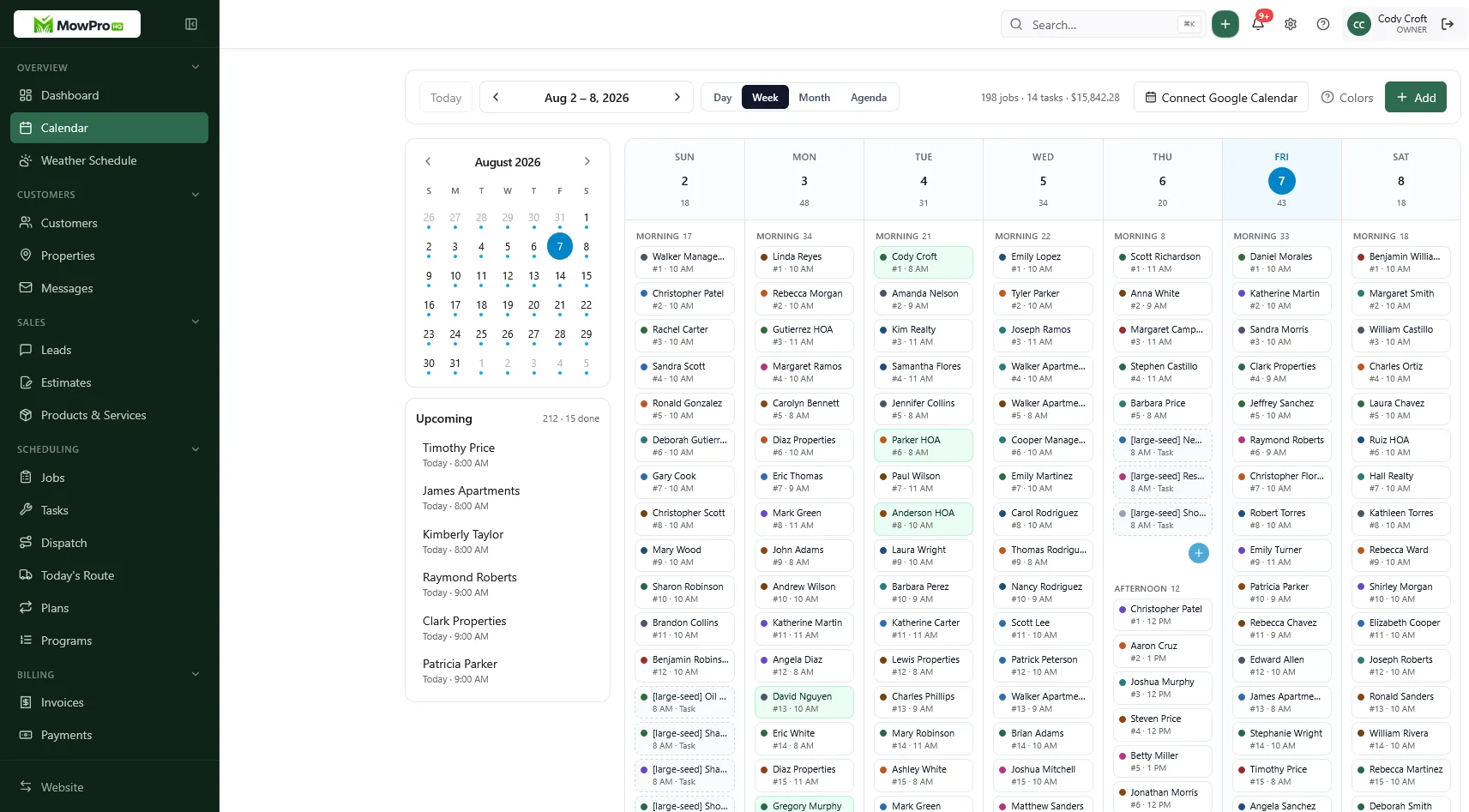
Free lawn care software can be enough for a real business. Paid software can also be the less expensive choice once manual work, usage fees, or operational risk are included. The right comparison is not simply $0 versus a monthly subscription; it is the total cost of running the business reliably.
Use this guide to compare plans without relying on feature-count marketing or claims that may change after publication.
What counts as free lawn care software?
First separate a permanent free plan from a trial. A trial expires or removes access after a set period. A free plan remains available but may limit customers, jobs, users, storage, messages, payments, or features.
For day-to-day lawn care work, check whether the plan can handle:
- Customers, properties, and crew-visible notes
- Scheduling and recurring plans
- Quotes, completed work, invoices, and payment records
- Separate logins and appropriate permissions
- Basic reporting and usable data exports
A limit is not automatically bad. A customer cap may be harmless for a new operator but disruptive during the busiest month. Record every limit and what happens when you cross it: does the system stop new work, charge an overage, or require an immediate upgrade?
Free vs paid lawn care software
Plan names vary, so compare capabilities and terms rather than labels.
| Area | Free plans often suit | Paid plans may be justified when |
|---|---|---|
| Scheduling | One route or a simple recurring calendar | Multiple crews, bulk weather changes, dispatch, or route planning are needed |
| Customers and jobs | The plan’s record limits leave room to grow | Caps, archives, forms, or automation interrupt normal work |
| Team access | Everyone who needs access can work securely | Roles, permissions, audit history, or added users are required |
| Billing | Basic quotes and invoices cover the workflow | Automations, reporting, or payment economics produce measurable value |
| Support | Documentation and standard response times are sufficient | Downtime needs priority help, onboarding, or a service commitment |
| Data and integrations | Manual import and export are manageable | Accounting, payments, forms, or other systems must stay synchronized |
This comparison is only a starting point. A free plan with strong exports and dependable basics may be a better fit than an inexpensive paid plan with weak support or restrictive data access.
Calculate total cost, not subscription price
Compare at least a full operating year, including seasonal staffing and transaction volume. Use current vendor documentation or a written quote because terms can change.
| Cost category | What to include |
|---|---|
| Subscription | Monthly or annual plan, required add-ons, taxes, and expected renewal price |
| Usage | Users, customers, jobs, messages, storage, forms, and API overages |
| Payments | Percentage and fixed fees, chargebacks, refunds, instant payouts, and required plan |
| Setup | Data cleanup, configuration, templates, training, and equipment |
| Integrations | Accounting, automation, phone, email, mapping, and connector subscriptions |
| Labor | Duplicate entry, route rebuilding, reconciliation, and correcting errors |
| Change cost | Export, migration help, parallel operation, retraining, and downtime |
A simple annual estimate is:
Annual total cost = subscription + usage + payment costs + integrations + setup and training + manual-work cost + expected change cost.
For manual work, multiply hours per month by a realistic loaded hourly cost. For payment processing, use actual card volume and transaction count rather than a sample rate alone. The calculation in cash vs card pricing can help structure that comparison.
The cheapest result on paper is not always the best choice. Also note which costs are predictable and which can rise quickly with customers, jobs, or seasonal users.
Test limits against a busy week
Do not evaluate software only with sample data. Run a small, controlled test that resembles peak season:
- Add a representative set of active customers and properties.
- Build recurring and one-time jobs for a full week.
- Let the actual scheduler and at least one field user complete their work.
- Reschedule a rain day and recover an unfinished stop.
- Create a quote, complete a job, send an invoice, and record payment.
- Export the test records and open the files outside the product.
Include difficult cases such as multiple properties for one customer, skipped visits, gate instructions, taxes, deposits, partial payments, and crew reassignment. Use the lawn care software buyer’s checklist to capture the results consistently.
Support: compare the help you can actually receive
“Support included” can mean searchable articles, email during business hours, or live help with response targets. Ask:
- Which channels are available on each plan?
- What are the staffed hours and typical response times?
- Is urgent help available when scheduling or billing is down?
- Does onboarding include data import and workflow setup?
- Will support help retrieve data or restore deleted records?
- Is there a public status page and incident history?
Test support before committing. Submit one specific workflow question and one export question. The clarity of the reply is more useful than a support logo on a pricing page.
Security, privacy, and account control
Lawn care systems may hold names, addresses, access notes, crew locations, invoices, and payment-related information. Free does not necessarily mean insecure, and paid does not guarantee strong controls. Verify the protections that apply to the plan you would use.
Look for:
- Multi-factor authentication and secure password controls
- Individual user accounts, roles, and prompt access removal
- Encryption in transit and at rest
- Logs for important account and billing changes
- Clear ownership and permitted use of business and customer data
- Published retention, deletion, and incident-notification terms
- Appropriate handling of payment information by the payment provider
Read the current privacy policy and terms. Ask whether customer or crew data is used for advertising, shared with subprocessors, or used to train models, and whether any opt-out applies. If you collect employee location data, establish a written business purpose and follow applicable employment and privacy requirements.
Exports, backups, and recovery are different
An export helps you move or analyze data. A backup helps the provider recover its system. Neither automatically lets you restore one record that a user deleted.
Before adopting any plan, ask:
- Can an administrator export customers, properties, notes, jobs, service history, quotes, invoices, payments, attachments, and users?
- Are exports complete, documented, and available without a support request?
- Which formats are provided, and are record IDs preserved?
- How often are backups made, how long are they retained, and are restores tested?
- Can the provider restore an account or individual records, and at what cost?
- What happens to data after cancellation or downgrade?
Run periodic exports and store them securely according to a retention policy. Open the files occasionally; an untested export is not a recovery plan.
Integrations: confirm the workflow, not the logo
An integration can be native, one-way, delayed, limited to certain fields, or provided by a third party. Test the exact records your business needs to move.
For accounting, confirm how customers, invoices, payments, taxes, refunds, tips, and processing fees synchronize. For lead forms and automation, check field mapping, duplicate handling, error alerts, and usage limits. For maps, messaging, or payments, identify which vendor owns the data and bills the usage.
Ask what happens when the integration fails. A visible retry queue and reconciliation report are more valuable than an integration that fails silently.
Plan migration before you need it
Migration becomes harder after years of notes, attachments, and financial history accumulate. A practical plan should cover:
- The records and date range to move
- Field mapping and duplicate cleanup
- Attachment and historical-data handling
- Reconciliation of customer counts, balances, and recurring work
- Crew training and a short parallel-run period
- A cutover date, rollback decision, and final archive
Avoid changing core systems during the busiest week if possible. Keep the old account read-only until key totals and workflows have been verified, then follow the former provider’s cancellation and deletion process.
In MowProHQ
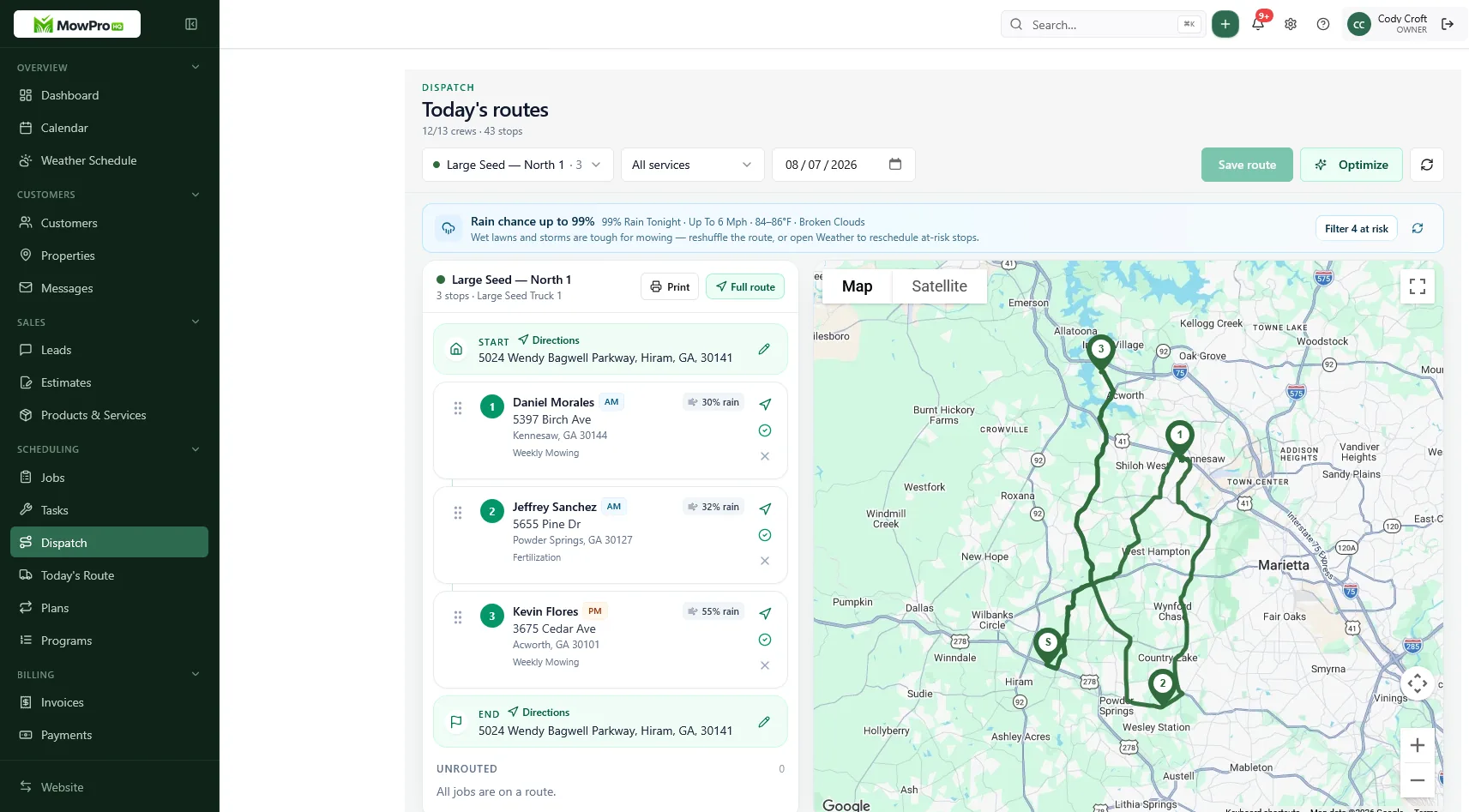
When a paid plan is worth it
An upgrade is easier to justify when at least one of these conditions is measurable:
- Customer, job, user, or storage limits are interrupting work
- Dispatch or route planning reduces drive time or missed stops
- Crew scheduling needs roles, accountability, or live updates
- Automation reduces unbilled work, duplicate entry, or collection delays
- A required integration removes regular reconciliation
- Better support, access controls, or audit history reduces material business risk
- Payment savings exceed the plan’s added total cost at actual volume
Write down the expected result before upgrading—for example, “reduce weekly route preparation from three hours to one.” Review it after one billing cycle and again after the season. If the benefit never appears, change the process, plan, or product.
When to stay free—or downgrade
Stay free when the workflow remains reliable, limits have sufficient headroom, and the paid features would not reduce meaningful cost or risk. Better CRM habits, clearer quotes, or faster invoicing may solve the problem without another subscription.
Consider downgrading when:
- Paid features have gone unused for a full season
- Team, customer, or transaction volume has fallen
- An add-on duplicates another system
- The measured savings no longer exceed total plan cost
- A simpler workflow now covers the same work reliably
Before downgrading, check which automations stop, which users lose access, whether stored records or files exceed the lower plan’s limits, and whether rates or support terms change. Export current data first and schedule the change away from payroll, billing, or a major weather event.
A repeatable decision
Review lawn care software at least once a year and before a major renewal:
- Document the current workflow and its recurring problems.
- Calculate annual total cost for the realistic plan, not the advertised starting tier.
- Verify limits, support, security, privacy, exports, backups, and integrations in writing.
- Test with real work and complete a sample export.
- Define the benefit required to upgrade—or the conditions that support a downgrade.
Company size is only a rough signal. The better decision is the plan that supports dependable work at an acceptable total cost while preserving control of business data.
Considering MowProHQ
Review current MowProHQ plan details on the pricing page, then compare them with the same checklist above. If the fit looks reasonable, create an account and test a representative week before moving your full customer history.
Frequently asked questions
- Is free lawn care software actually usable for a real business?
- It can be. A free plan is practical when its ongoing limits fit your customer count, team, schedule, and billing workflow. Confirm that it is not simply a trial and that you can export your data before relying on it.
- When should I upgrade from free to paid software?
- Upgrade when a paid capability has a measurable benefit greater than its total cost, or when free-plan limits create recurring operational, support, security, or compliance risk. Do not upgrade only because your business reached an arbitrary size.
- What hidden costs should I compare besides the monthly subscription?
- Include setup, data cleanup, training, added users, usage overages, payment fees, integrations, hardware, support, annual increases, migration, and the cost of running duplicate systems during a change.
- Should I stay on free software if I am still solo?
- A solo operator can stay on a free plan if it reliably covers the current workflow and protects the business data. Team size alone should not decide the plan; limits, time saved, and operational risk are more useful measures.
- How do I compare payment costs between plans?
- Use your actual monthly card volume and transaction count. Compare percentage fees, fixed transaction fees, chargeback costs, payout timing, and the subscription required to access each rate. Recalculate when the vendor or your payment mix changes.
- What questions should I ask a vendor about their free plan?
- Ask whether the plan expires, which limits stop work, how support differs, what security and backup protections apply, which integrations are included, and exactly what data and files you can export if you leave.


