
MowProHQ Blog/Buying Guide
Lawn Care Software Mistakes That Cost a Season
Avoid common lawn care software mistakes involving features, property data, migrations, pricing, security, training, and daily workflows.
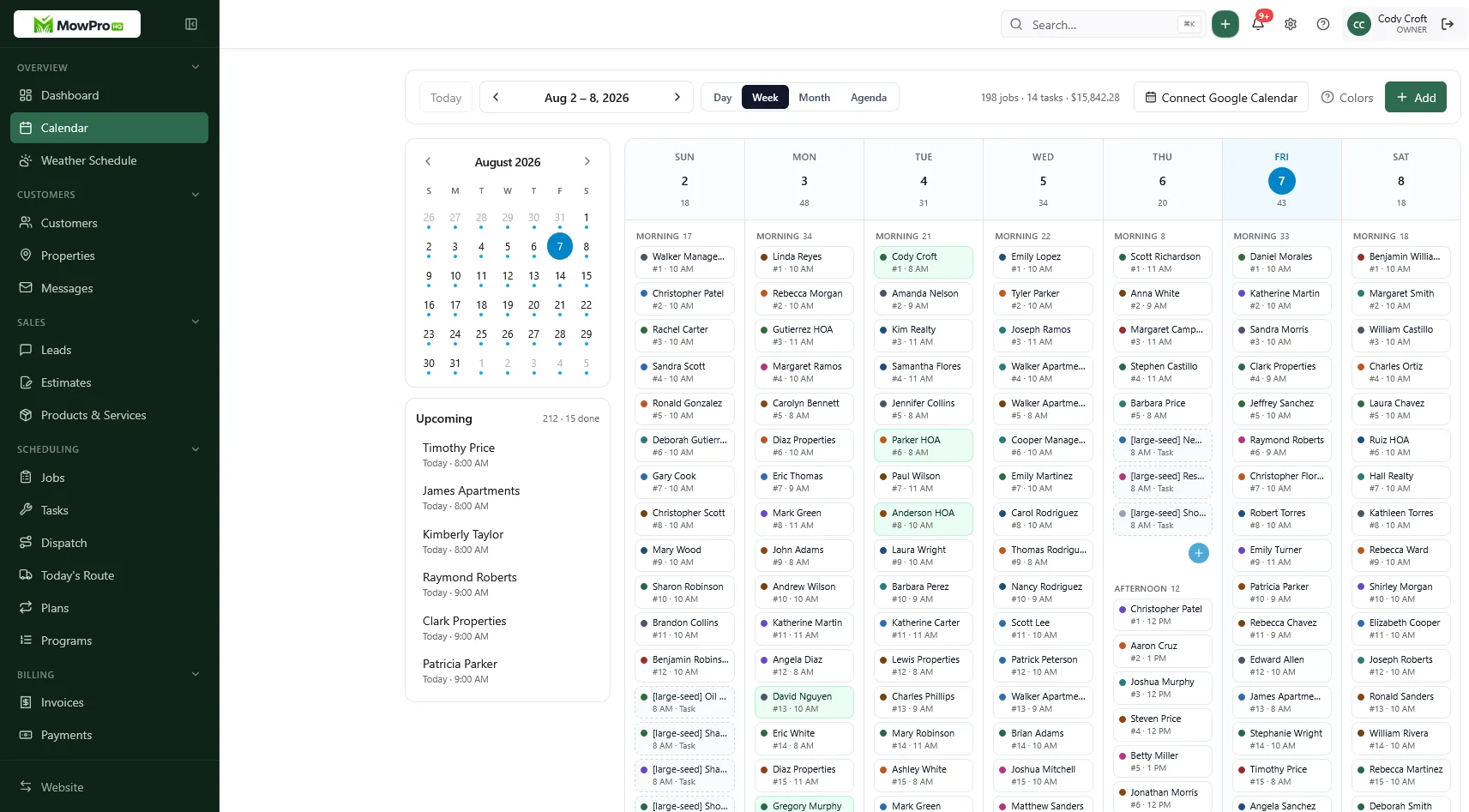
Software should reduce duplicate work and preserve reliable records. Problems arise when a product does not fit the company's workflow, data is poorly structured, or adoption and migration are treated as afterthoughts.
This guide covers common issues when evaluating lawn care business software: mismatched features, contact-only records, incomplete migrations, unexpected costs, weak access controls, and missing operating routines. Test the product with a realistic workflow rather than relying only on demonstration data.
Buying features you will not use yet
Product demonstrations often emphasize the broadest feature set. Start with the operational problems you need to solve, the people who will use the system, and the records that must remain accurate.
Overbuying: enterprise too early
Enterprise field-service suites may suit complex operations, but they can require:
- Dedicated system administration
- Training time you do not have in spring rush
- Workflows designed around other service industries
- Implementation, integration, and support costs
For a solo operator or small crew, scheduling, customer and property records, quotes, and invoices are often the foundation. Add dispatch, route planning, location features, timekeeping, or chemical records when the business has a defined need and the feature meets legal and operational requirements.
Compare free and paid software by capability, limitations, support, security, data access, and total cost.
Underbuying: calendar-only with no money path
The opposite problem is a collection of disconnected tools that require repeated data entry. That can lead to:
- Retype every customer
- Miss add-ons
- Lose rain-day history
- Invent collections from memory
A calendar can still be useful, but document how a scheduled job becomes a completion record and invoice without losing scope or add-ons.
Feature vs Thursday table
| Feature | Buy now if… | Wait if… |
|---|---|---|
| Customers + properties | Service and billing locations differ or notes matter | A very small temporary customer list |
| Recurring plans | You sell repeating service | You only perform one-time projects |
| Quotes / invoices | Scope must become a bill without re-entry | Another integrated system handles it reliably |
| Payment options | Customers need online or automatic payment | The existing workflow meets requirements |
| Dispatch / route tools | Multiple crews or changes need coordination | One simple route remains easy to manage |
| Location features | A defined dispatch, safety, or verification need exists | The benefit does not justify privacy and administration |
| Timekeeping | Employees perform compensable work | You are genuinely solo |
| Chemicals | You sell programs | You only mow |
| Website + lead inbox | Online inquiries need assignment and follow-up | An existing integrated workflow works |
Use the starting operations checklist to identify the foundational workflows before adding specialized modules.
Worked example: the April buy
A two-truck company selects a suite mainly for its location features and spends two weekends configuring it. The team postpones invoicing setup, so completed work still moves into a separate spreadsheet during the busiest month.
A better implementation would validate the quote-to-job-to-invoice workflow first, then configure location features with a defined purpose, access policy, retention period, and employee notice.
Skipping property-level data model
A customer may own several properties, and the person receiving invoices may not occupy any of them. Keep service-location details separate from contact and billing records.
What breaks without properties
- Quotes priced on the wrong lot
- Crews missing property notes
- Invoices that say “lawn service” with no address — AP will not pay
- Recurring plans attached to a person who moved
- Routes that cannot be grouped reliably by service address
CRM for customers and properties explains how to connect these records without mixing billing and service details.
Minimum fields before you import 800 rows
| Record | Must have |
|---|---|
| Customer | Billing name, authorized contacts, contact details, payment terms |
| Property | Service address, zone/day, scope, necessary access and safety notes |
| Plan / job | Frequency, service item, accepted price and terms |
| Invoice | Customer, property, service dates, and agreed line items |
Also evaluate permissions so crews see only the customer and property information needed for their role.
Plan for contact-only imports
An export from a contact-only CRM may not contain service locations or plan details. Budget time to clean, map, validate, and securely handle the data. Test a small representative sample before importing the full file. See switching lawn care software.
No migration plan
Changing systems without an inventory can omit weather reschedules, open balances, recurring jobs, or property notes.
What must exist before you click “go live”
- Inventory customers, properties, open invoices, credits, recurring plans, documents, consents, and audit history.
- Create encrypted backups and verify that exports open correctly.
- Define field mappings, ownership, duplicate handling, and data retention.
- Import and reconcile a representative test set.
- Plan a controlled cutover and a limited parallel check where practical.
- Retain or archive old records for the period required by contracts and law.
- Revoke unnecessary access and document final reconciliation.
Assign an owner and a rollback or recovery plan before cutover.
Mid-season is a special kind of expensive
A slower operating period may provide more time for training and reconciliation. If an in-season migration is necessary, pilot a limited set of records or routes when the systems and billing process allow it.
Ignoring seat/processing math
The published subscription is only one component of total cost. Include users, add-ons, messaging, payment processing, implementation, training, migration, hardware, integrations, support, and any tools the new system does not replace.
Seats
Per-user pricing can change the cost as the team grows. Ask:
- How many seats are included?
- What happens when the Saturday helper needs a login?
- Can field staff receive appropriately restricted access without an administrative license?
- How are inactive, seasonal, contractor, and office users billed?
Processing
If you accept electronic payments, compare the current provider's percentage, fixed transaction charge, ACH pricing, chargeback and refund fees, payout timing, reserve policies, card-update tools, and contract terms. Use your actual payment mix and average ticket to model annual cost. See cash versus card pricing for customer-facing considerations.
Confirm whether recording external payments or reconciling deposits carries a fee.
Hidden stack tax
| Extra tool | Why it shows up |
|---|---|
| Separate quoting | The scheduler cannot estimate |
| Separate invoicing | The job never becomes a bill |
| Separate website form | Leads sit in a personal email |
| Separate routing app | Calendar cannot sequence |
| Separate time app | Payroll is a Sunday project |
Several specialized tools may be the right design, but account for integrations, duplicate records, identity management, security, support ownership, and export access.
Compare scenarios with current prices
Build a spreadsheet for the current team and realistic 12-month growth. Include subscription tiers, user counts, expected payment volume, messaging, add-ons, implementation time, and retained apps. Verify every figure against current provider documentation and note when promotional pricing ends. Use the buyer's checklist to compare what remains available after a trial or downgrade.
Tools without weekly habits
Software needs defined owners and repeatable habits. Purchasing the product does not determine when records are created, reviewed, or corrected.
A weekly ritual that makes the tool real
| When | Habit |
|---|---|
| Every completion | Mark done, note add-ons |
| End of each route day | Invoices out, cash recorded |
| Rain days | Bulk-move, notify, keep notes |
| Friday | Unbilled jobs, open balances, and next week's route |
| Month start | Rate card and plan audit |
Assign each review to a role and provide coverage when that person is absent.
No owner, no adoption
Assign a name:
- Office owns quotes, invoices, and the inbox
- Crew lead owns completions and notes
- Owner owns prices and pause exceptions
Give each person an individual account with least-privilege access. Require multifactor authentication where available, use a password manager, review access regularly, and promptly disable departed users. Do not share a generic shop password.
Train by role and workflow
Role-based, short, and repeated:
- Helper: see today, complete, add a note
- Office: quote, convert, invoice
- Owner: reports, rates, seats
Document the common tasks and train a backup for each critical role. Crew scheduling only helps when staff can use it reliably.
Test a real workflow
During a trial, use non-sensitive sample data or approved test records to run:
- A real weekly property with notes
- A quote with an add-on
- An invoice and secure payment path
- A restricted field-user login
- A simulated weather move
- A data export and account-access change
- A support request
Document which steps require manual work and confirm that mobile behavior, permissions, audit history, backups, and exports meet your needs before signing a longer contract.
The selected system should make routine work more predictable without creating unnecessary administration.
In MowProHQ
How MowProHQ helps
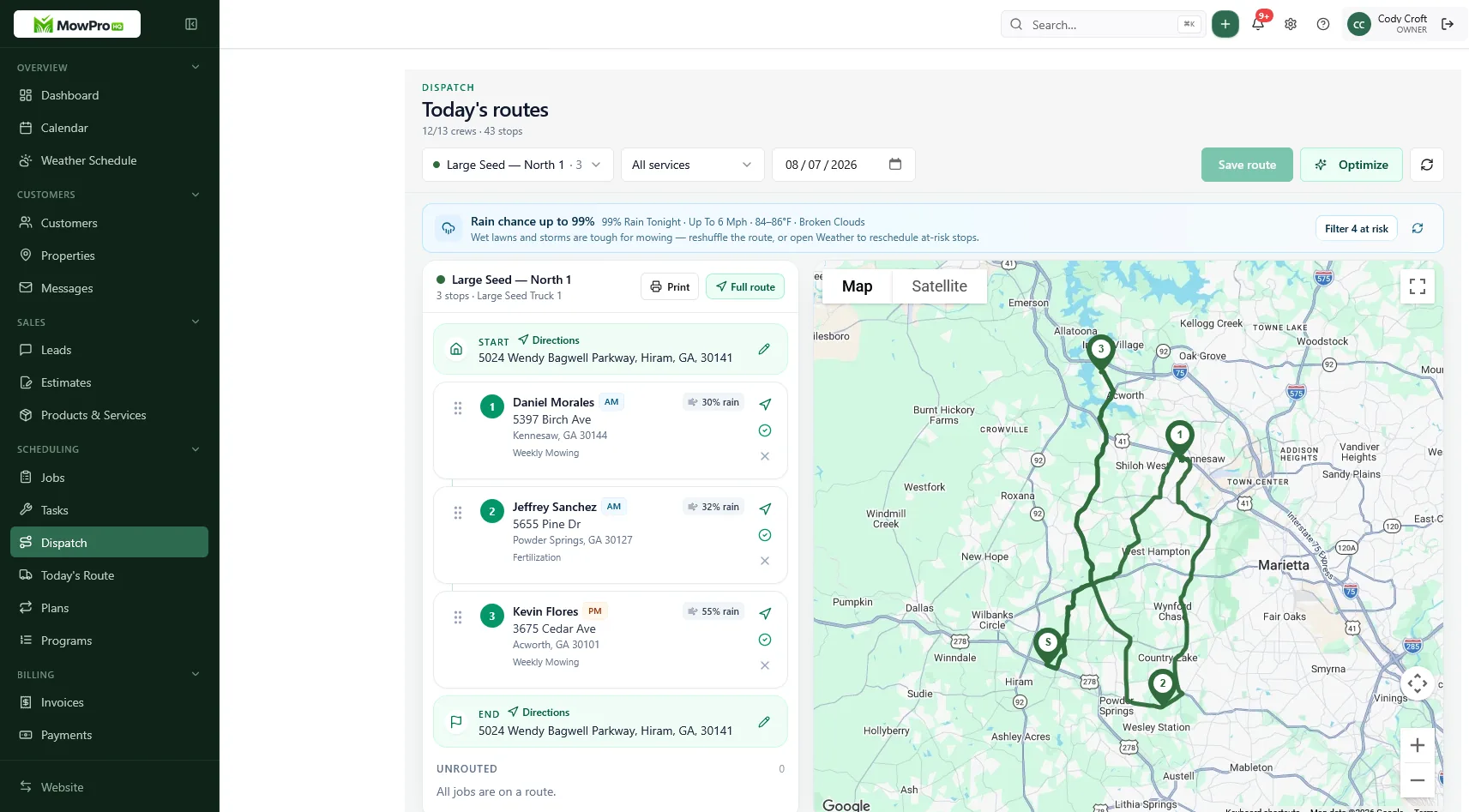
MowProHQ connects customer and property records with scheduling, quotes, invoices, and field workflows so a company can test the full path from lead to payment.
Review current plans and pricing, then create an account and test the workflows, roles, exports, and support response that matter to your operation.
Frequently asked questions
- What is the biggest lawn care software mistake?
- Choosing software around an impressive demonstration instead of the workflows the company performs every week. Test customer setup, properties, recurring work, schedule changes, quotes, invoices, payments, exports, and permissions with realistic data.
- Should a small lawn care company buy enterprise field-service software?
- Only when the business needs and can support its complexity. A smaller operator may get more value from reliable customer, property, scheduling, quote, and invoice workflows, then add advanced dispatch, tracking, or compliance features as requirements grow.
- Why is a property-level data model important in lawn care software?
- The billing customer and service location are not always the same. Separate property records allow each address to carry its own scope, access instructions, schedule, price, service history, and safety notes.
- What happens if I switch lawn care software with no migration plan?
- Records may be omitted, duplicated, mapped incorrectly, or left inaccessible. Inventory the required data, back up exports, clean and test a sample, reconcile balances, plan the cutover, and confirm retention obligations before retiring the old system.
- How do seat fees and card processing change software cost?
- The total cost may include subscriptions, users, add-ons, messaging, payment processing, onboarding, hardware, integrations, migration, and cancellation or export costs. Calculate expected annual cost using current provider documentation and your actual volume.
- How do I know if we are using lawn care software well?
- The office schedule, crew work list, completed-job record, and invoice should remain consistent without repeated manual re-entry. Staff should know who owns each step, and exceptions should be visible to authorized users.
- What should a lawn care software trial actually test?
- Use realistic sample data to test a recurring route, weather change, property note, quote and approval, add-on, completion, invoice, payment, staff permissions, mobile use, customer communication, data export, and support response.


